Saved Reports & Report Exports
Three ways to get data out of Records, for three audiences:
| Need | Use |
|---|---|
| A quick list of what is on screen | Export this list (CSV / JSON) from the work queue. |
| A repeatable tabular report over one definition's records, grouped and aggregated | Saved reports. |
| A file an outside agency receives on a schedule or when a record is finalized | Report exports (export templates) attached to a Workflow or a schedule. |
Prints, PDFs and compiled packets are covered in Authoring and Dashboard & queue.
Saved reports
Records → Reports → Saved reports (requires Manage record reports).
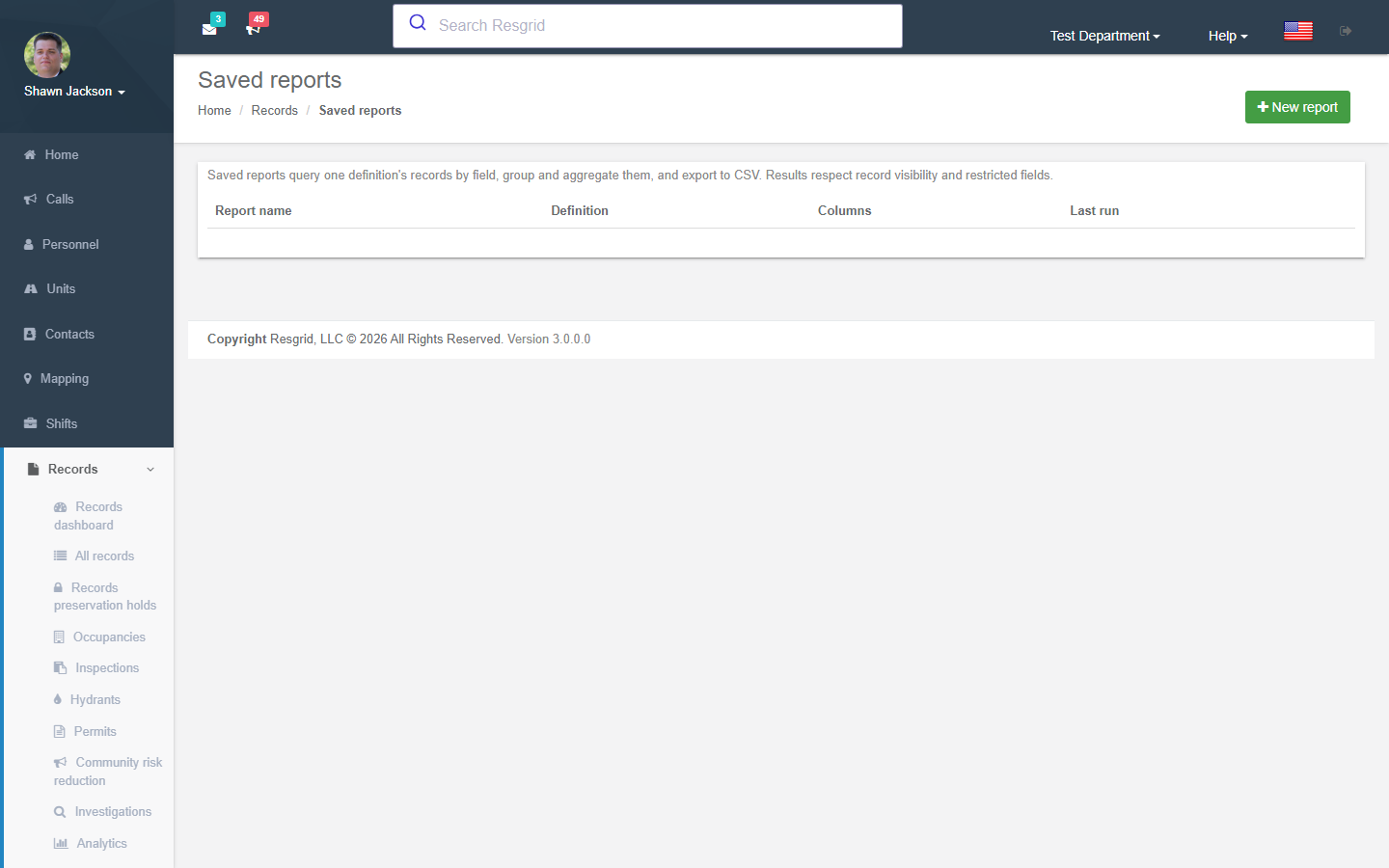
| Setting | Notes |
|---|---|
| Report name / Definition | One definition per report. Pick the definition to choose columns. |
| Columns | Record columns (number, state, occurred, author, group, unit …) plus the definition's fields. |
| Sort by / Descending / Group by | Grouping produces sub-totals. |
| Aggregates (JSON) | Count, Sum, Average, Min, Max on aggregatable fields. |
| Filters (JSON) | Field filters (equals, contains, range). |
| Version mappings (JSON) | How fields on older definition versions map to the current columns. Unmapped versions are included with blank cells. |
| Max rows / Include drafts / Include restricted fields | Restricted fields still require the viewer to hold View restricted records. |
Validate, Run (on screen) or Run CSV. Results respect record visibility.
Report exports (export templates)
Records → Manage → Report exports designs the file an agency without an API receives — a state fire marshal, an insurer, a city finance system.
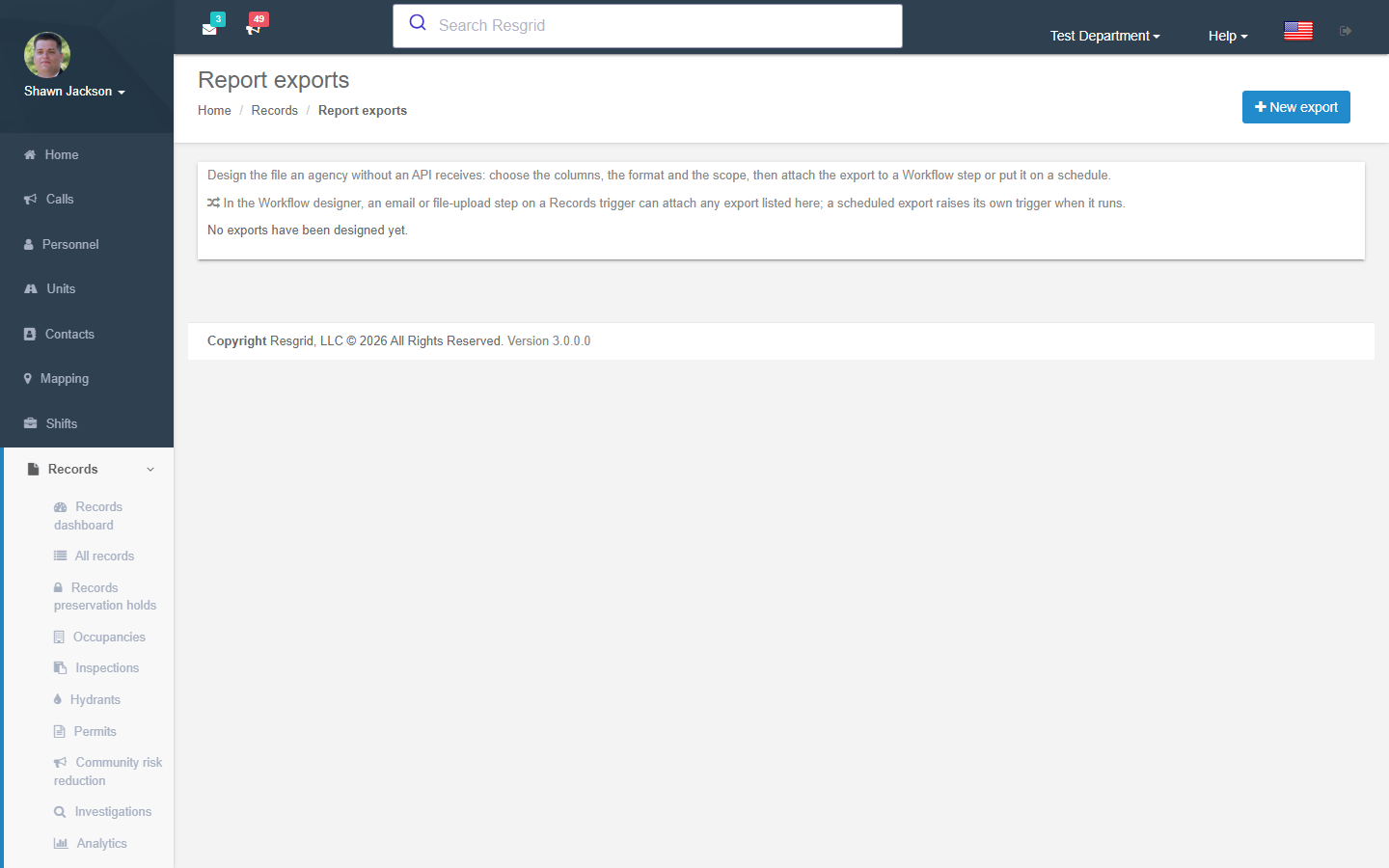
| Setting | Notes |
|---|---|
| Export name / Key | The key (lower-case, digits, hyphens) is referenced by Workflow steps and the agency's import — it never changes once in use. |
| Format | CSV (with delimiter and header options), JSON, or fixed formats. |
| Scope | The triggering record (used from a Workflow on a Records trigger) or All records finalized in a window. |
| Record definitions | Leave all unchecked to export every definition. |
| Columns | From a fixed, reviewed catalog in three tiers: identity, dates, codes and counts (always allowed), narrative and personal detail (Tier 2) and restricted sections (Tier 1) — the last two need their switch and an egress acknowledgement. |
| File name | Tokens {template}, {date}, {record}. |
| Schedule | None (Workflow only), daily, weekly, monthly, with hour, weekday / day-of-month and a window (days) (0 = the schedule period). |
Run now renders the export for you to check before an agency sees it (every record it contains is audited as an export). Runs lists each generation with record count, size, whether protected fields were withheld, and a download.
Under Advanced Data Protection protected columns are written as REDACTED unless the egress acknowledgement is recorded.
Attaching an export to a Workflow
In the Workflow designer, an email or file upload step on a Records trigger (Record finalized, Record amended) can attach any export listed here. A scheduled export raises its own trigger when it runs, so you can email or upload the file wherever it needs to go.
Setup examples
| Need | Configuration |
|---|---|
| Monthly run summary to the county | Saved report on Run grouped by call type with Count; run CSV on the 1st. |
| State fire marshal wants every finalized incident nightly | Report export, scope window, definitions NERIS incident, safe-tier columns, daily at 02:00, Workflow SFTP upload step. |
| Insurer requests one incident | Compile a packet from the queue (PDF), or a Workflow email step with a triggering record export. |
Technical reference
| Item | Value |
|---|---|
| Routes | /User/RecordSavedReports/{Index,Edit,Run,RunCsv}, /User/RecordsExportTemplates/{Index,Edit,Runs,Download}, /User/Records/ExportList |
| Model | RmsSavedReport, RmsExportTemplate, RmsExportRun |
| Permissions | ManageRecordReports (64), ExportRecords (57), ShareRecordsExternally (58) for emailed packets |
| Workflow | Export templates are selectable on email / file actions; scheduled exports emit RecordExportGenerated |