Inventory
Inventory tracks what your department owns, where it is kept and who is carrying it — from boxes of gloves and medications with expiry dates, through serialized equipment like SCBA packs, radios and monitors, to kits such as turnout-gear sets and medic bags. Every movement is written to an append-only ledger so you can always answer "where did it go, who moved it, and who witnessed it?"
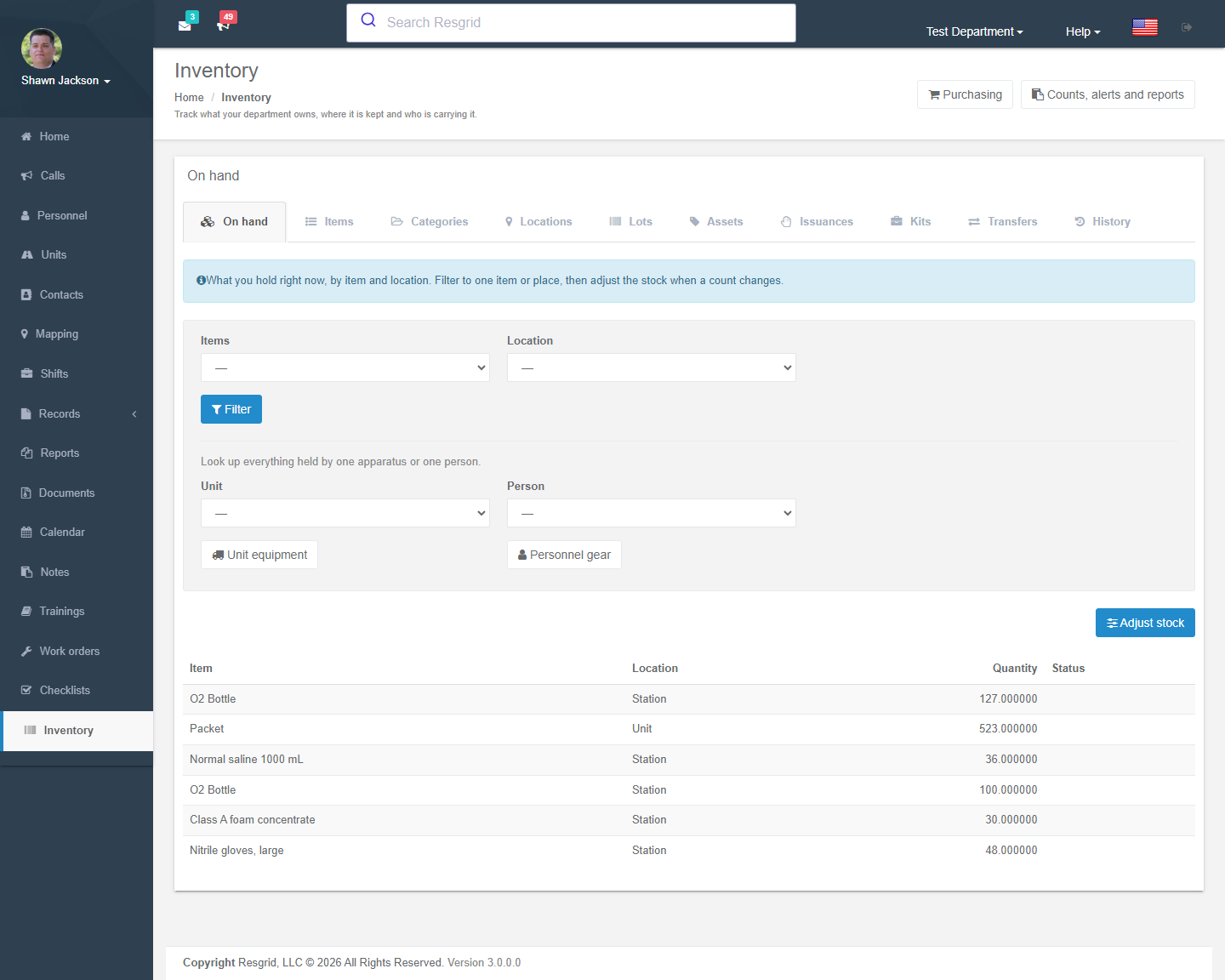
Where to find it
Left menu → Inventory. The workspace is a set of tabs; three related workspaces are reachable from the toolbar:
| Workspace | Tabs |
|---|---|
| Inventory (main) | On hand · Items · Categories · Locations · Lots · Assets · Issuances · Kits · Transfers · History |
| Counts, alerts and reports | Stock counts · Inventory alerts · Inventory reports |
| Purchasing | Suppliers · Purchase orders · Inventory valuation |
Two lookups are linked from other modules: Unit equipment (everything assigned to an apparatus — linked from the Units page) and Personnel gear (everything signed out to a person — linked from the Personnel page).
If Inventory is missing from the menu, an administrator has disabled it under Department Settings → Module Settings.
Key concepts
| Concept | What it is |
|---|---|
| Item | A catalogue entry — the kind of thing you stock (Nitrile gloves, large, SCBA cylinder 45 min). Not a physical object. |
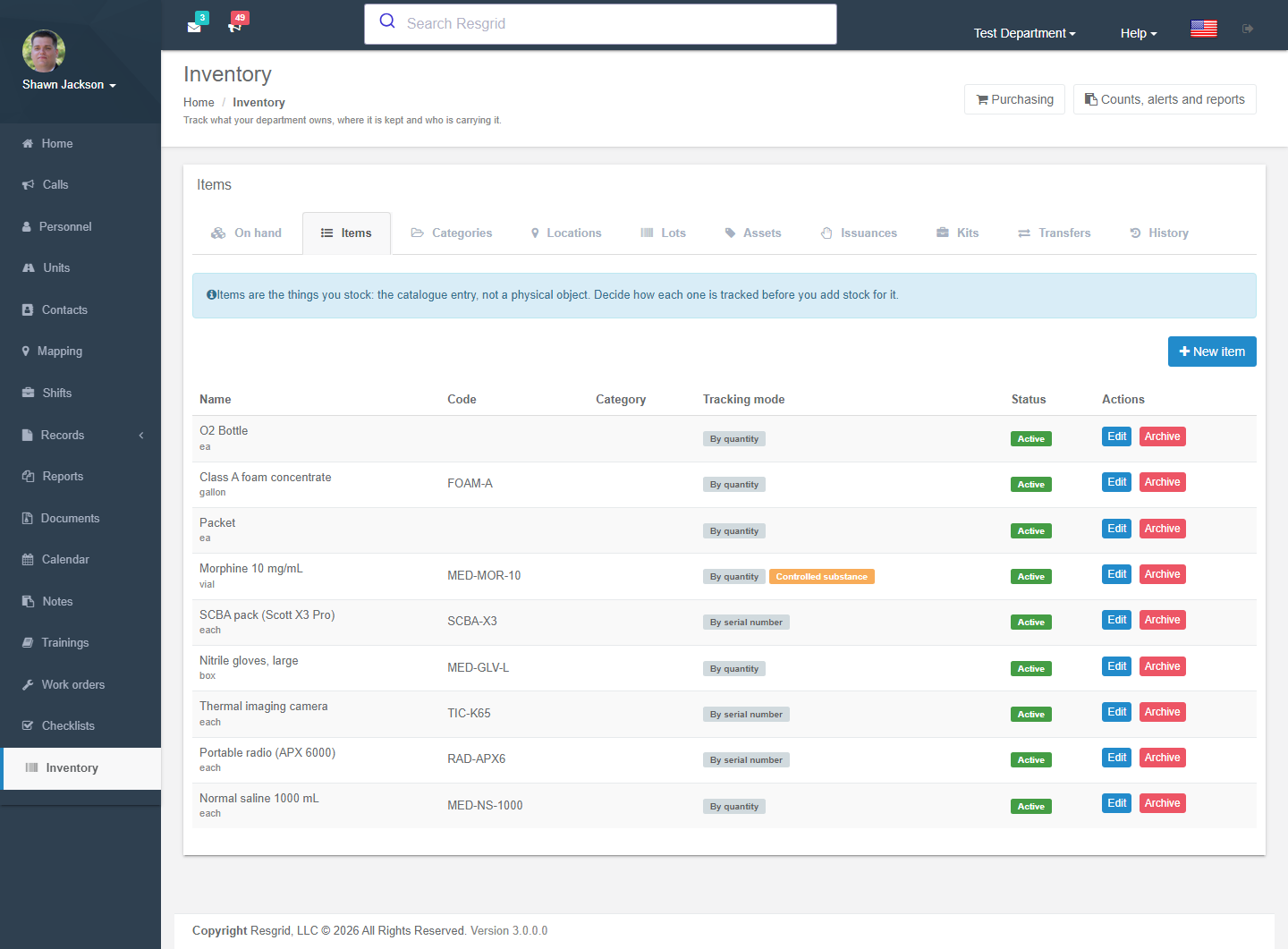
| Tracking mode | Bulk counts a quantity (gloves, saline, fuel). Serialized tracks every unit separately with its own serial number, status and history (radios, monitors, SCBA). Decide this before adding stock; it cannot be changed later. |
| Category | Optional grouping for lists and reports; categories can be nested. |
| Location | Where stock lives: Facility, Station, Unit (apparatus), Personnel (a person), Container (a bag or cabinet inside another location) or External. |
| Lot | A batch of one item sharing a lot number, expiry date and cost (medications, batteries, food). |
| Asset | One serialized unit with a serial number, optional asset tag / barcode, status and condition. |
| Kit | A fixed list of items issued together (turnout gear set, jump bag, rope kit). |
| Issuance | Equipment currently signed out to a person or apparatus, with an expected return date. |
| Transaction | One ledger entry: receipt, transfer, consumption, write-off, adjustment, issue, return, count variance. Never edited — mistakes are reversed with a new entry. |
Setting up the catalogue
Items
Inventory → Items → New item. Three steps:
| Step | Fields |
|---|---|
| Basics | Name, your own code / part number, category, unit of measure (each, box, litre …), currency and unit cost (for valuation), preferred vendor. |
| Tracking | Tracking mode (bulk / serialized), Requires lot tracking, Requires expiration date, Controlled substance (movements need a second person to witness and are kept for audit), Is kit. |
| Stock | Default location (new stock lands here if none is chosen), Minimum (raise a low-stock alert below this), Reorder point (suggest reordering at this level). |
Inactive items stay in history but cannot be chosen for new movements.
Locations
Inventory → Locations → New location. Choose the type and, depending on it, the station/group, unit or person it represents, and an optional parent (e.g. Cabinet 3 inside Station 1 supply room). Only the name can be changed later — placement and scope are fixed at creation.
Every station, unit and member you can see in Resgrid can be used as a location without creating one first; explicit locations are for facilities, containers, shelves and external places (a vendor, a repair shop, a mutual-aid partner).
Assets, lots and kits
- Assets → New asset: pick the serialized item, enter the serial number (unique per item), asset tag, condition and where it is.
- Lots → New lot: item, lot number, expiry date and cost.
- Kits → New kit: name the kit and list its contents (item + quantity). Kits are issued and returned as a whole.
Day-to-day movements
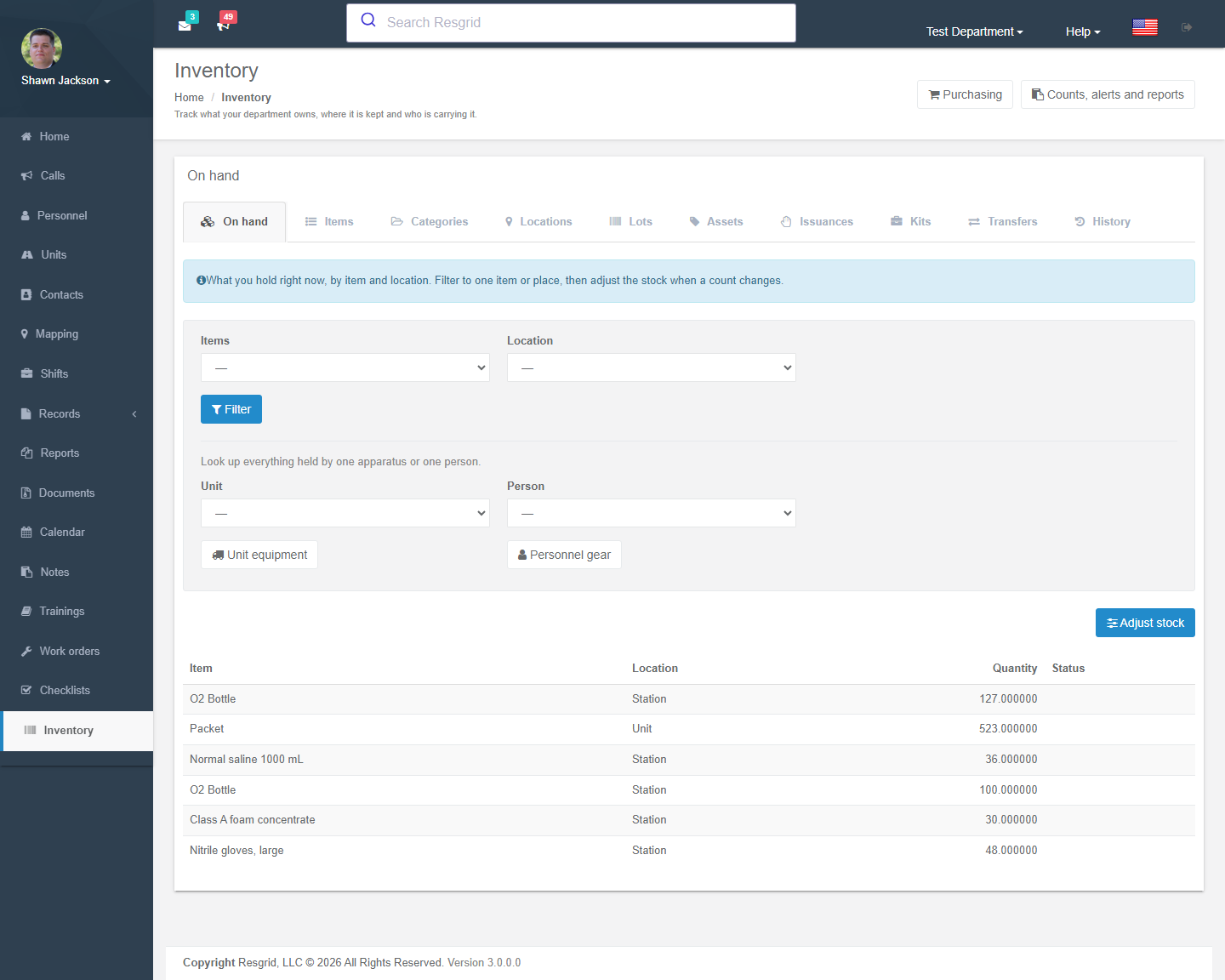
On hand shows current balances by item and location. From there (or from the toolbar) you post a movement:
| Movement | Source | Destination | Typical use |
|---|---|---|---|
| Receipt | — | required | Stock arriving (also posted automatically by Receive items on a purchase order). |
| Transfer | required | required (different) | Moving stock between stations or from the supply room to an engine. Both sides are written. |
| Consumption | required | — | Used on a call or training. Can reference a Record / call. |
| Write-off | required | — | Expired, damaged, lost. |
| Adjustment | one of the two | Correcting a balance outside a formal count. | |
| Issue / Return | Signing equipment or a kit out to a person or apparatus and back (with return condition). |
Enter a positive quantity, choose the lot or the specific asset where relevant, and add a note — it appears on the ledger and reports.
Controlled substances and witnessing
For items flagged Controlled substance, and for some count and receipt operations, the movement is posted as pending with a witness request ID. A second, independent authorized member opens History, enters the request ID and attests to what they saw. Stock does not change until the witness approves. Both signatures are recorded on the controlled-substance log.
Asset status
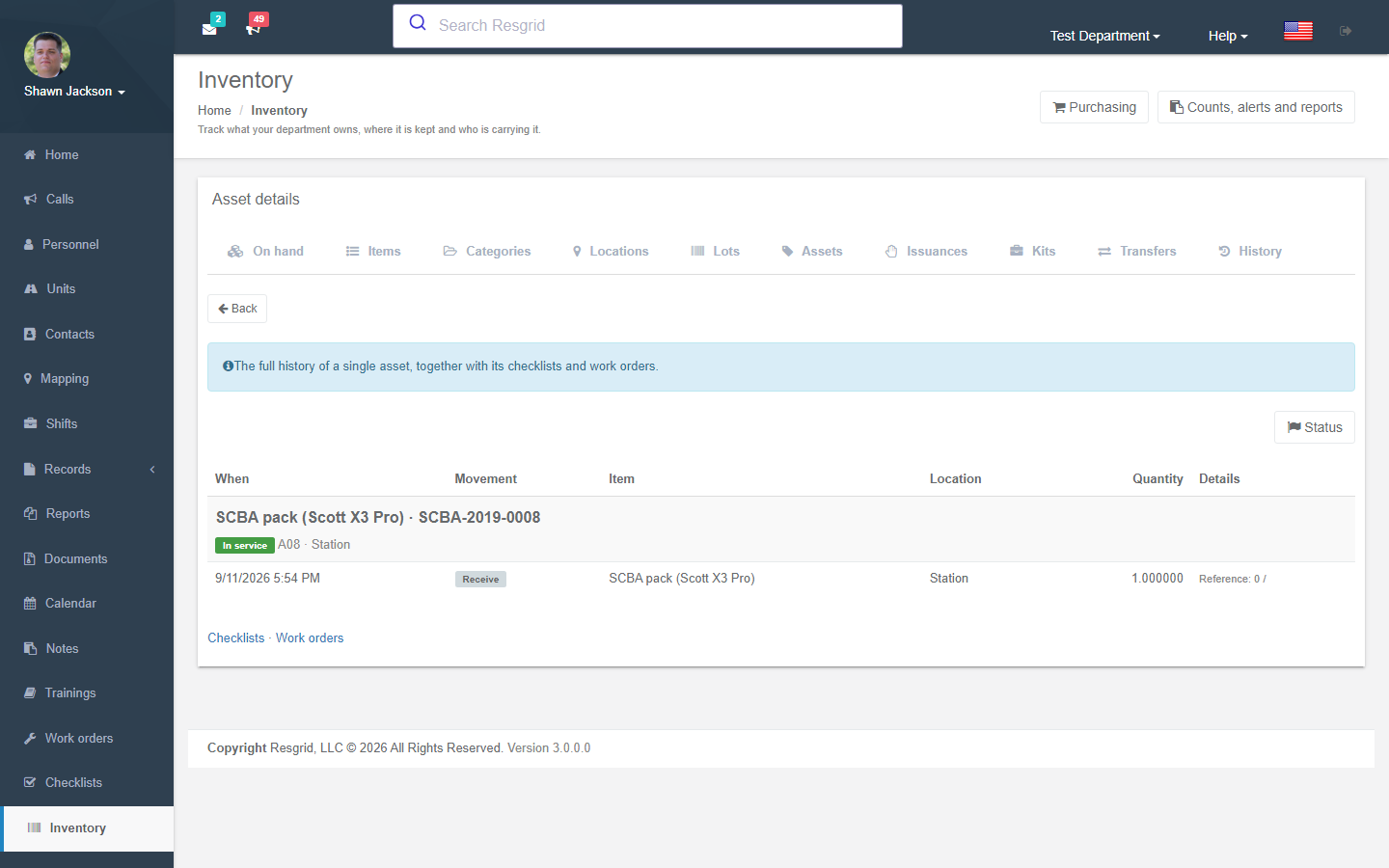
Open any asset (Assets → detail) to change its status — in service, issued, damaged, in repair, lost, retired. Each change writes a ledger entry. The asset detail page also shows the asset's checklists and work orders.
Counts, alerts and reports
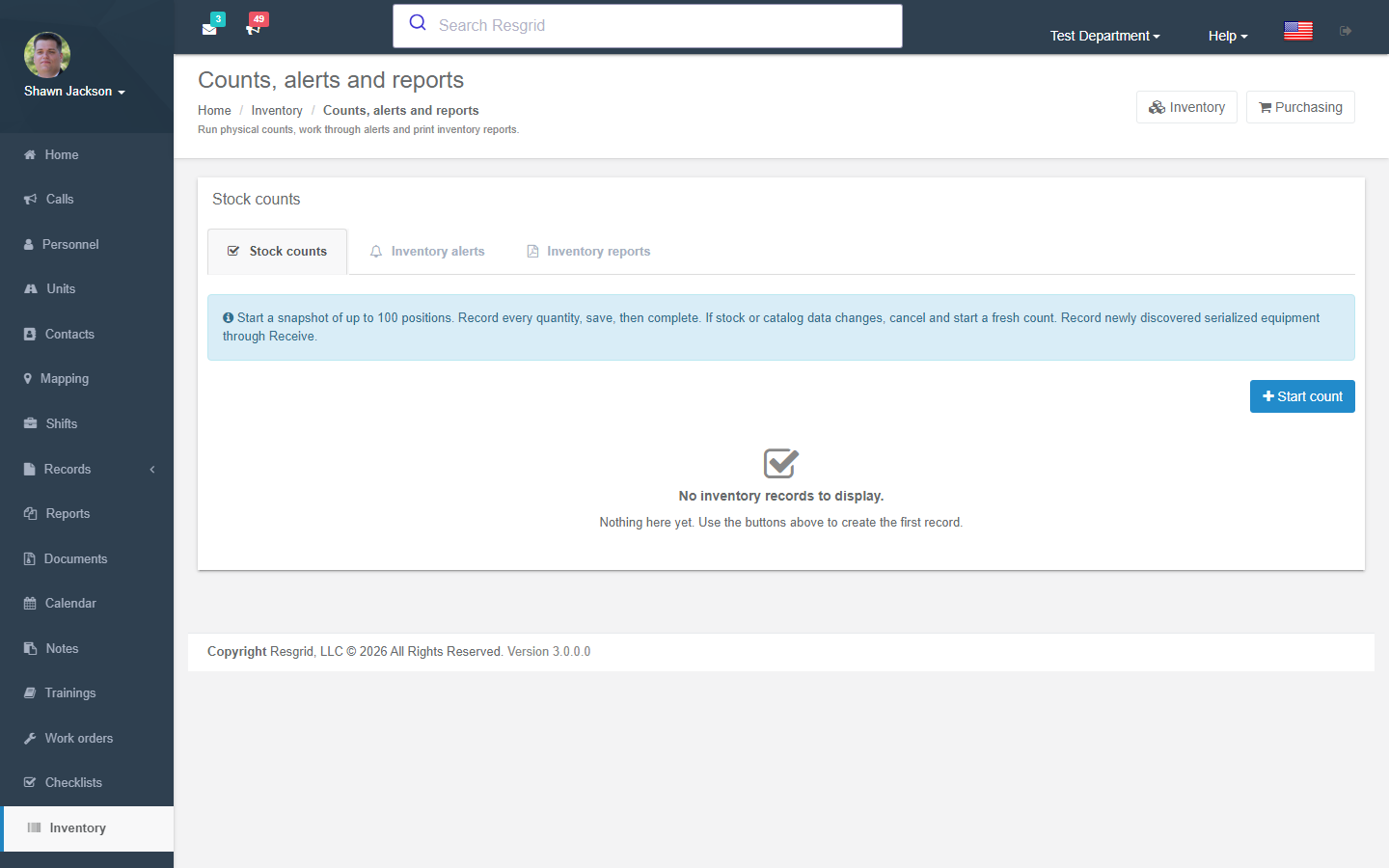
Stock counts
Start count freezes a snapshot of up to 100 positions (one location, or the whole department). Enter what you actually counted for every line, save, then complete count to post the variances. If stock or catalogue data changes while a count is open the snapshot is stale — cancel and start again. Newly discovered serialized equipment is recorded through Receive, not through a count.
Alerts
Alerts list low stock (below minimum / reorder point), expiring within 30 days, expired, and overdue returns. Press Refresh alerts once after rollout or after importing legacy inventory; afterwards they update automatically. Alerts can be pushed to members through Notifications.
Reports
Choose a report, optional filters and a UTC date range, then Download printable PDF or Schedule report delivery (from Profile → Reporting):
- Inventory on hand · Inventory usage · Inventory expiration · Low inventory stock
- Inventory transfer history · Inventory issuance history · Inventory valuation
- Controlled substance log (with performer and witness signatures)
Snapshot reports ignore the date range; results are limited to 5,000 rows and to the locations you are authorized to view.
Purchasing
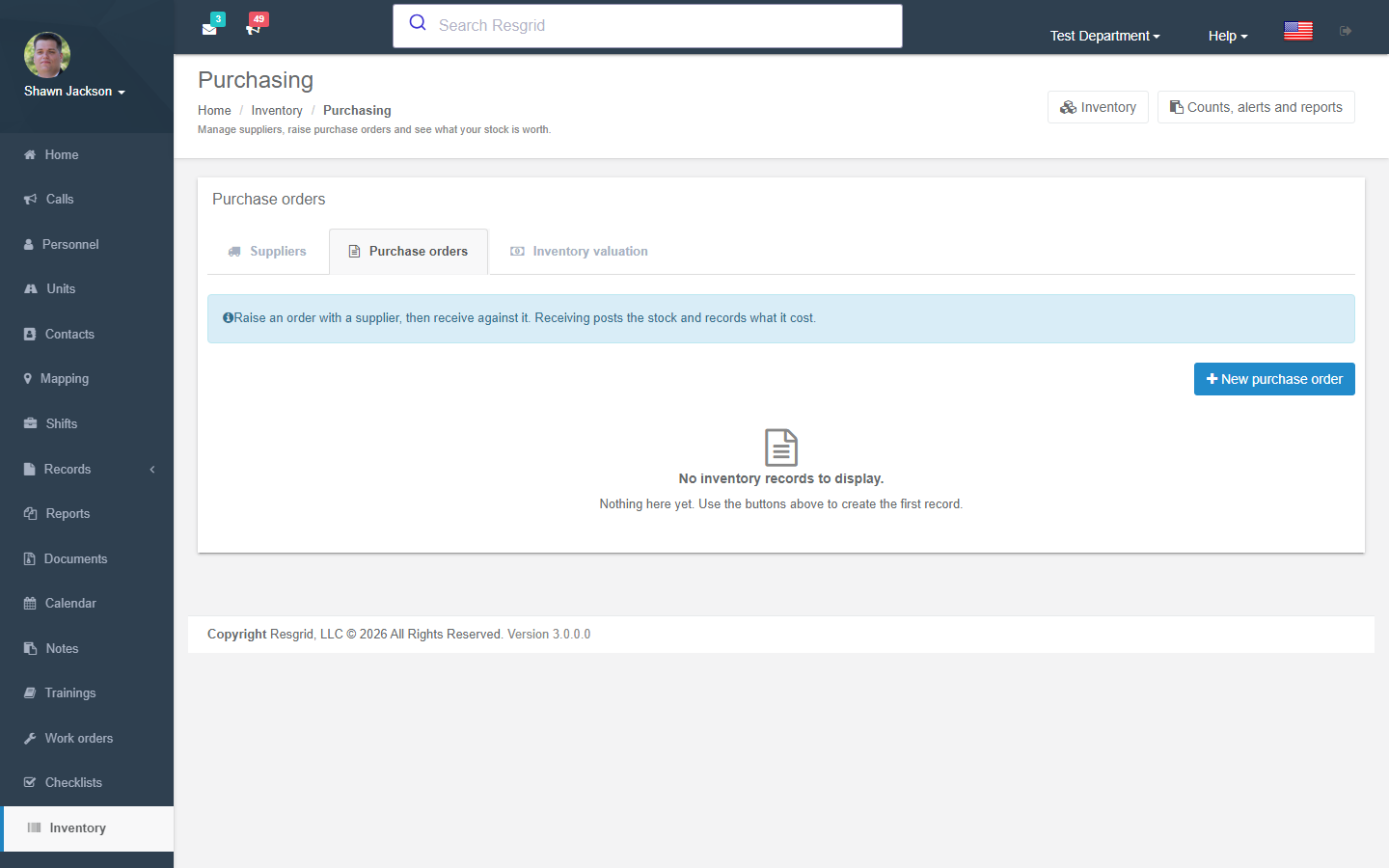
- Suppliers are company records from Contacts linked here with an account number. Add the company in Contacts first.
- Purchase orders: choose the supplier, reference number and currency, then add one line per item with quantity and unit cost. Mark as ordered locks the lines. Receive items posts all or part of the delivery to stock (one row per serialized asset with its serial number). Cancel order prevents further receipts and keeps what was received.
- Inventory valuation totals what you hold using the cost recorded at receipt, one total per currency. Rows without a cost are listed separately.
Legacy inventory
Departments that used the original (pre-2026) inventory pages will see Initialize inventory the first time they open the workspace. It imports existing types, balances and history into the ledger. The old Manage Types, Adjust and History links redirect into the new workspace.
Permissions
| Permission | Default | Grants |
|---|---|---|
| Inventory view (module) | Everyone | See stock in locations you are allowed to see (group scoping applies). |
| Adjust Inventory | Department admins | Post receipts, consumption, write-offs, adjustments; manage the catalogue. |
| Transfer Inventory | Same as Adjust | Transfers between locations. |
| Issue Inventory | Same as Adjust | Issue and return equipment and kits. |
| Manage controlled substances | Department admins | Record controlled-substance transactions. |
Witnessing requires a different member who also holds the relevant permission.
Setup examples
| Department type | Suggested structure |
|---|---|
| Fire | Locations: each station + each apparatus. Serialized: SCBA packs and cylinders, TICs, radios, gas meters. Bulk with lots: foam, absorbent. Kits: turnout gear per member (issued to Personnel). Issue radios and pagers to people; put hose and tools on apparatus. |
| EMS | Bulk with lots + expiry: medications, IV fluids, airway supplies — set minimum and reorder point. Controlled substances flagged with witnessing. Serialized: monitors, stretchers, ventilators. Kits: jump bags per unit. Use Consumption referencing the call / record. |
| SAR | Team cache as a Facility location with containers per bin; personal gear issued to members with expected return; serialized GPS units, radios, ropes with retirement dates via expiry. |
| Emergency management | Warehouse and trailer locations; cots, generators, water as bulk; deployable caches as kits; issuance to external agencies via an External location. |
| Security / facilities | Uniforms and radios issued to officers; keys and access cards as serialized assets; vehicle equipment on Units. |
| Industrial ERT | Rescue equipment and gas monitors as serialized assets with calibration due dates as expiry; spill supplies as bulk; work orders raised from asset status changes. |
Technical reference
| Item | Value |
|---|---|
| Controller | InventoryController (partials InventoryOperationsController, InventoryPurchasingController) |
| Routes | /User/Inventory/Index?tab=…, `/User/Inventory/Operations?tab=Counts |
| Module switch | DepartmentModuleSettings.InventoryDisabled |
| Permissions | PermissionTypes.AdjustInventory, TransferInventory (47), IssueInventory (48), ManageControlledSubstances (49) |
| Services | IInventoryCatalogService, IInventoryLedgerService, IInventoryIssuanceService, IInventoryOperationsService, IInventoryPurchasingService |
| Workflow events | InventoryAdjustedEvent plus inventory alert notifications |
| API | api/v4/Inventory/* (Unit app equipment and checklists use it) |
| Protected data | Inventory holder and note fields are protected-data classified under ADP. |