Resgrid Relay
Resgrid Relay connects the equipment and systems your department already has to Resgrid: dispatch email from a CAD or paging system, two-way radios, LTE push-to-talk radios, scanners and paging tones. Calls, messages and voice then flow between that equipment and the Resgrid apps.
Relay runs on a computer you control: a dispatch PC, a small server in the station, a Linux box or a container. It talks to your department through the Resgrid v4 API, the same way the Resgrid apps do, so anything it creates (a call, a group message, a recording) belongs to your department like everything else.
The five modes
Relay does five different jobs, called modes. A machine can run one mode or several.
| Mode | Runs on | What it does | Page |
|---|---|---|---|
smtp | Windows, Linux, macOS, Docker | A small mail server for your dispatch domain. Dispatch email from a CAD, alarm panel or paging gateway becomes a Resgrid call (department-wide or for one group) or a group message. | SMTP dispatch |
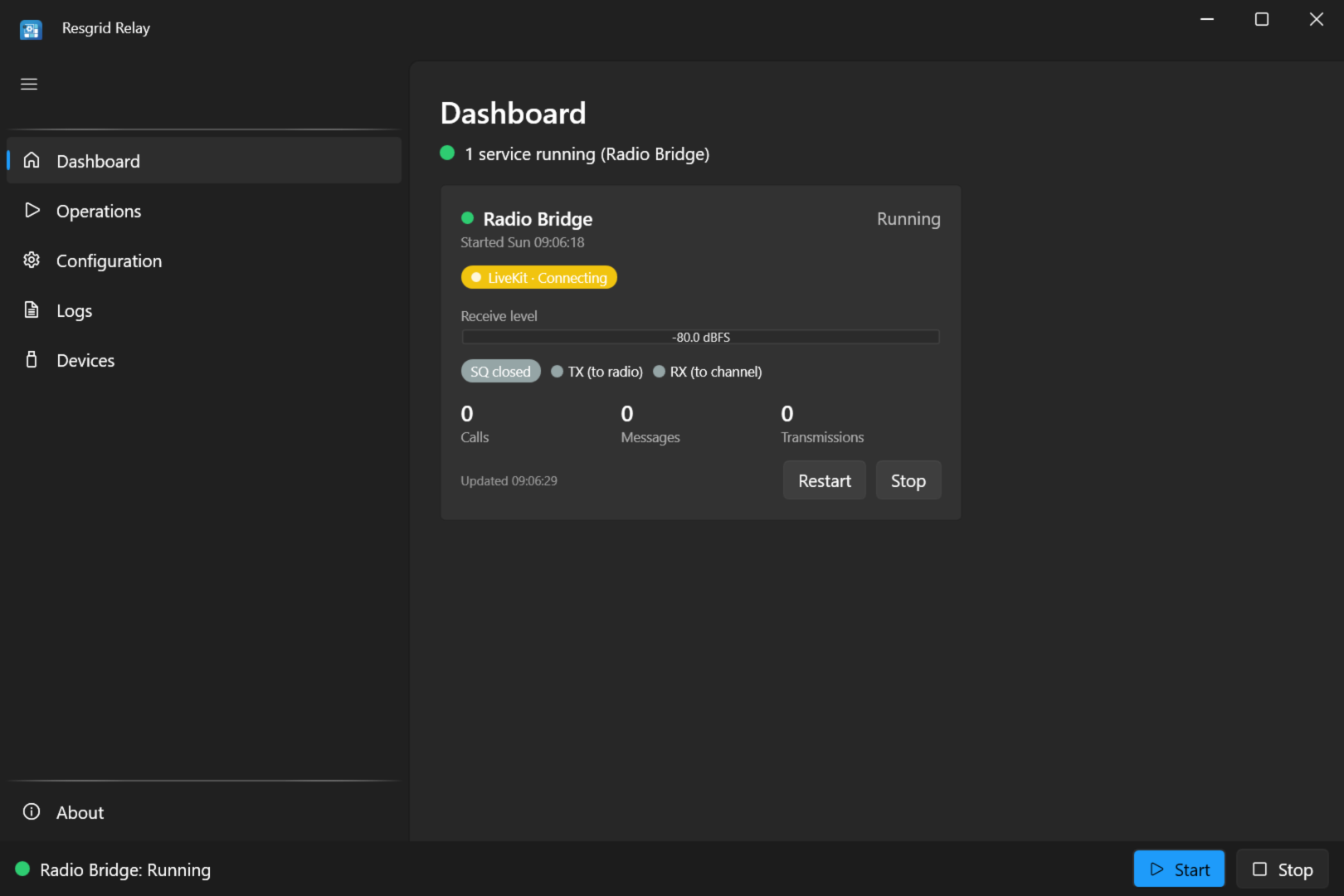
radio | Windows | A two-way bridge between a radio cabled to the PC and a Resgrid push-to-talk (PTT) channel. Radio traffic is heard in the Responder, Unit and Dispatch apps, and app users are heard on the radio. Works with analog VHF/UHF radios and with LTE push-to-talk radios such as Rapid Radios and Diga-Talk+. | Radio bridge, LTE donor radios |
record | Windows, Linux, macOS, Docker | Records every transmission on one or all of your PTT channels as a WAV file, on disk or in S3-compatible storage, with a log of who talked, on which channel, when and for how long. | Recorder |
dispatch | Windows, Linux, macOS, Docker | Tones out each new Resgrid call on a PTT channel: alert tones, then the call read out by Resgrid's text-to-speech. | Dispatch tone-out |
audio | Windows | Listens to a scanner or radio on a sound card for two-tone or single-tone pages and creates a Resgrid call with the recorded dispatch audio attached. | Tone detect |
The radio, record and dispatch modes are the voice modes: they join Resgrid PTT channels, so your department needs the Push To Talk add-on, and Relay must sign in as a user (see Connect to Resgrid).
Which mode do you need?
| You want to… | Run |
|---|---|
| Turn the dispatch email your county or CAD already sends into Resgrid calls, on your own domain and server | smtp |
| Let members on the Resgrid apps talk with crews on your analog radio channel | radio with an analog radio |
| Join a Rapid Radios, Diga-Talk+ or other LTE push-to-talk talk group to Resgrid PTT | radio with a donor radio |
| Keep a recording of everything said on your Resgrid PTT channels | record |
| Have new calls announced over PTT, like a station tone-out | dispatch |
| Create a Resgrid call when the county tones out your station on the radio | audio |
| Turn a radio emergency button or emergency tone into a Resgrid call | radio with emergency detection |
The use cases page walks through complete setups for fire departments, EMS agencies, search and rescue teams, emergency management, industrial teams and others.
Every department has a dispatch import email address that turns email into calls with no software to run (see Call Import). Use Relay's smtp mode when you want the dispatch addresses on your own domain, need to receive mail on your own network (a CAD that can only reach a local mail server), or run a self-hosted Resgrid installation.
Desktop app, console or Docker
Relay comes in three forms. They share the same settings, so you can set Relay up in the desktop app and later run it headless.
| Desktop app | Console host | Docker image | |
|---|---|---|---|
| Runs on | Windows 10 and 11 (x64, Arm64) | Windows, Linux (x64, Arm64), macOS (Intel, Apple silicon) | Linux containers |
| Modes | All five, several at once | One mode per process; Windows runs all five, Linux and macOS run smtp, record and dispatch | smtp, record, dispatch, one per container |
| Set up with | A settings screen with test buttons, device pickers and radio profiles | appsettings.json, the desktop app's settings file, or environment variables | Environment variables |
| Best for | Radio bridges, tone detect, and anyone who prefers a window to a config file | Headless servers, systemd services | Container hosts and self-hosted Resgrid |
| Page | Desktop app | Install | Install |
All builds are self-contained: you don't need to install .NET.
Before you start
- A Resgrid department, and a member account for Relay to sign in as. A dedicated account (for example Relay – Station 1) makes it clear in Resgrid what Relay created and who is talking on PTT. See Connect to Resgrid.
- An API client id and secret, and a refresh token for that account.
- For the voice modes: the Push To Talk add-on and at least one voice channel.
- For the radio bridge and tone detect: a Windows PC with the audio and radio interface described on the radio bridge and tone detect pages.
Next steps
- Install Relay.
- Connect it to Resgrid and run Test connection.
- Set up the mode you need: SMTP dispatch, radio bridge, LTE donor radios, recorder, dispatch tone-out or tone detect.
- Keep the settings reference and troubleshooting pages handy.
Relay is open source (Apache 2.0) at github.com/Resgrid/Relay.