Profile & Account
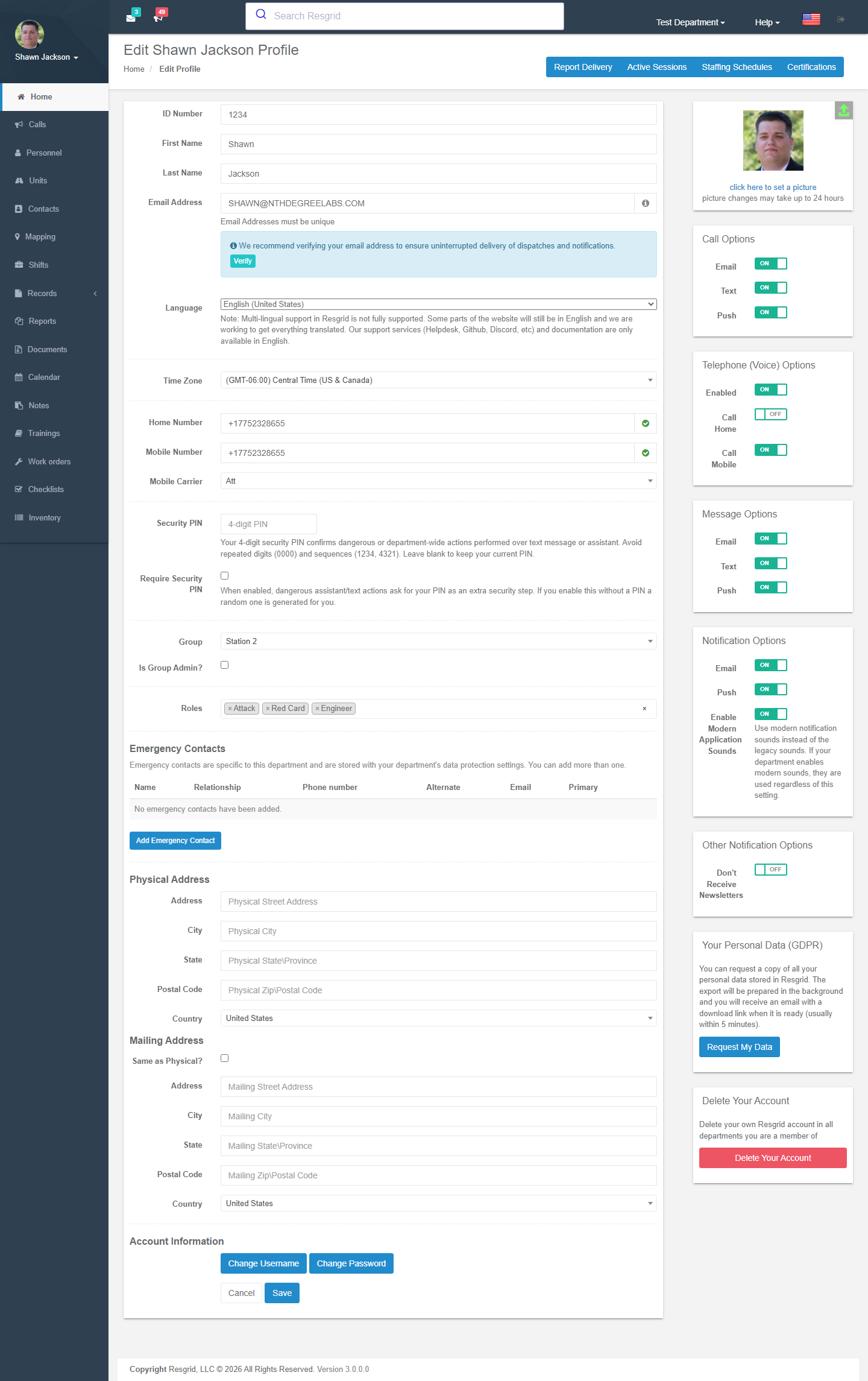
Your profile is where you keep your own details current — name, phone numbers, addresses, avatar, language, time zone — and decide how Resgrid reaches you: which channels for calls, messages and notifications, quiet hours, and verified contact methods. It also holds your certifications, staffing schedules (automatic status changes), scheduled report deliveries, and the departments you belong to.
Profile dropdown → Profile. Administrators can open any member's profile from Personnel.
Scheduled Reports
Authorization: Profile_View / Profile_Update policies
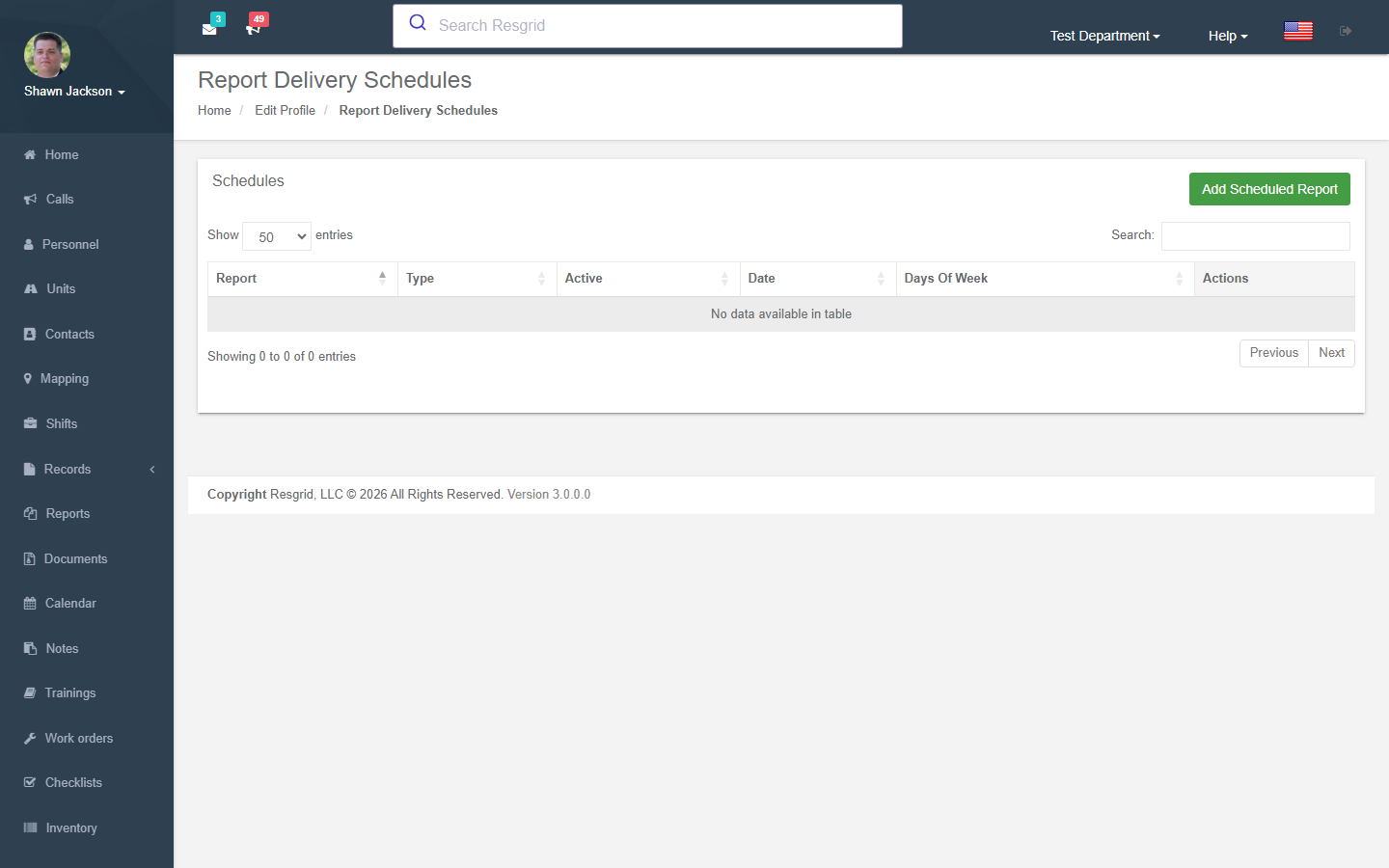
Viewing Scheduled Reports
Lists configured scheduled report deliveries with type, active status, day schedule, and time.
Creating Scheduled Reports
| Field | Required | Description |
|---|---|---|
| Report Type | Yes | Type of report to deliver |
| Days | Yes | Day(s) of week for delivery |
| Time | Yes | Delivery time |
| Active | Default On | Whether the schedule is active |
Creates a ScheduledTask of type ReportDelivery.
Editing Scheduled Reports
Modify existing report delivery schedules.
Staffing Schedules
Creating Staffing Schedules
Authorization: Profile_View / Profile_Update policies
| Field | Required | Description |
|---|---|---|
| User | Yes | Target user for schedule |
| Staffing Level | Yes | Level to set at scheduled time |
| Schedule Type | Yes | Weekly or Specific Date/Time |
| Days (Weekly) | Conditional | Day(s) of week |
| Date/Time (Specific) | Conditional | Exact date and time |
Creates a ScheduledTask of type UserStaffingLevel.
Custom staffing levels are resolved from the department's custom state configuration.
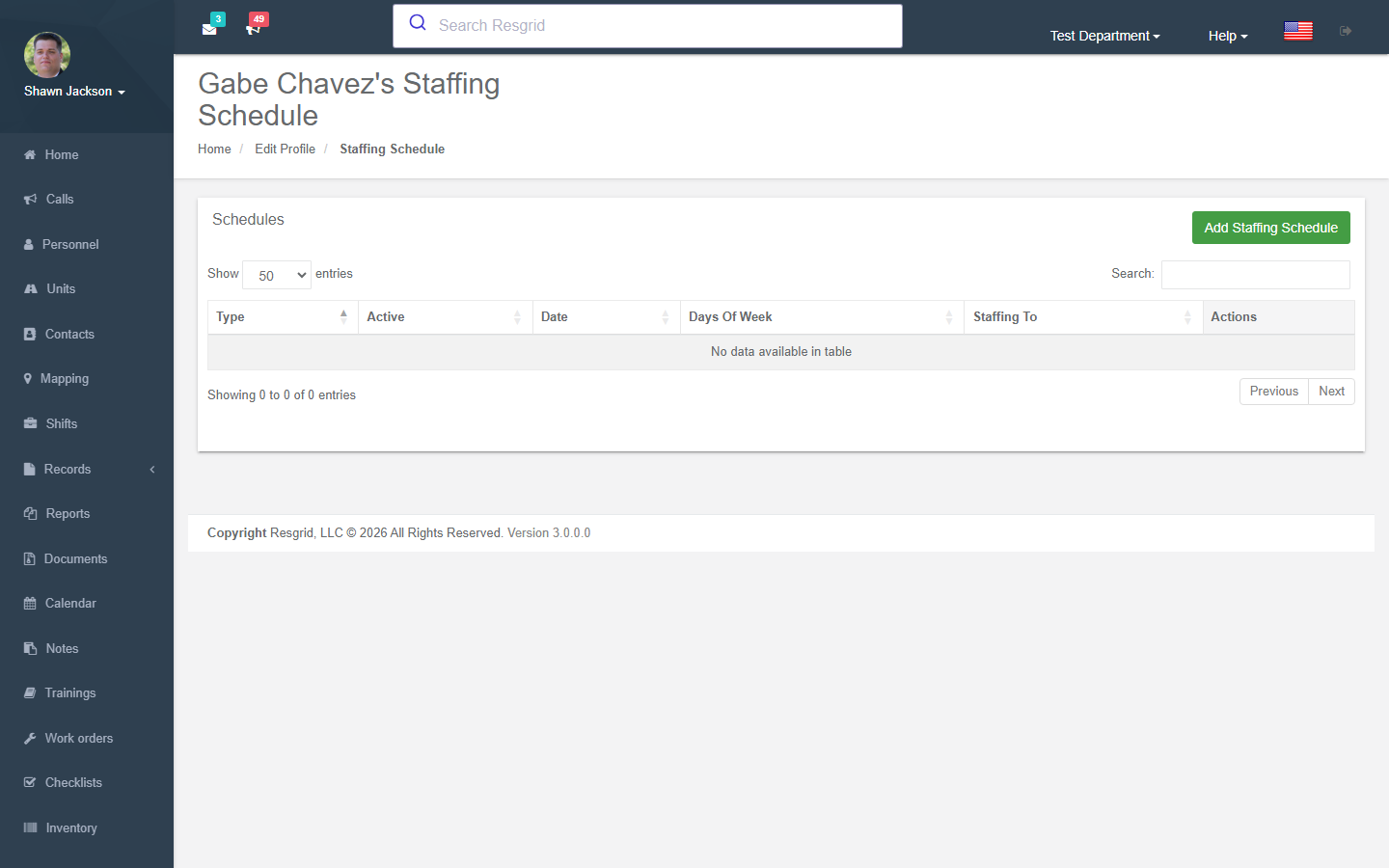
Viewing Schedules
Lists all staffing schedules for a user with custom state name resolution.
Managing Schedules
- Activate — Enable a disabled schedule
- Deactivate — Disable an active schedule
- Delete — Remove a schedule permanently
Certifications
Viewing Certifications
Authorization: Profile_View policy
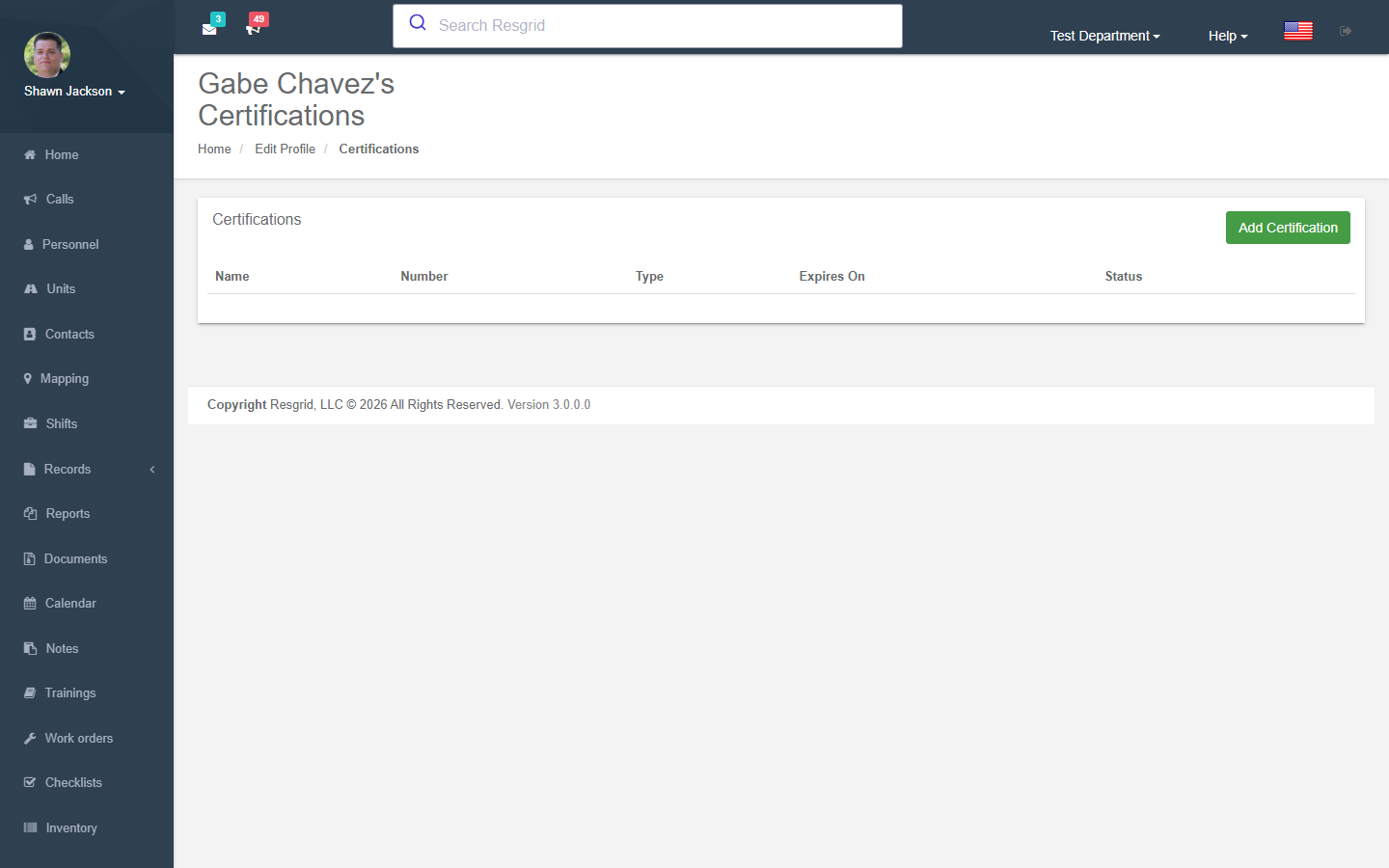
Lists all certifications for a user.
Adding Certifications
| Field | Required | Description |
|---|---|---|
| Type | Yes | Certification type |
| Name | Yes | Certification name |
| Number | No | Certification number |
| Issuer | No | Issuing organization |
| Expiry | No | Expiration date |
| Area | No | Certification area |
| File | No | Supporting document |
File Upload Constraints:
- Maximum 10 MB
- Allowed types: jpg, jpeg, png, gif, pdf, doc, docx, ppt, pptx, pps, ppsx, odt, xls, xlsx, txt
Downloading Certification Files
Retrieve attached certification documents with department ownership validation.
Password Reset
Authorization: Profile_View policy
Administrators can reset passwords for other users:
- Cannot reset the department owner's password
- Uses
UserManager.GeneratePasswordResetToken+ResetPassword - Optionally emails new credentials to the user
Your Departments
Viewing Departments
Lists all departments the user belongs to with default/active indicators.
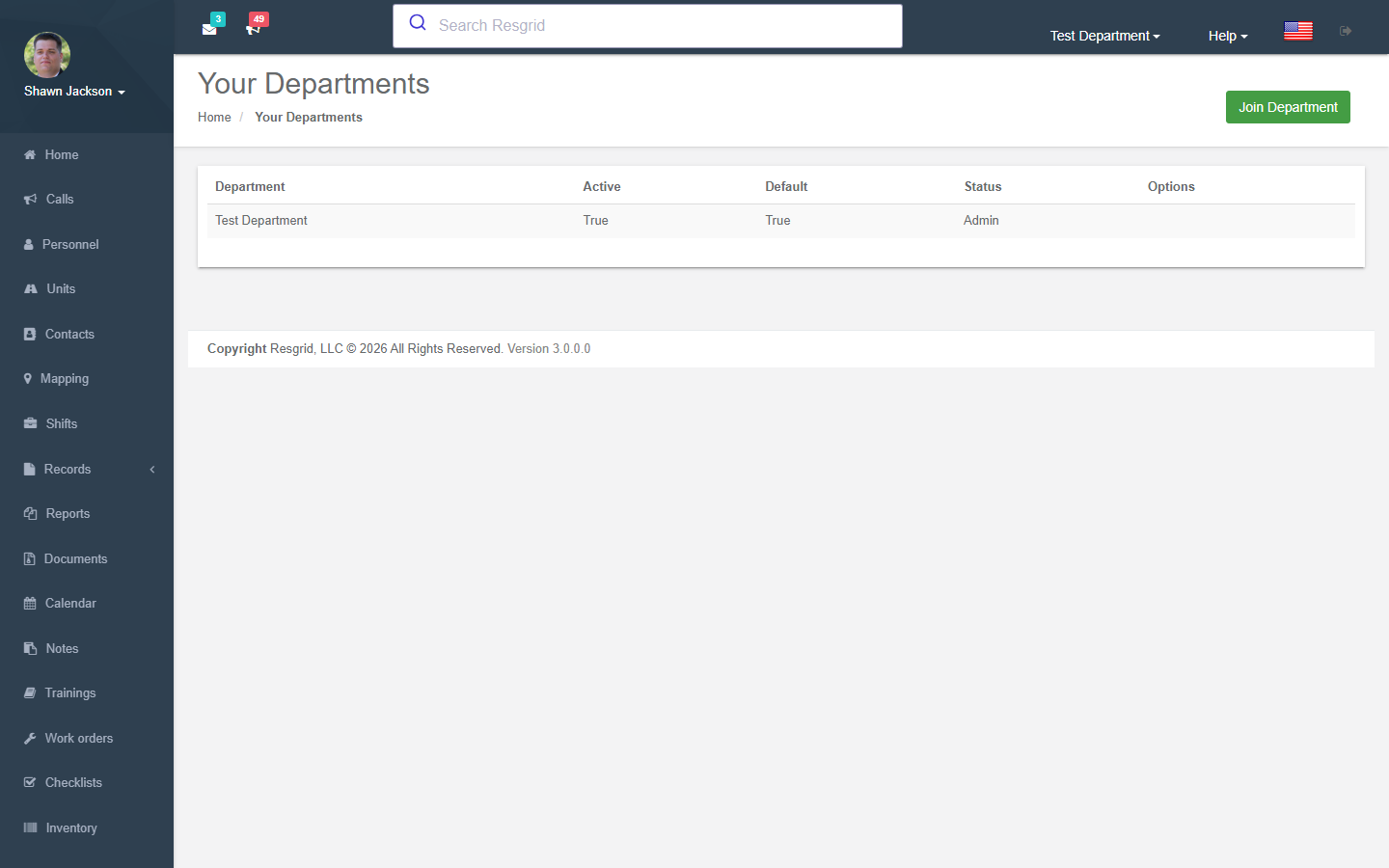
Joining a Department
Join a new department using a department join code:
- Enter the department's link code
- System validates the code
- User added to the department
Switching Active Department
Action: SetActiveDepartment (JSON body)
Switches the user's active department:
- Signs out the user
- Re-signs in with new department context
- Authentication claims are refreshed
Setting Default Department
Sets which department loads by default on login. Also switches to it immediately.
Leaving a Department
Action: DeleteDepartmentLink
Removes the user from a secondary department:
- Complex logic handles active/default department reassignment
- Re-signs in if the removed department was active
Avatar Management
Retrieving Avatars
The GetAvatar endpoint returns images by type:
- Type 1 (or null) — User avatar
- Type 2 — Department logo/avatar
Uploading Images
- Validates content type starts with
image/ - Converts to PNG format via ImageSharp library
- Stores for later cropping
Cropping Images
The Crop endpoint uses ImageSharp to:
- Resize the image to specified dimensions
- Crop to final size
- Save as PNG
Account Deletion
The AccountController handles permanent account deletion:
Prerequisites
- Must be a registered user (
SystemRoles.Users) - System checks if user owns any departments (warns about ownership)
- Requires confirmation (
AreYouSurecheckbox)
Deletion Process
- User confirms deletion
_deleteService.DeleteUserAccountAsynccalled- Audit trail records IP address and user-agent
- Redirects to LogOff
Contact Method Verification
Each contact method on a user's profile (email, mobile number, home number) has a verification status that determines whether the system will send dispatches, notifications, and messages through that channel. For full details, see Contact Method Verification.
Verification Status Indicators
When viewing or editing a profile, each contact field displays a verification indicator:
| Indicator | Meaning | Action |
|---|---|---|
| Green verified badge | Contact method is verified | No action needed |
| Yellow warning + Verify button | Contact method is pending verification; communications are blocked | Click Verify to send a verification code |
| Subtle info banner | Contact method is grandfathered (pre-existing); communications still work | Recommended to verify for uninterrupted delivery |
Verifying a Contact Method
- Click the Verify button next to the unverified contact field.
- A verification code is sent to the contact method (email for email addresses, SMS for phone numbers).
- Enter the 6-digit code in the inline input that appears.
- Click Confirm to complete verification.
Verification codes expire after 30 minutes. You can request up to 3 codes per hour per contact method, and attempt up to 5 verifications per day per contact method.
Automatic Verification Reset
If you change your email address, mobile number, or home number, the verification status for the changed field is automatically reset to Pending. You must re-verify the new contact information before communications resume on that channel.
Setup examples
| Department type | How to set it up |
|---|---|
| Volunteers | Verify email and mobile so SMS dispatch works; set a staffing schedule Unavailable Mon–Fri 08:00–17:00 if you cannot leave work; enable push for calls and email for messages. |
| Career staff | Push + SMS for calls only on duty days via a staffing schedule; certifications with expiry so the training officer gets reminders. |
| Officers / admins | Schedule the reports you read every month to your inbox; enable 2FA. |
| Members of several departments | Use Your Departments to switch; notification preferences are per department. |
Technical reference
ProfileController, HomeController.EditUserProfile; routes /User/Profile/{Reporting,AddNewScheduledReport,EditScheduledReport,ViewSchedules,AddNewStaffingSchedule,EditStaffingSchedule,Certifications,AddCertification,EditCertification,YourDepartments,ResetPasswordForUser}; contact verification api/v4/ContactVerification/*; avatar via GetAvatar?id=; deletion under /User/Account/DeleteAccount.
Interactions with Other Modules
| Module | Interaction |
|---|---|
| Reports | Scheduled report delivery uses report generation |
| Custom Statuses | Custom staffing levels in staffing schedules |
| Certifications | Certification types from Types module |
| Department | Multi-department membership management |
| Security | Password reset subject to admin permissions |
| Dashboard | Active department determines dashboard context |
| Contact Verification | Verification status gates outbound communications per channel |