Inspections
Fire and life-safety inspections of occupancies: programs that define what is inspected and how often, code sets the inspection is checked against, the inspection itself with a checklist, and the violations that come out of it with correction windows, notices and re-inspections.
Feature flag: Records.Prevention.Inspections (requires occupancies). Menu: Records → Inspections.
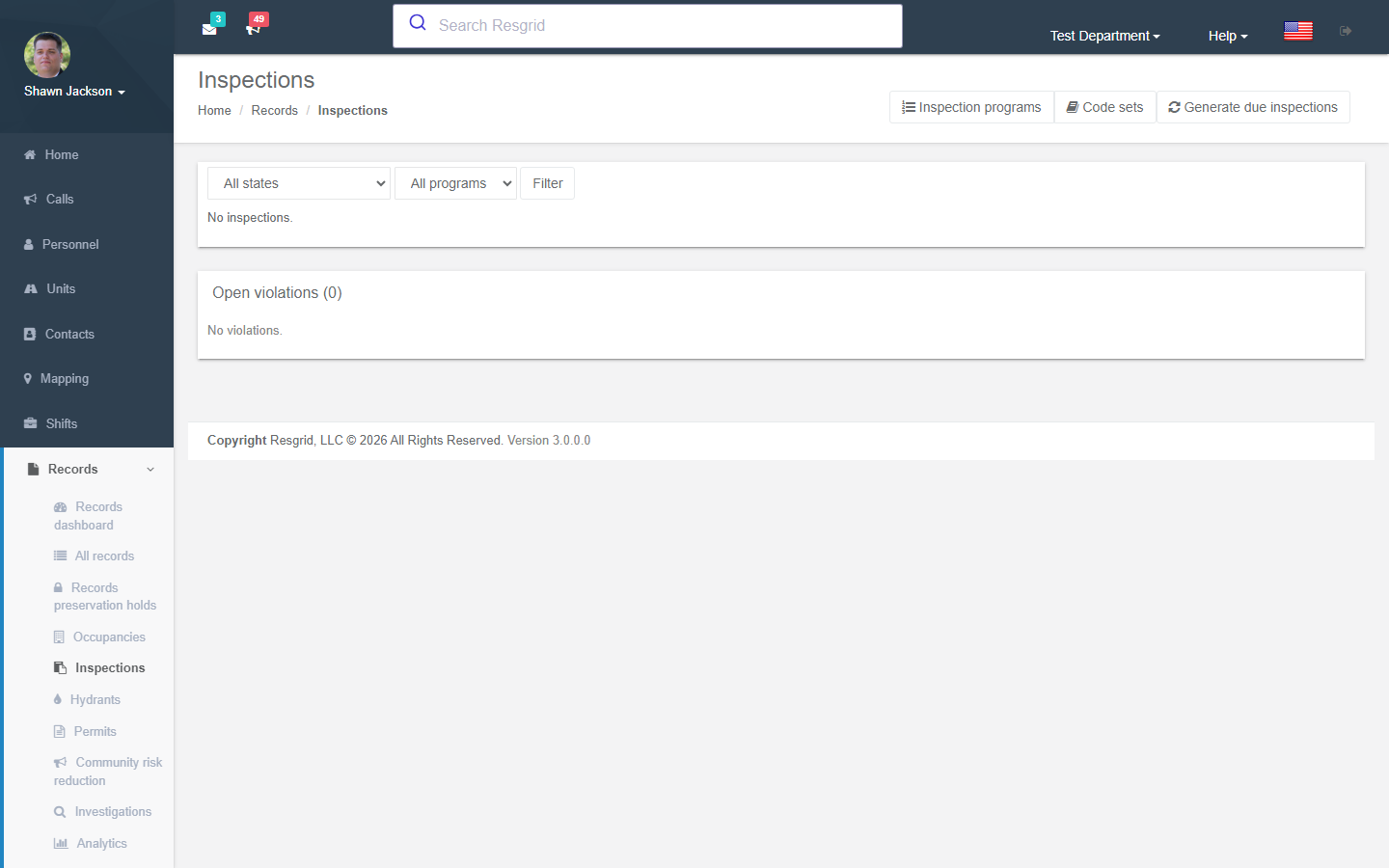
Setting up
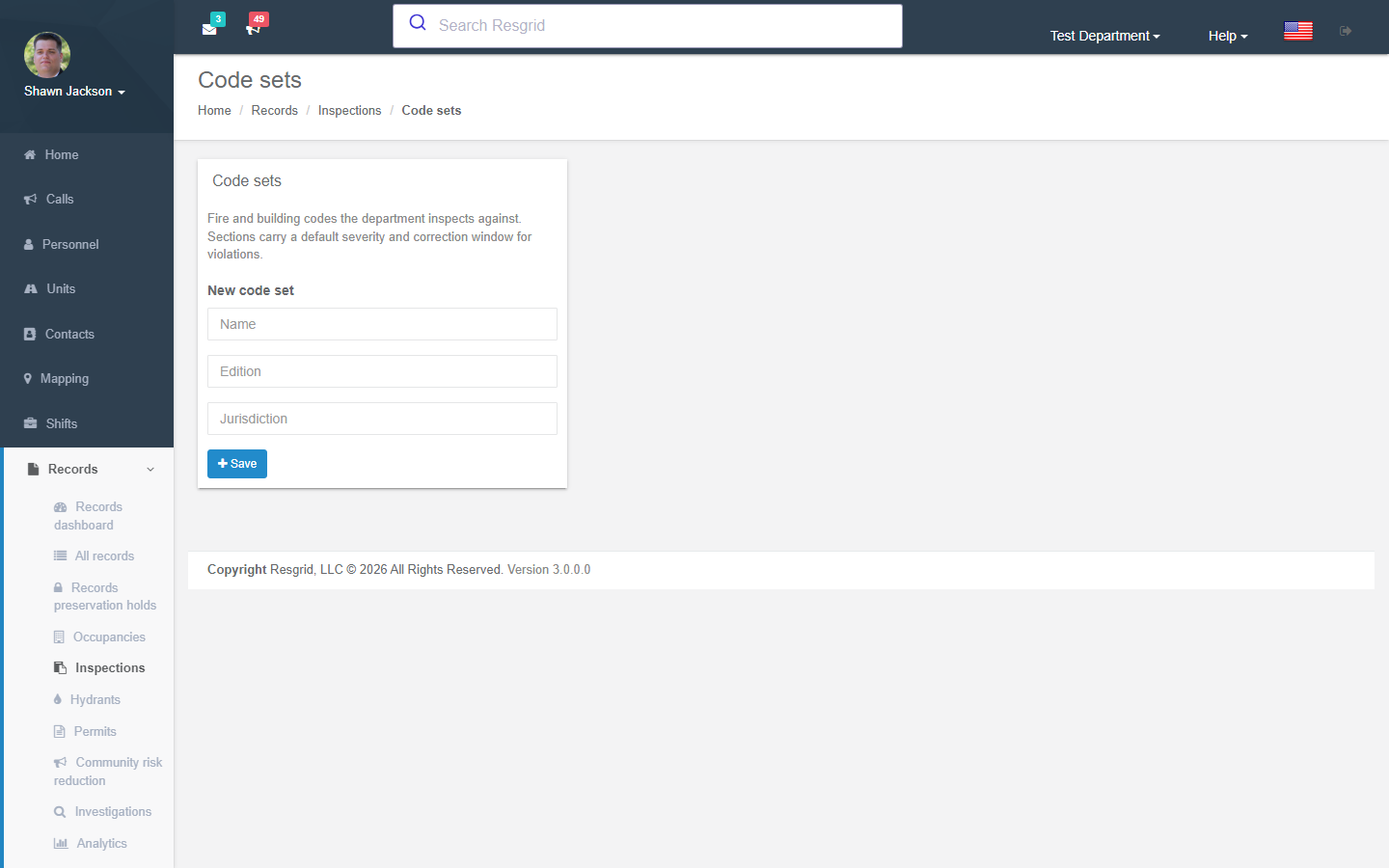
Code sets
Inspections → Code sets hold the fire and building codes you inspect against (e.g. IFC 2021, NFPA 1, a local ordinance). Each section carries the section number, title, text, a default severity (1–4) and correction days used when a violation cites it. Sections can be typed in or imported from CSV (section, title, text, severity, correction_days).
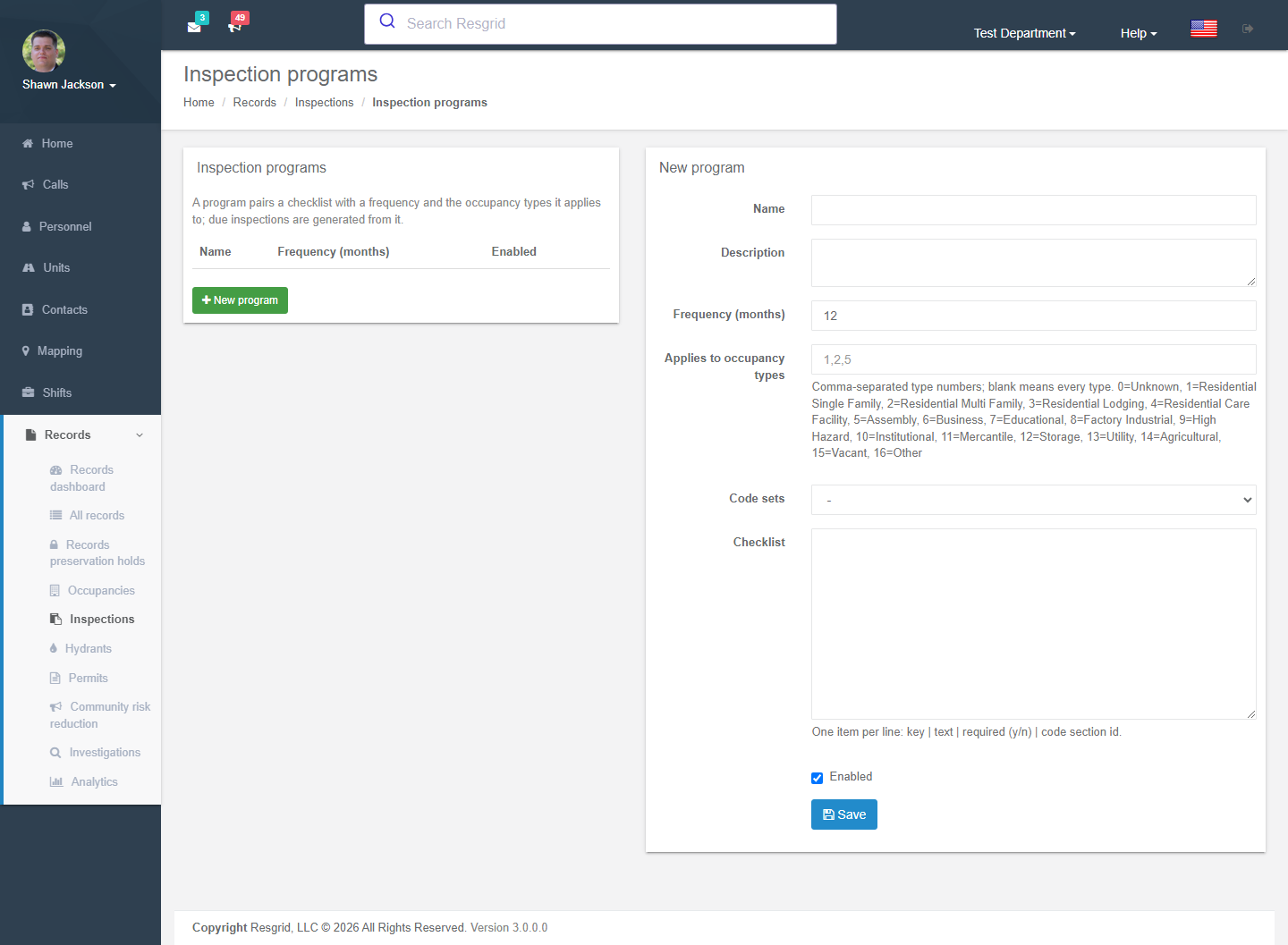
Inspection programs
Inspections → Programs pair a checklist with a frequency (months) and the occupancy types it applies to. The checklist is one item per line: key | text | required (y/n) | code section id. Enable the program and use Generate due inspections to create scheduled inspections for every occupancy that is due.
Performing an inspection
- Schedule — from the occupancy page or by generating due inspections. The inspection gets a number, program, inspector and scheduled date.
- Start inspection — records the start time.
- Work through the checklist: mark each item Passed, Failed or N/A with a note. Failed items automatically create violations citing the code section, with severity and a due date from the section's correction days.
- Complete inspection — enter notes and the typed signature name of the person attesting.
- Handle violations: Issue notice (with a notice reference), record corrective action, Schedule re-inspection (linked as re-inspection of the original).
- Close inspection when everything is resolved, or Cancel (the record stays in history).
Violations remain open on the occupancy until corrected; the occupancy list and analytics count open violations and re-inspections required.
Setup examples
| Department | Programs |
|---|---|
| Fire prevention bureau | Annual business inspection (12 months, mercantile/business/assembly types), Care facility (6 months), Hazmat (12 months) with IFC code set; Re-inspection handled through the built-in re-inspection flow. |
| Volunteer fire | Pre-plan walk-through (24 months, all types) with a short checklist — no code citations needed. |
| Facilities / security | Fire extinguisher & exit route (1 month), Emergency lighting (3 months) on client sites. |
| Industrial | Process area safety inspection (1 month) with internal standard sections in a code set. |
Technical reference
| Item | Value |
|---|---|
| Routes | /User/RecordInspections/{Index,Details,Programs,CodeSets} |
| Model | RmsInspectionProgram, RmsCodeSet, RmsCodeSection, RmsInspection, RmsInspectionItem, RmsViolation |
| Flag / permission | Records.Prevention.Inspections; RecordsPreventionAdmin to configure; inspectors need record create |
| Analytics | Pass rate, days scheduled → completed, open violations by severity, re-inspections (see Analytics) |