Mapping
The Mapping page is the live operational map: every unit and person with a recent location, active calls, stations, hydrants, points of interest and your own map layers. Use it to see who is where, route a unit to a call, and keep reference layers (districts, water sources, staging areas) at hand.
Left menu → Mapping. Layers and points of interest are managed from the buttons on the map page; map behaviour (how long a location stays on the map) is under Department Settings → Mapping.
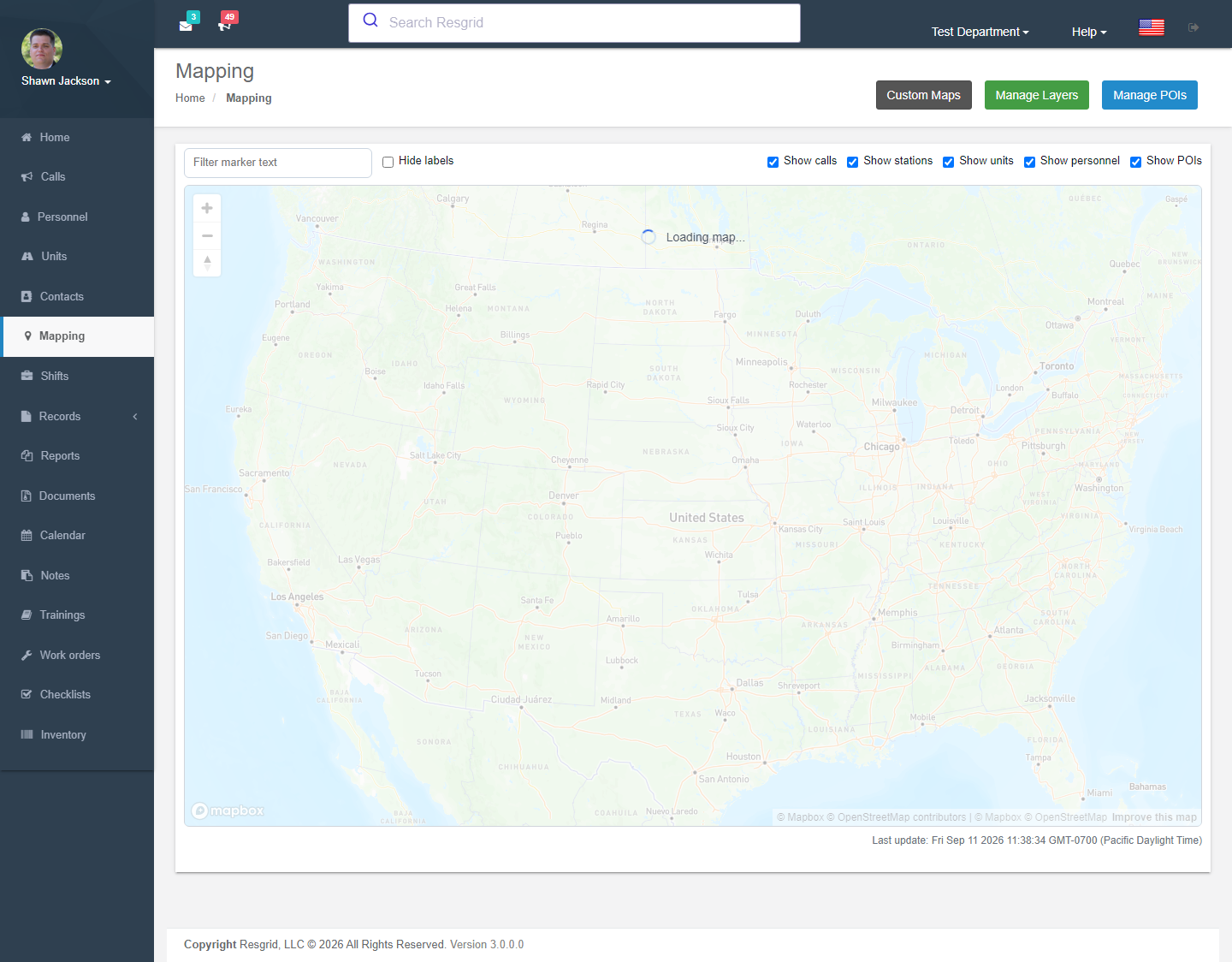
Map View
The main map view displays an interactive map centered on the department's configured location (GPS coordinates or geocoded department address).
Map Data Layers
The GetMapData endpoint is the primary aggregation endpoint, supporting these toggleable layers:
| Layer | Flag | Description |
|---|---|---|
| Stations | ShowStations | Station group locations with geofences |
| Calls | ShowCalls | Active call locations with priority markers |
| Units | ShowUnits | Current unit positions |
| Personnel | ShowPersonnel | Personnel locations (permission-controlled) |
| POIs | ShowPOIs | Points of interest |
| Districts | ShowDistricts | Response district boundaries |
| Custom Maps | ShowCustomMaps | Uploaded floor plans, schematics, and event maps with named zones |
Personnel location visibility is controlled by the CanSeePersonnelLocations permission. This is configurable per department in the Security settings.
Map Layers
Map layers provide custom GeoJSON overlays on the map.
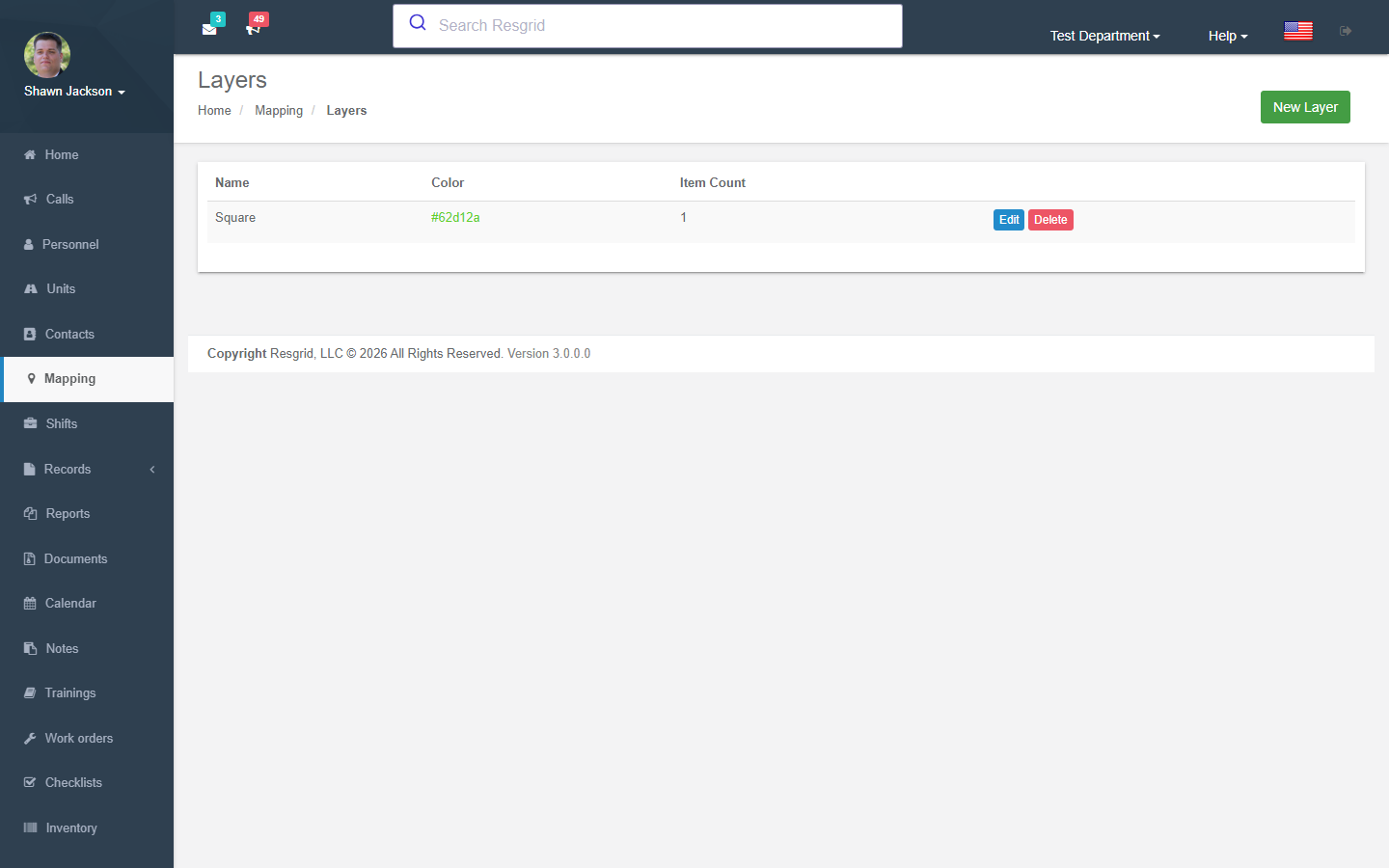
Creating Layers
Layers are defined using GeoJSON FeatureCollection format and stored in MongoDB.
| Field | Description |
|---|---|
| Layer Name | Display name |
| GeoJSON Data | Feature collection defining shapes and properties |
Editing Layers
Modify layer name and GeoJSON data. Validates department ownership and not-deleted status.
Deleting Layers
Layers are soft-deleted (IsDeleted = true) rather than permanently removed.
Points of Interest (POIs)
POI Types
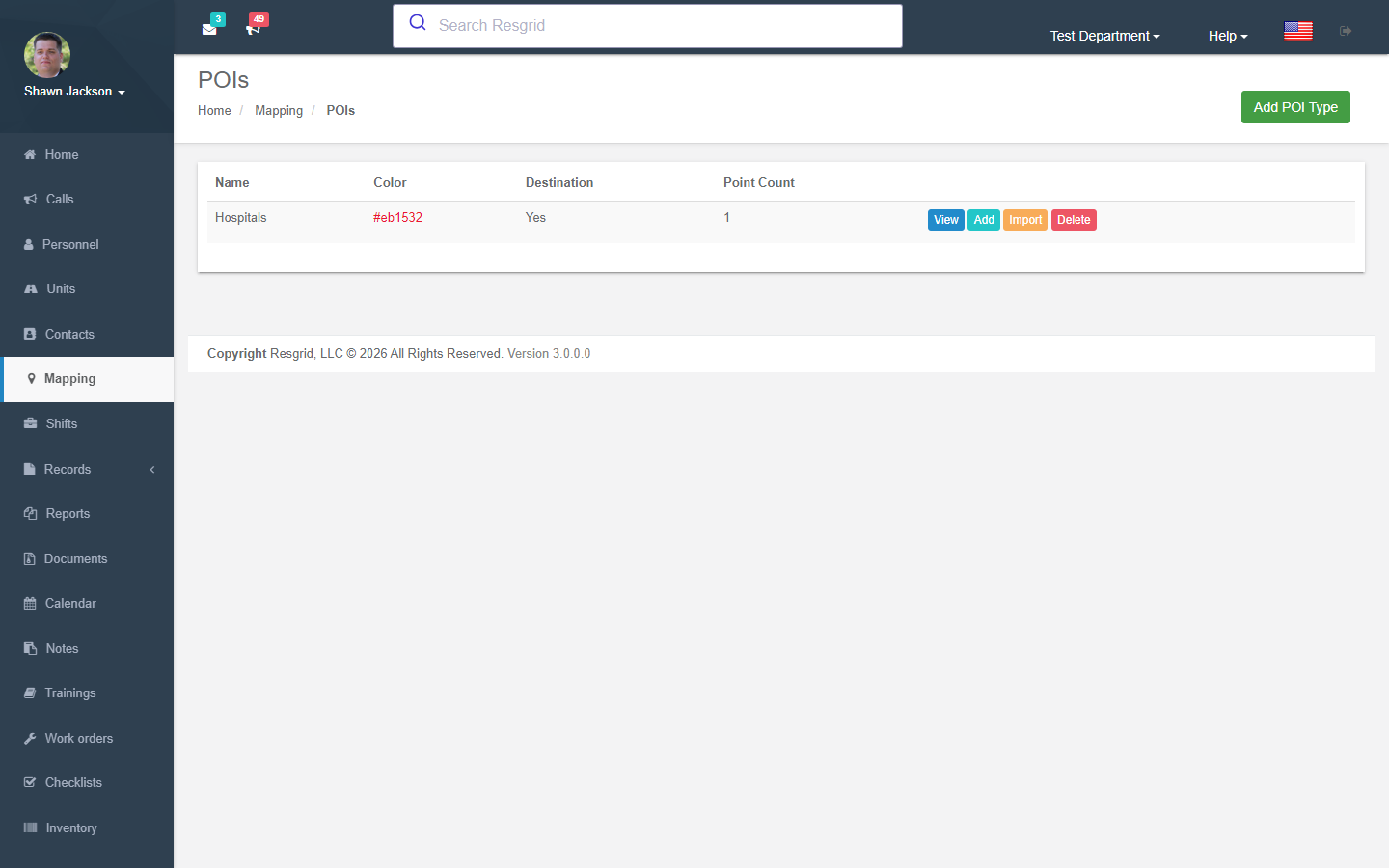
Create categories for points of interest with custom markers and images.
Individual POIs
Add specific locations under a POI type with:
- Name and description
- GPS coordinates (latitude/longitude)
POI Import (KML/KMZ)
Import multiple POIs from KML or KMZ files:
- Uses
IKmlProviderfor parsing - Validates file type (.kml or .kmz)
- Maximum file size: 10 MB
Viewing POIs by Type
The ViewType action filters the map to show only POIs of a specific type.
Live Routing
Call Routing
The LiveRouting action provides a routing view to a specific call location.
Station-to-Call Routing
The StationRouting action shows routing from a station to a call:
- Resolves start coordinates from station address or GPS coordinates
- End coordinates from call location
Custom Maps
Custom Maps allow departments to upload building floor plans, venue layouts, schematics, and satellite imagery, draw named polygon zones on those images, and use zone names as call locations. See the dedicated Custom Maps documentation for full details.
On the main map view, use the Custom Maps layer control (alongside Layers, POIs, and Geofences) to toggle custom map overlays. When one or more custom maps are enabled, a Building Selector sidebar appears for switching between maps and floors.
Setup examples
| Department type | How to set it up |
|---|---|
| Fire | POI types: Hydrants (or use the Records hydrant layer), Knox boxes, Dry hydrants/draft sites, Staging areas; layers: district boundaries (KML from the county GIS), water main map. |
| EMS | POI types: Hospitals (with ED phone numbers in the description), Landing zones, Nursing homes; destinations on calls point at hospital POIs. |
| SAR | Layers: trail systems, search segments (GeoJSON from CalTopo/SARTopo), cell coverage; POI types: trailheads, huts, helispots. Location TTL 240+ minutes. |
| Emergency management | Layers: flood zones, evacuation zones, shelters; POI types: shelters, PODs, fuel sites, sandbag stations. |
| Security | POI types: Client sites, Gates, Cameras; personnel location TTL 15 minutes so stale markers drop. |
| Delivery / transit | Depots and customer sites as POIs; routes drawn with the Routes module; vehicle trackers for live positions. |
Technical reference
MappingController; routes /User/Mapping/{Index,Layers,NewLayer,EditLayer,POIs,AddPOIType,AddPOI,EditPOI,ImportPOIs,LiveRouting,StationRouting}; data via api/v4/Mapping/GetMapDataAndMarkers and GetMayLayers (web component rg-map). Permissions CanSeePersonnelLocations, CanSeeUnitLocations (group-lockable). Map provider (Mapbox / Leaflet-OSM / Google) is an installation setting.
Data Endpoints
| Endpoint | Purpose |
|---|---|
GetMapData | All map markers and geofences based on flag settings |
GetTypesMapData | Map data for a specific POI type |
GetPoisForType | POI list for a specific type |
GetCustomMaps | Active custom maps with floor metadata for the overlay control |
Interactions with Other Modules
| Module | Interaction |
|---|---|
| Calls | Call locations displayed as markers; zone names used as call locations from custom maps |
| Groups | Station locations and geofences displayed |
| Units | Unit positions shown (from GPS tracking); zone-entry notifications triggered |
| Personnel | Personnel locations shown (permission-controlled); plotted on indoor floors when positioning data available |
| Department | Map center, zoom, and refresh settings |
| Security | Personnel location visibility permission |
| Custom Maps | Uploaded floor plans and zone overlays; see Custom Maps |