Templates
The Templates module provides call quick templates and call note autofills that streamline call creation.
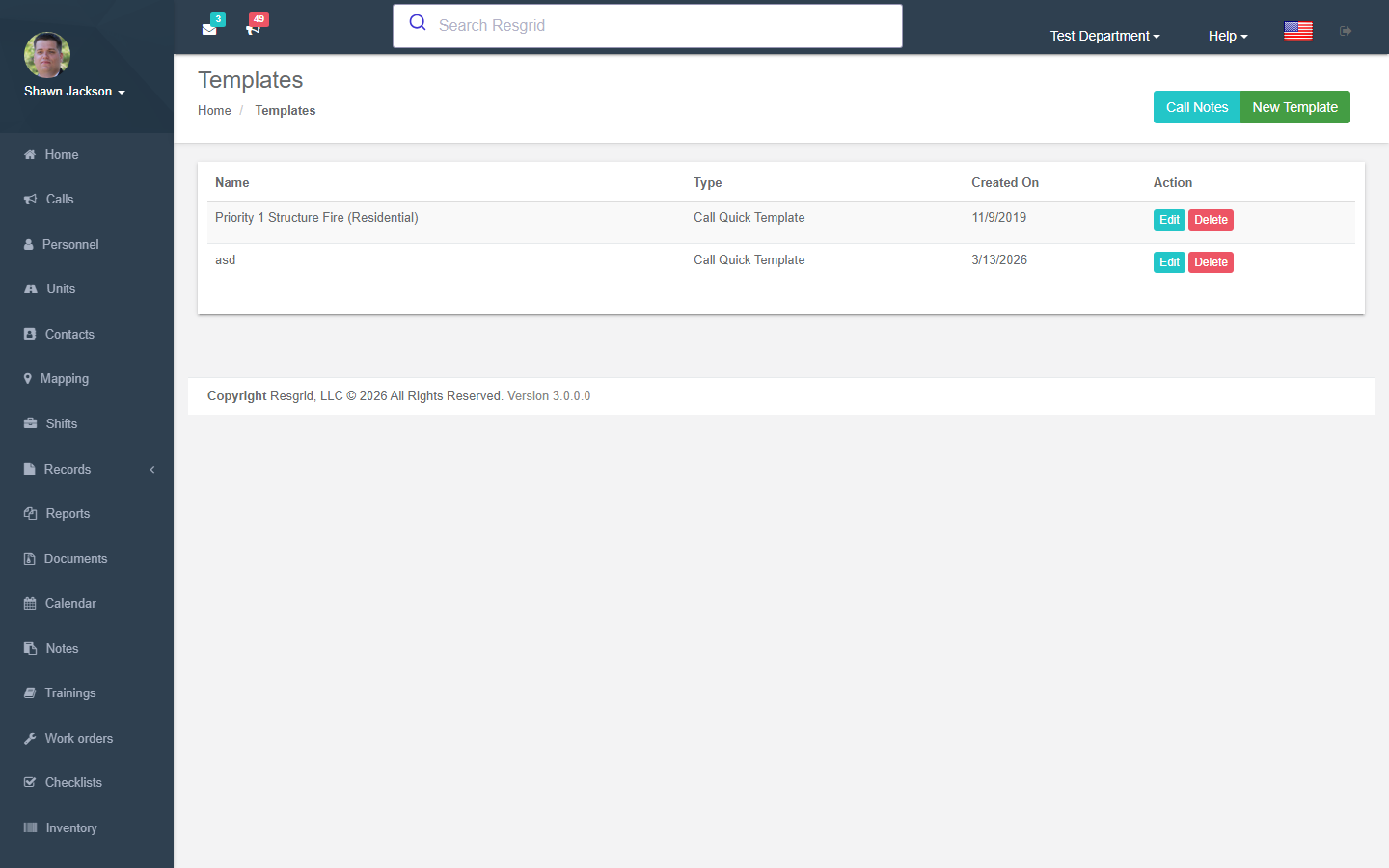
Call Quick Templates
Template List
Authorization: Department_View policy
Displays all call quick templates for the department.
Creating Templates
Authorization: Department_Update policy
| Field | Required | Description |
|---|---|---|
| Call Name | Either name or nature required | Pre-filled call name |
| Call Nature | Either name or nature required | Pre-filled call nature/description |
| Call Priority | No | Pre-selected priority |
| Call Type | No | Pre-selected call type |
| Enable Check-In Timers | No | When set, pre-fills the "Enable Check-In Timers" checkbox on the new call form |
Templates enable one-click creation of common call types by pre-filling the dispatch form.
Editing Templates
Authorization: Department_Update policy
Same fields as creation. Validates department ownership.
Deleting Templates
Authorization: Department_Update policy
Validates department ownership before deletion.
Template API
The GetTemplate endpoint returns the full template as JSON, used by the dispatch UI to populate form fields.
Call Note Autofills
Autofill List
Authorization: Department_View policy
Lists all call note autofills ordered by their sort position.
Creating Autofills
Authorization: Department_Update policy
| Field | Required | Description |
|---|---|---|
| Name | Yes | Autofill button label |
| Data | Yes | Text to insert into call notes |
| Sort | Auto | Display order |
Editing Autofills
Authorization: Department_Update policy
Modify name, data text, and sort order.
Deleting Autofills
Authorization: Department_Update policy
Validates department ownership.
Setup examples
| Department type | How to set it up |
|---|---|
| Fire | Templates: Structure fire, Vehicle fire, MVA, Alarm — each pre-selecting type, priority and dispatch targets. |
| EMS | Templates per determinant level with the right unit type. |
| Security | Alarm response, Escort, Medical templates; call-note templates for standard dispositions. |
| Delivery | Delivery, Pickup templates with destination fields. |
Technical reference
Interactions with Other Modules
| Module | Interaction |
|---|---|
| Dispatch | Templates pre-fill call form; autofills insert into call notes |
| Types | Call types and priorities used in template configuration |
| Check-In Timers | Templates can pre-configure the check-in timers enabled state for new calls |