Distribution Lists
Distribution Lists manage email distribution groups for the department. The module is managed by the DistributionListsController.
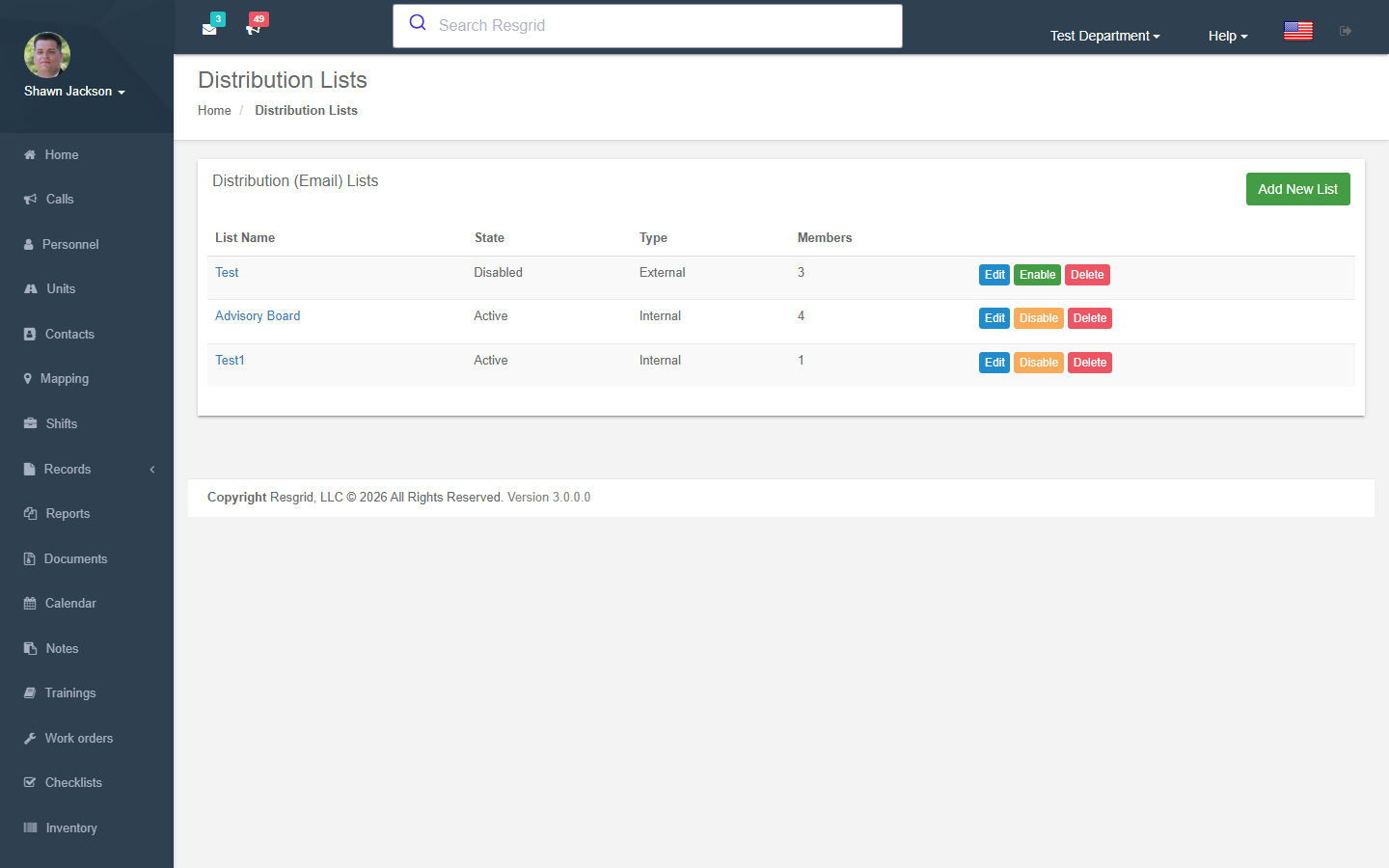
Distribution List Management
Authorization: Department_Update policy
Viewing Lists
Displays all distribution lists for the department.
Creating Lists
| Field | Required | Description |
|---|---|---|
| Name | Yes | List display name |
| Email Address | Yes | Must be unique across all lists |
| Type | Auto | Set to Internal |
| Port | Default | Default: 110 |
| SSL | Default | Default: Off |
| Members | No | Comma-separated user IDs |
Email Uniqueness
The system validates that the email address is not already used by another distribution list via GetDistributionListByAddressAsync.
Editing Lists
Supports:
- Updating list properties
- Diff-based member management (add new members, remove departed ones)
- External mail settings are nullified on edit (forced to Internal type)
- Hostname validation for External types uses
StringHelpers.IsValidDomainName
Deleting Lists
Validates department ownership before deletion.
Enable/Disable Lists
Toggle a list's active state via SetListStatus:
- Set
IsDisabled = trueto disable - Set
IsDisabled = falseto enable
Validation Endpoints
| Endpoint | Purpose |
|---|---|
ValidateAddress | Check if an email address is already in use by another list |
GetMembersForList | Get member user IDs for a list |
Setup examples
| Department type | How to set it up |
|---|---|
| Fire | officers@ and members@ lists so any member can email the group; board@ for the auxiliary. |
| Emergency management | esf-leads@, shelters@ lists including external contacts. |
| Business | site-alpha@ per client site. |
Technical reference
Interactions with Other Modules
| Module | Interaction |
|---|---|
| Personnel | Members are department personnel |
| Department | Lists are department-scoped |