Resource Orders
Resource Orders enable cross-department resource requesting and fulfillment. The module is managed by the OrdersController.
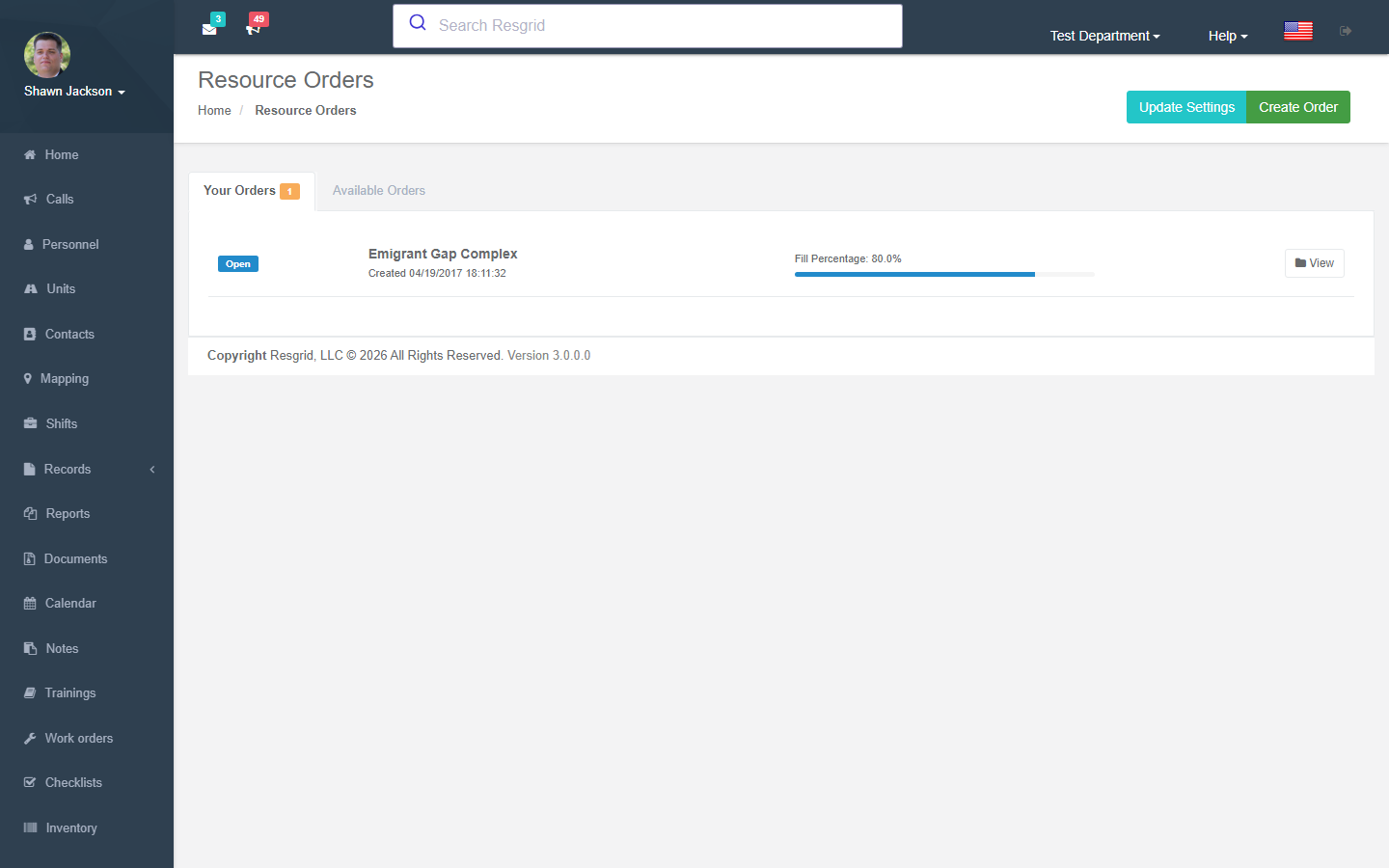
Overview
The resource ordering system allows departments to:
- Request resources (personnel, equipment) from other departments
- View and fill orders from other departments
- Manage order visibility and auto-fill settings
Resource Order Dashboard
Displays two sections:
- Your Orders — Orders created by the department (sorted by open date)
- Available Orders — Orders from other departments that are visible and fillable
Map center coordinates are loaded for geographic context.
Order Settings
Configuration Fields
| Field | Description |
|---|---|
| Visibility | Who can see your orders (Range, Geofence, Linked, Unrestricted) |
| Range | Maximum distance for Range visibility (default: 500) |
| Default Manager | User who manages incoming fills |
| Staffing Limits | Staffing levels that can respond |
| Auto-Fill | Automatically accept fills |
| Boundary Geofence | Geographic boundary for order visibility |
| Notify Roles | Personnel roles notified of new orders |
| Target Department Types | Types of departments that can see orders |
| Import Email Code | Auto-generated code for email-based ordering |
Visibility Levels
| Level | Code | Description |
|---|---|---|
| Range | 0 | Visible to departments within configured distance |
| Geofence | 1 | Visible to departments within boundary geofence |
| Linked | 2 | Visible only to linked departments |
| Unrestricted | 3 | Visible to all departments |
Creating Orders
Order Fields
| Field | Required | Description |
|---|---|---|
| Name | Yes | Order title |
| Summary | No | Order description |
| Needed By | Default +30 days | Deadline for fulfillment |
Order Items
Each order contains one or more resource items:
| Field | Description |
|---|---|
| Resource | What is being requested |
| Minimum | Minimum quantity needed |
| Maximum | Maximum quantity acceptable |
Items are parsed dynamically from form fields (itemResource_N, itemMin_N, itemMax_N).
Order Metadata
- Origin coordinates from department map center
- Visibility and range from settings
- Open date automatically set
Filling Orders
View Fill Form
View an order's items and available personnel for filling.
Submit Fill
| Field | Description |
|---|---|
| Contact Name | Fill coordinator |
| Contact Info | Contact details |
| Units | Units being offered |
| Lead User | Personnel leading the fill |
Auto-Fill Acceptance
If the ordering department has auto-fill enabled:
- Fills are immediately accepted
- Uses the configured default manager or department managing user
Manual Acceptance
The AcceptFill action manually accepts a submitted fill.
Setup examples
| Department type | How to set it up |
|---|---|
| Mutual aid | Order an engine and a tender from linked departments during a large fire; the filling department accepts and assigns units. |
| Emergency management | Resource requests from municipalities to the county EOC; track fills and returns. |
| SAR | Request K9 or drone teams from partner teams. |
Technical reference
Data Endpoints
| Endpoint | Purpose |
|---|---|
GetYourOrders | Department's open orders with status |
GetAvailableOrders | Available orders from other departments |
Interactions with Other Modules
| Module | Interaction |
|---|---|
| Department Links | Linked departments can have order visibility |
| Personnel | Personnel assigned to fills |
| Units | Units offered in fills |
| Custom Statuses | Staffing levels used for fill eligibility |
| Mapping | Geographic coordinates for range/geofence visibility |
| Department Settings | Default manager and map center coordinates |