Notifications
Notifications are the department's automatic alerts about readiness rather than incidents: fewer than two drivers available, Engine 1 out of service, a member's staffing changed, inventory low, checklist missed. Each notification picks an event, a threshold and who to tell (everyone, a group, a role, specific people), and delivers through push, SMS and email.
Department menu → Notifications. Personal notification preferences (which channels you receive) are on your profile.
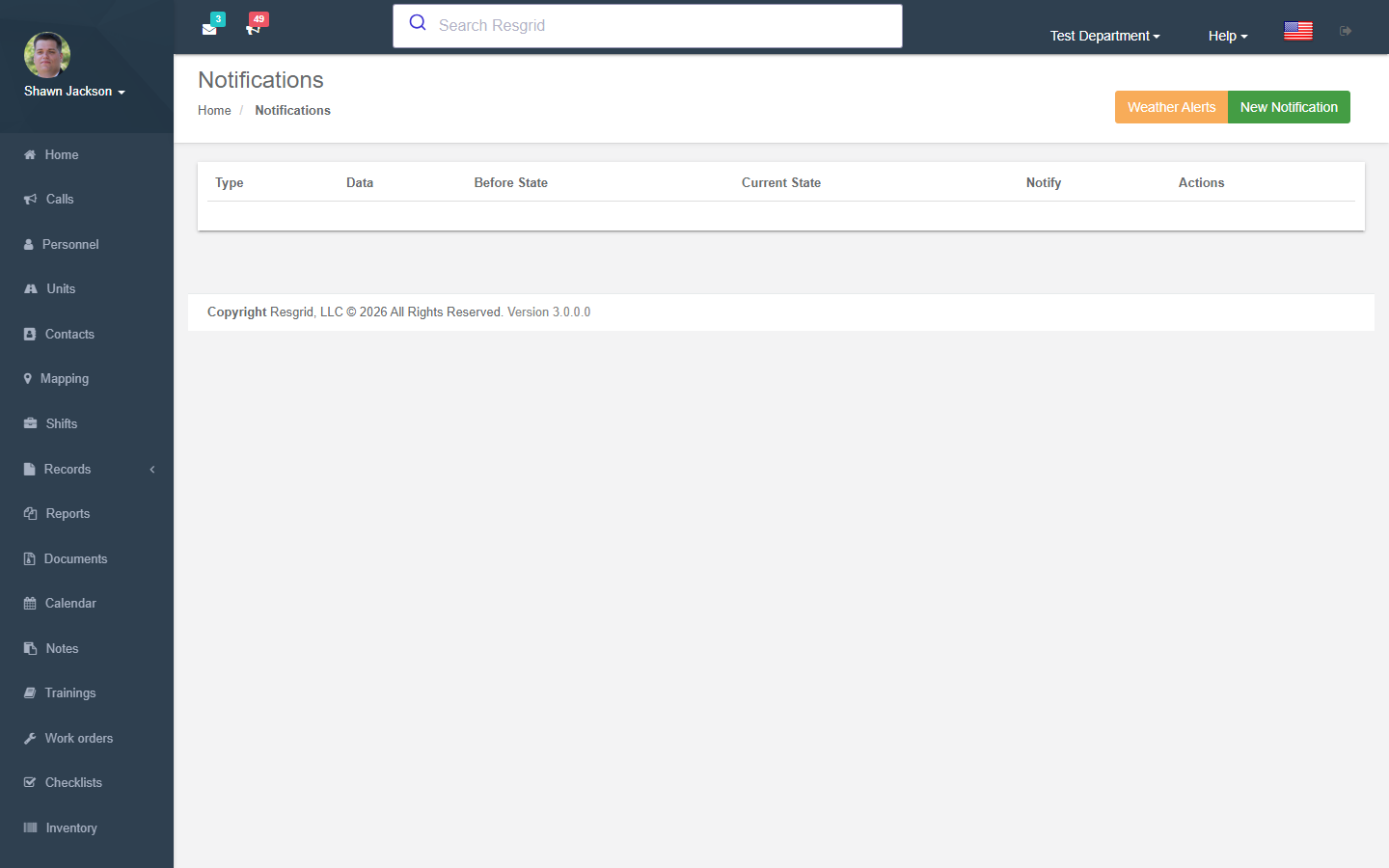
Notification List
Displays all configured notification rules with resolved human-readable descriptions of:
- Who is notified
- What triggers the notification
- Threshold values
Creating Notifications
Notification Targeting
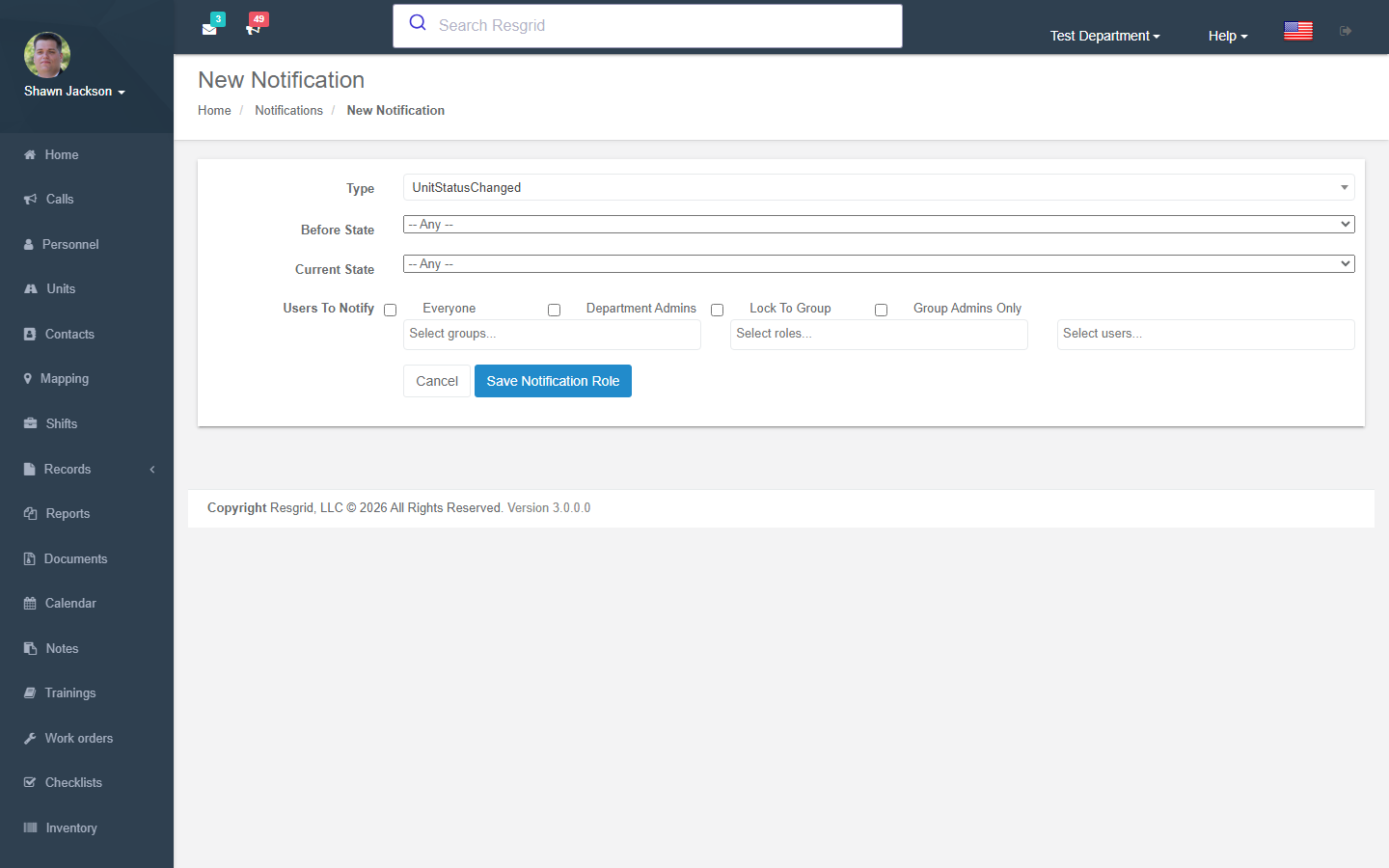
Notifications can target:
| Target | Description |
|---|---|
| Everyone | All department members |
| Department Admins | Only administrators |
| Selected Group Admins | Admins of specific groups |
| Specific combinations | Custom mix of roles, groups, and individual users |
Notification Event Types
| Event Type | Description | Configuration |
|---|---|---|
RolesInGroupAvailabilityAlert | Alert when available personnel with a specific role in a group drops below threshold | Role, Group, Lower/Upper limits |
UnitTypesInGroupAvailabilityAlert | Alert when available units of a type in a group drops below threshold | Unit Type, Group, Lower/Upper limits |
RolesInDepartmentAvailabilityAlert | Alert when available personnel with a role department-wide drops below threshold | Role, Lower/Upper limits |
UnitTypesInDepartmentAvailabilityAlert | Alert when available units of a type department-wide drops below threshold | Unit Type, Lower/Upper limits |
Threshold Configuration
| Field | Description |
|---|---|
| Lower Limit | Alert when count drops below this value |
| Upper Limit | Alert when count exceeds this value |
Current State Data
When creating a notification, the system captures the current state of relevant resources (staffing levels, unit states) for comparison when evaluating triggers.
Deleting Notifications
Removes a notification rule by ID.
Display Resolution
The notification list performs extensive resolution to display human-readable information:
- Role IDs → Role names
- Group IDs → Group names
- User IDs → User names
- Event type codes → Descriptive text
- Unit type IDs → Unit type names
Setup examples
| Department type | How to set it up |
|---|---|
| Volunteer fire | Role availability below N for Driver/Operator (2) and Interior FF (4) → officers; Unit status changed to Out of service → chief and mechanic. |
| EMS | Unit availability below 1 per station → supervisor; Inventory alerts → logistics role. |
| SAR | Personnel staffing changed summary → coordinator daily; Group availability below N for Technical team. |
| Emergency management | Weather alert notifications by zone; Document added to the EOP category → all section chiefs. |
| Security | Unit status changed (patrol out of service) → operations centre; Checklist missed → site supervisor. |
Technical reference
NotificationsController; routes /User/Notifications/{Index,New,Delete}; model DepartmentNotification (event type, threshold, target group/role/users, channels); evaluated by the notification worker on status/staffing/unit/inventory/checklist events.
Interactions with Other Modules
| Module | Interaction |
|---|---|
| Personnel Roles | Role-based availability alerts |
| Groups | Group-level availability alerts |
| Units | Unit type availability alerts |
| Custom Statuses | Current state data references custom states |
| Department Settings | Notification delivery channels |
| Contact Verification | Notification delivery is gated by each user's contact verification status per channel |