Protocols
Dispatch Protocols define structured response procedures with trigger-based activation, assessment questions, and supporting attachments. The module is managed by the ProtocolsController.
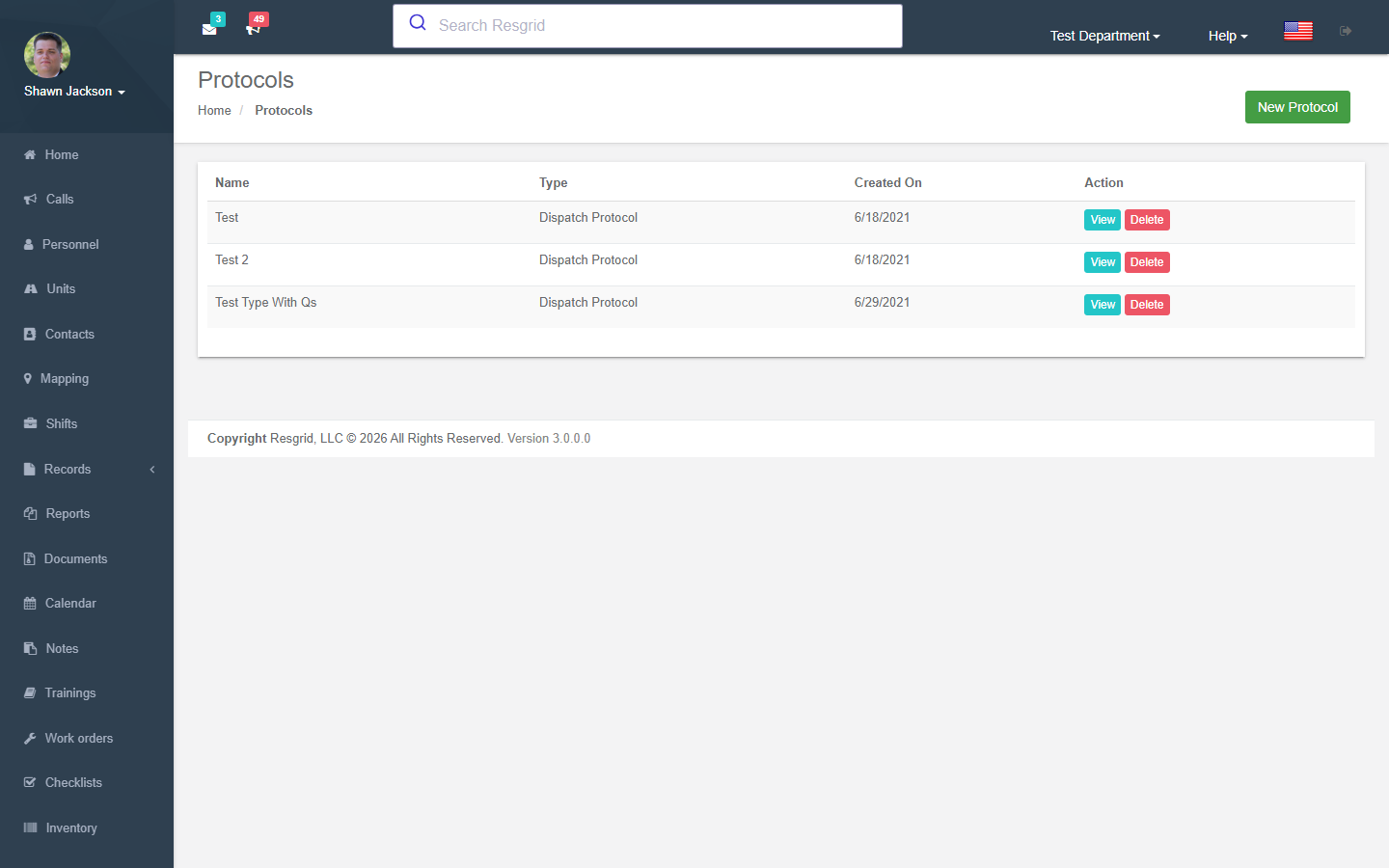
Protocol List
Authorization: Protocol_View policy
Displays all dispatch protocols for the department.
Creating Protocols
Authorization: Protocol_Create policy
Protocol Fields
| Field | Required | Description |
|---|---|---|
| Name | Yes | Protocol name |
| Code | Yes | Protocol code (stored uppercased) |
| Description | No | Protocol description |
| Text | No | Full protocol text/instructions |
Triggers
Protocols can have multiple triggers that determine when they activate:
| Trigger Field | Description |
|---|---|
| Trigger Type | Type of trigger (from enum) |
| Starts On | Time-based start condition |
| Ends On | Time-based end condition |
| Call Priority | Activate for specific call priority |
| Call Type | Activate for specific call type |
Questions & Answers
Protocols include assessment questions with weighted answers:
| Field | Description |
|---|---|
| Question Text | The assessment question |
| Answer Options | Multiple-choice answers |
| Answer Weights | Numeric weight per answer (for scoring) |
| Correct Answer | Designated correct response |
Questions and answers are parsed from dynamic form fields (question_*, answerForQuestion_{q}_{a}, weightForAnswer_{q}_{a}).
File Attachments
| Constraint | Value |
|---|---|
| Maximum file size | 30 MB |
| Allowed file types | jpg, jpeg, png, gif, pdf, doc, docx, ppt, pptx, pps, ppsx, odt, xls, xlsx, txt, mpg, avi, mpeg |
Viewing Protocols
Authorization: Protocol_View policy + CanUserViewProtocolAsync runtime check
Displays the full protocol with text, triggers, questions, and attachments.
Deleting Protocols
Authorization: Protocol_Delete policy + CanUserModifyProtocolAsync runtime check
Dynamic Protocol Matching
The GetProtocolsForPrioType endpoint is a key API used during call creation:
- Receives a call priority and call type
- Creates a mock
Callobject with those parameters - Runs all department protocols through
IProtocolsService.ProcessTriggers - Returns matching protocols as JSON
This enables the dispatch UI to dynamically suggest applicable protocols based on the call being created.
Protocol Attachments
Attachments can be downloaded individually:
- Validates the user can view the parent protocol
- Returns file with original content type and filename
Protocol Text API
The GetTextForProtocol endpoint returns just the protocol name and text as JSON (returns "No Protocol Text Present" if empty).
Setup examples
| Department type | How to set it up |
|---|---|
| Fire | Structure fire protocol triggered by type + priority: questions (occupants out? hydrant nearby?), instructions and attachments (pre-plan). |
| EMS | Emergency medical dispatch style protocols per chief complaint with questions and pre-arrival instructions. |
| Security | Alarm response protocol: verify with alarm company, key-holder contact, police notification. |
Technical reference
Data Endpoints
| Endpoint | Purpose |
|---|---|
GetProtocol | Full protocol as JSON |
GetProtocolsForPrioType | Matching protocols for priority/type combo |
GetProtocolAttachment | Download attachment file |
GetTextForProtocol | Protocol name and text only |
Interactions with Other Modules
| Module | Interaction |
|---|---|
| Dispatch | Protocols attached to calls; dynamic matching during call creation |
| Types | Call types and priorities used in trigger configuration |