Planning and organization
Operational periods and the plan
Planning → Periods & plan (permission Manage incident periods) lists the incident's operational periods in its own time zone.
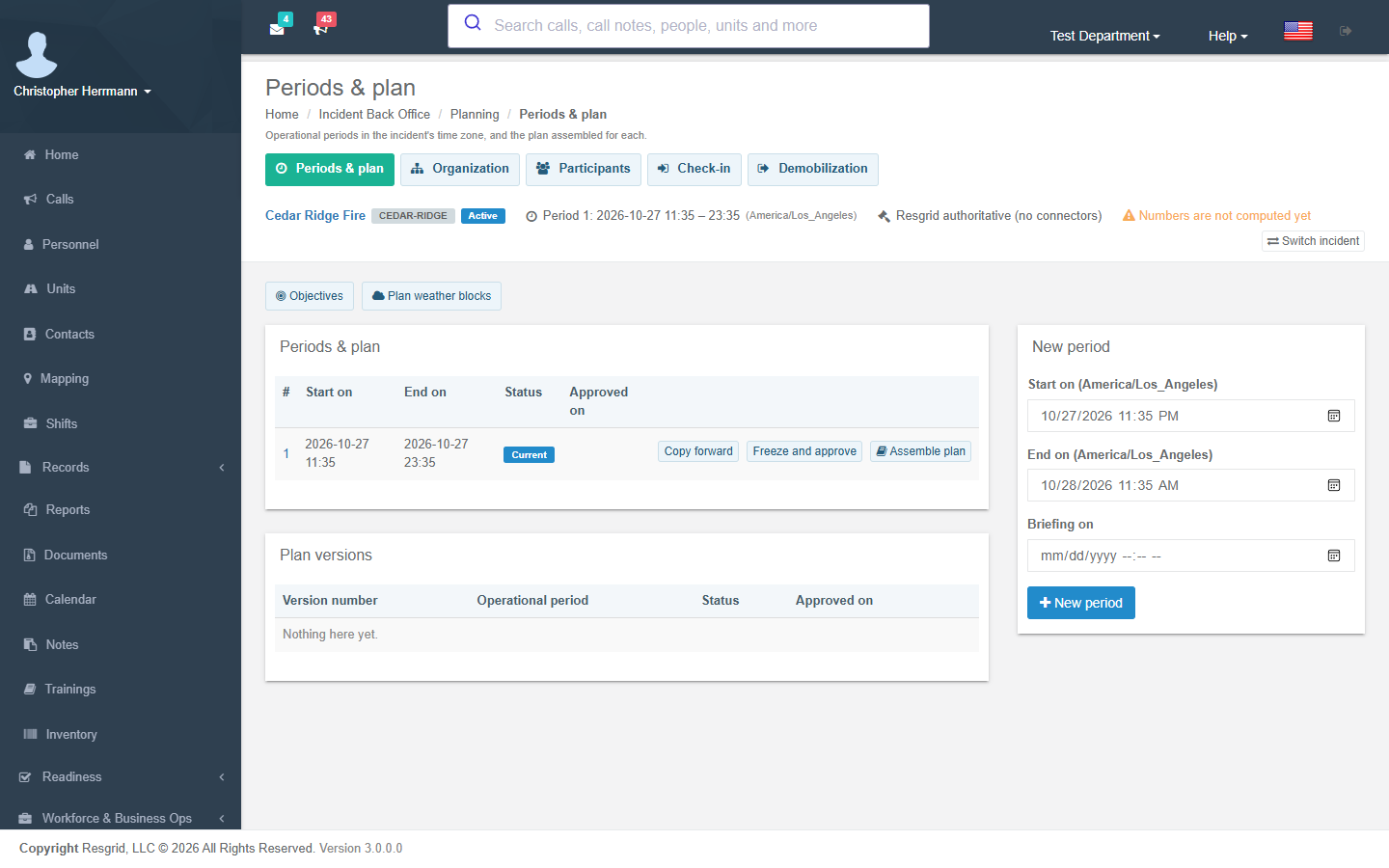
- New period creates a period for the window you choose; the next window is suggested from the last period.
- Start makes a planned period current; the previous current period closes. The Incident period started trigger fires.
- Copy forward creates the next period with open objectives, organization nodes and running assignments copied; completed work never copies.
- Freeze and approve locks the period's plan inputs.
- Assemble plan (permission Assemble IAP) builds a plan version from the period's IAP records; Approve plan approves it, supersedes older versions, snapshots the weather block and fires Incident plan approved.
Objectives and weather blocks are edited from the same desk.
Positions and teams
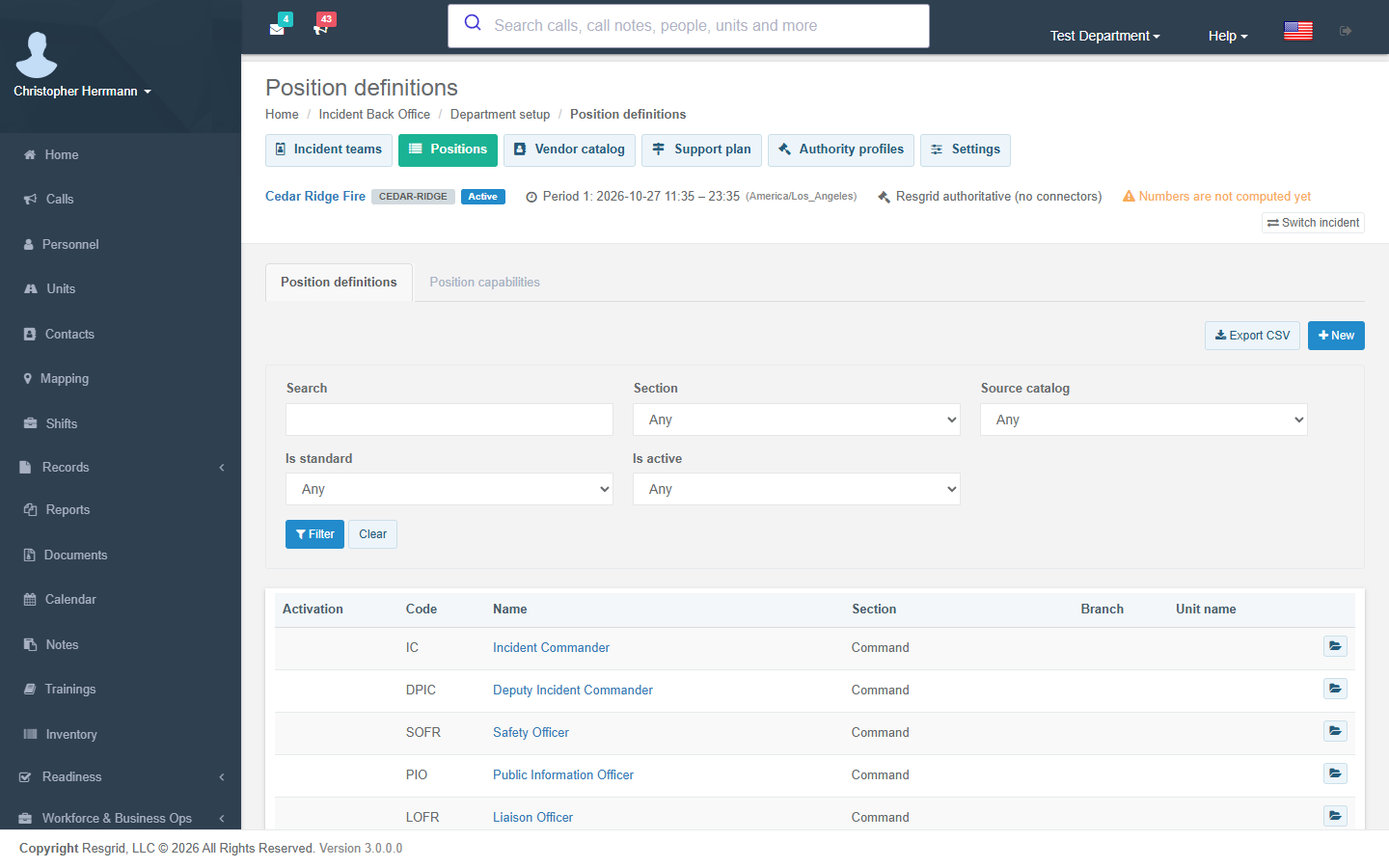
Department setup → Positions holds your position catalog. Add NIMS core / NWCG wildland / CICCS positions adds the standard positions you do not have yet; it never changes positions you already have. Each position can list the qualifications it needs.
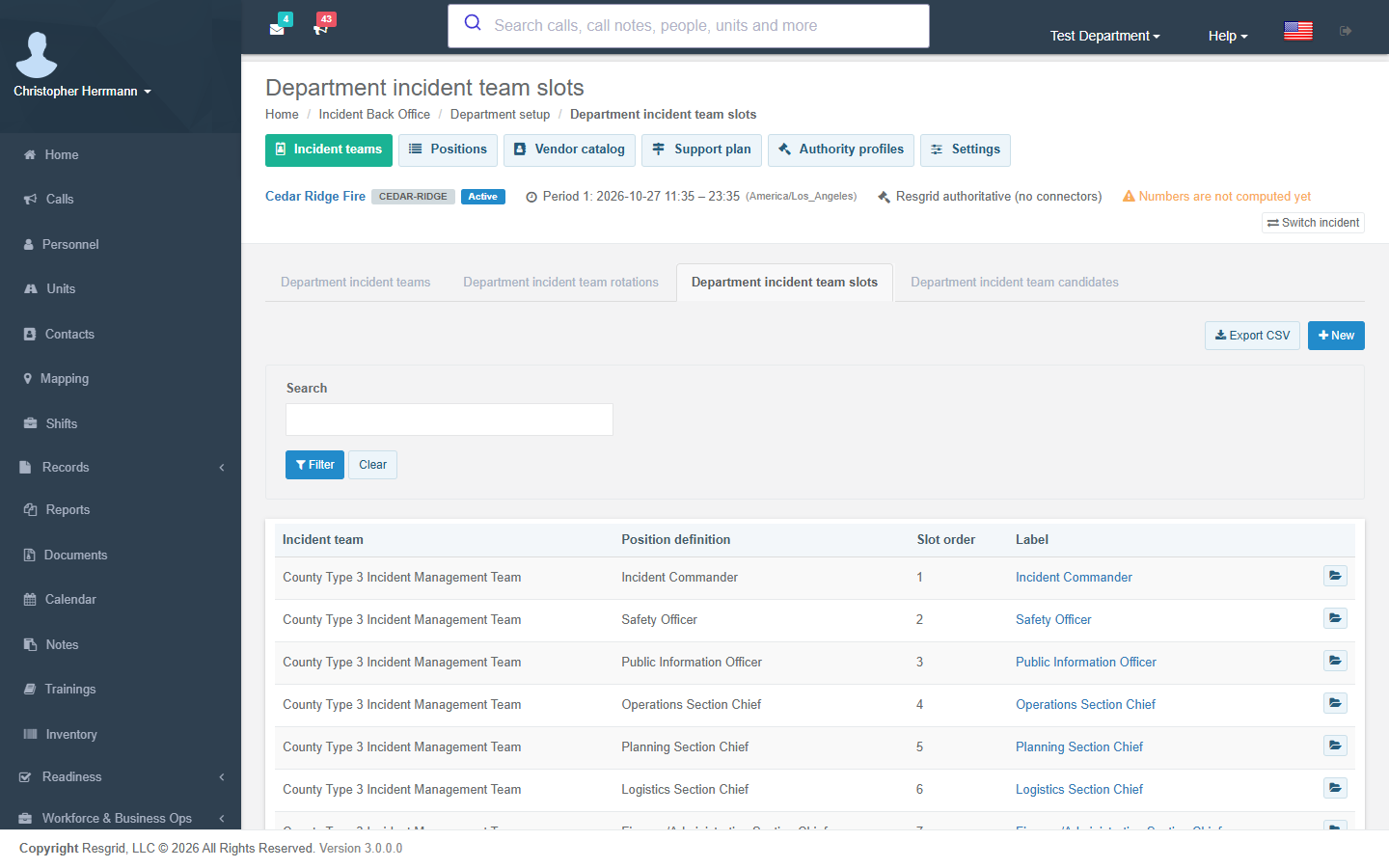
Department setup → Incident teams holds standing incident management teams: rotations, slots and candidates. Team readiness computes, for a window you choose, whether each slot has a qualified candidate (nothing is stored). Propose activation lets you pick the candidate for each slot and activate the team into an incident in one step; a candidate already assigned elsewhere is reported as a conflict, never double-booked. When a team's readiness changes, the Incident team readiness changed trigger fires.
Organization and assignments
Planning → Organization holds the incident's organization nodes (sections, branches, divisions, groups, units) and position assignments. Assign a position (permission Create incident position):
- checks the person's qualifications against the position's requirements before saving, using your enforcement mode;
- reports other open assignments that overlap for the same person;
- records trainee, acting, deputy and relief assignments, shift pattern and the operational period;
- fires Incident position assigned and notifies the person in their own language.
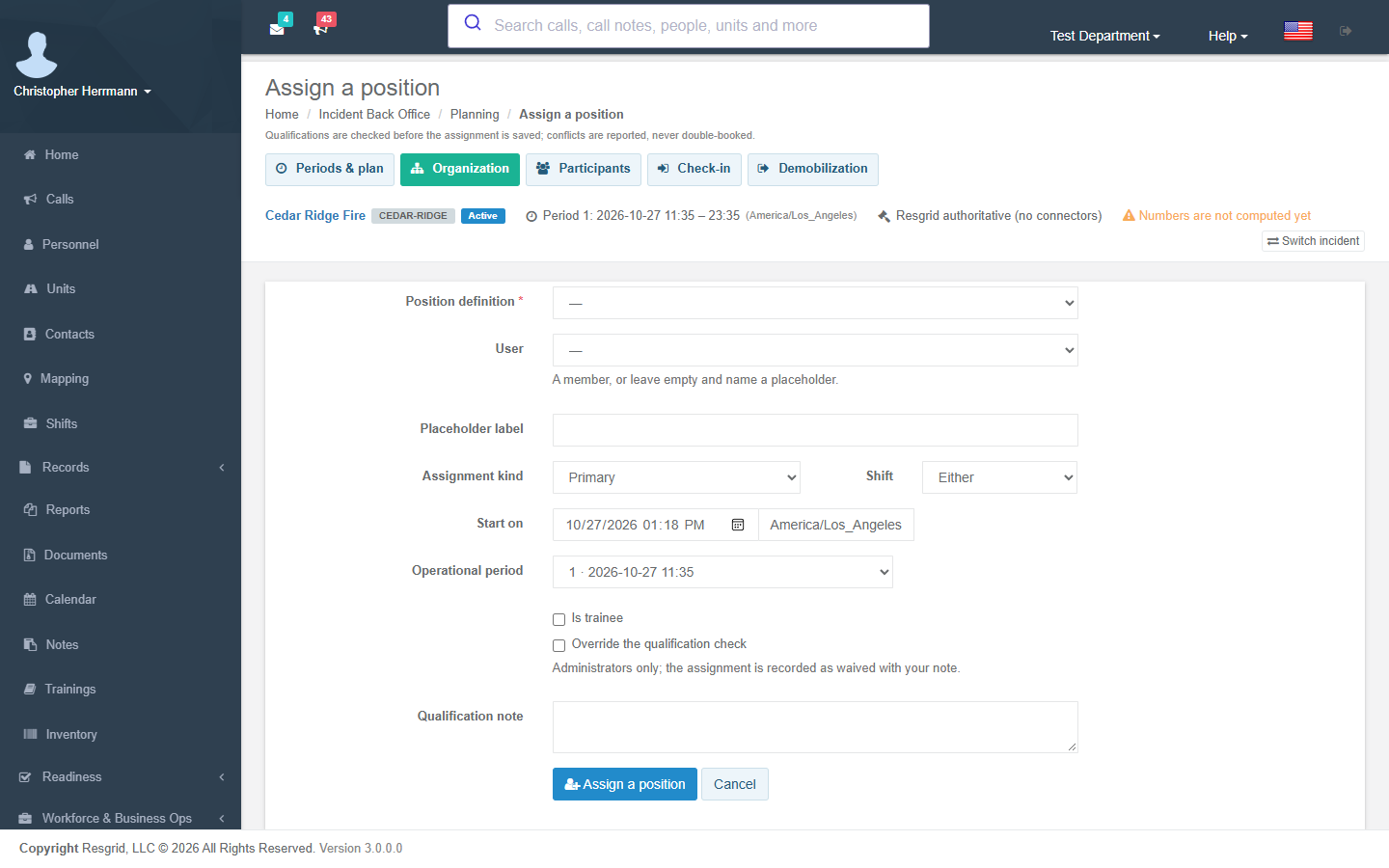
Administrators can override a failed qualification check; the assignment is then recorded as waived with the note. End assignment closes an assignment at the current time, so "who held this position at 14:00 yesterday" always has an answer.
Participants, enrollment and check-in
Planning → Participants holds everyone supported by the incident — members, mutual-aid personnel and contractors — with their agency, order and request numbers, payment class, expected arrival, lodging and meal needs. Personal phone, e-mail, address, date of birth and identifiers, and the emergency contact, medical, accessibility and dietary details on the separate sensitive record, are protected values: you see them only with View participant sensitive data.
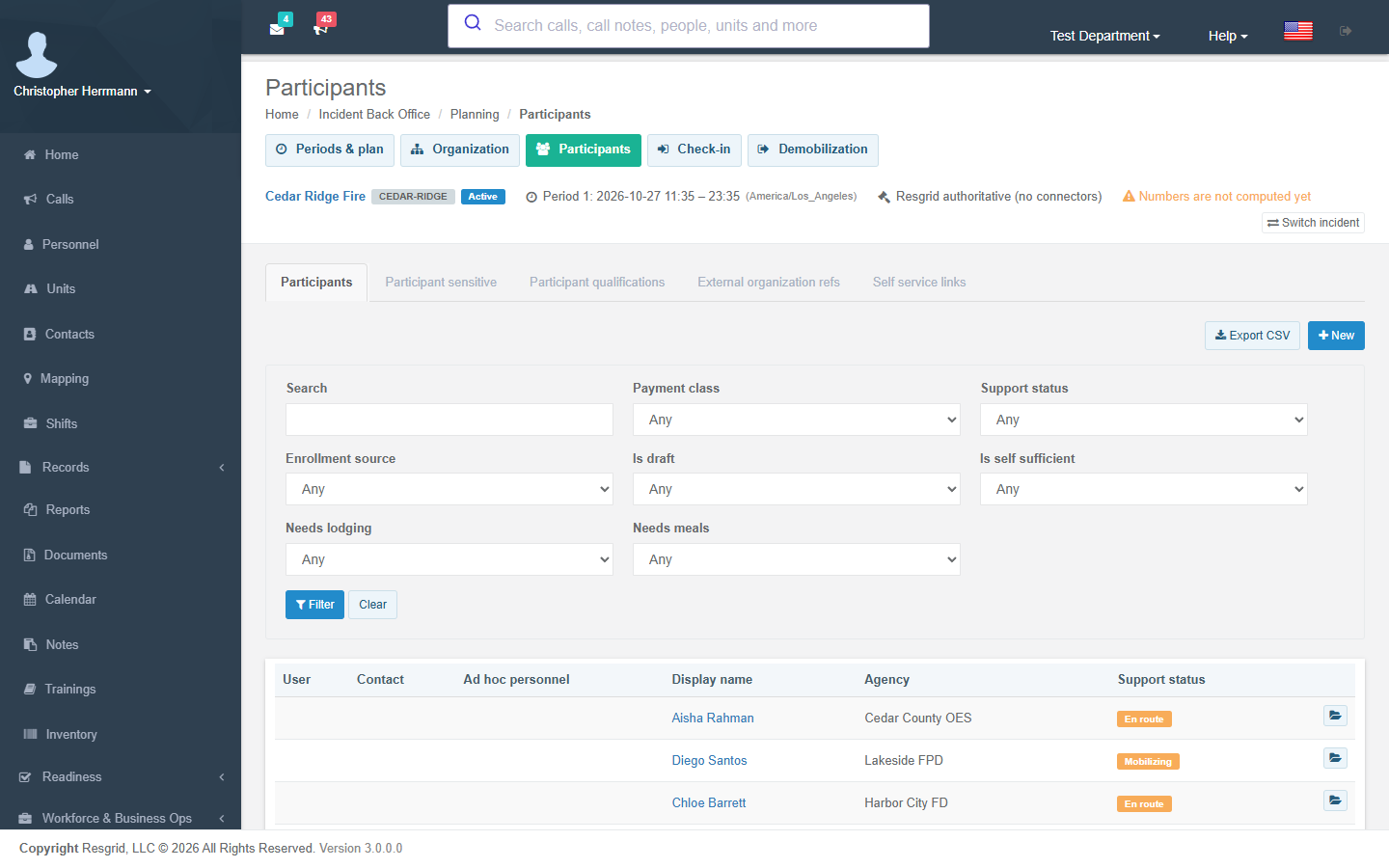
- Enrollment queue lists people and units dispatched to the linked call or placed on its command board who have no participant record yet. Enroll them in one step, or as drafts for review. Your enrollment policy decides whether the queue only suggests or drafts automatically, and the Incident enrollment backlog trigger fires when the queue grows past your limits.
- Roster import stages a CSV (header row;
DisplayNamerequired;Agency,HomeUnit,PositionTitle,OrderNumber,RequestNumber,PaymentClassandExpectedArrivaloptional), shows every row with its problems, and commits only the valid rows. Importing the same roster twice skips rows already on the incident. - Snapshot qualifications records the participant's certifications as they stand now.
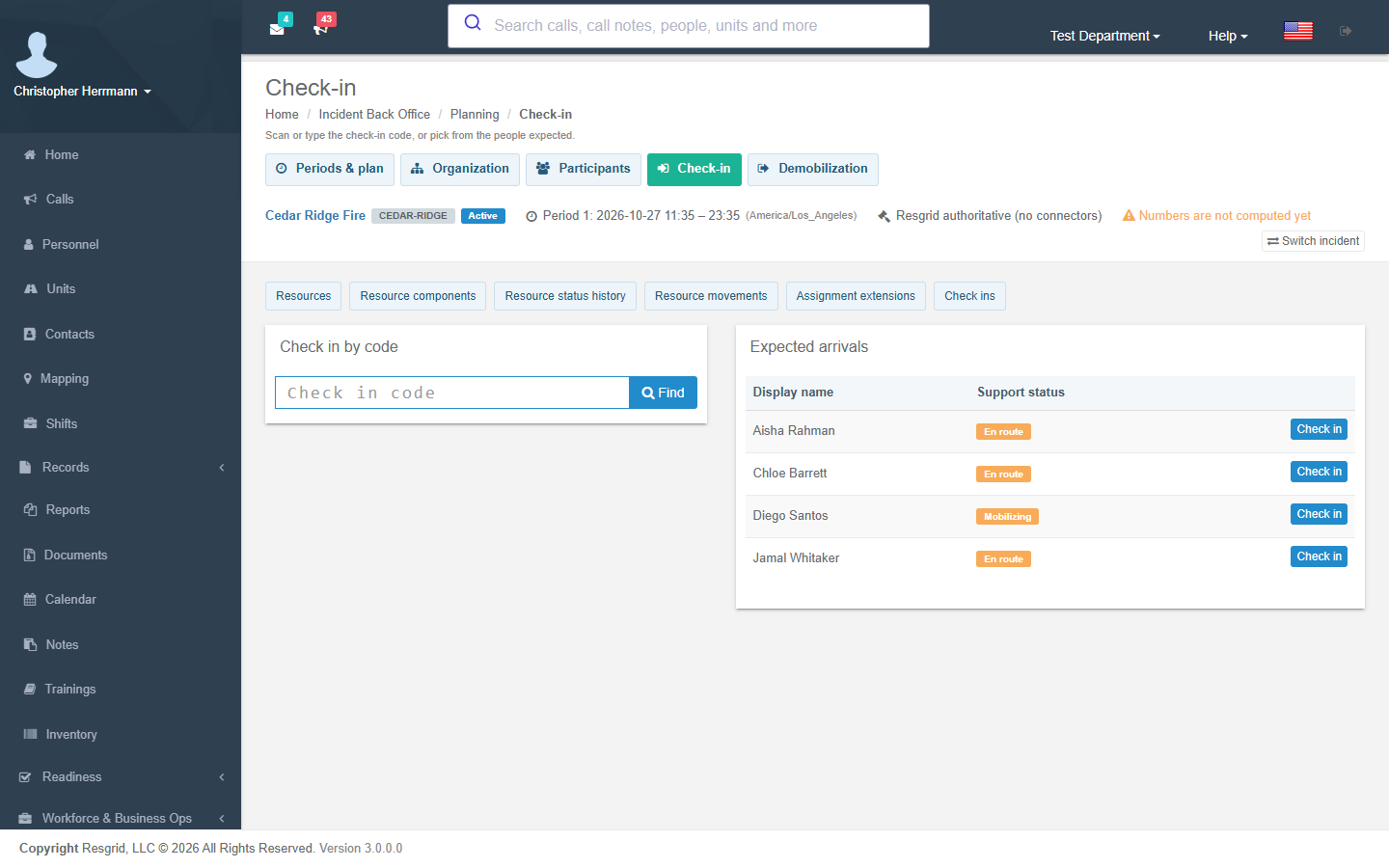
Planning → Check-in finds a participant by the code on their badge or confirmation (or from the list of people expected) and checks them in; Incident participant checked in fires. Resources (crews, equipment, aircraft, supplies), their components, movements, status history and assignment extensions are kept on the same desk.
Demobilization
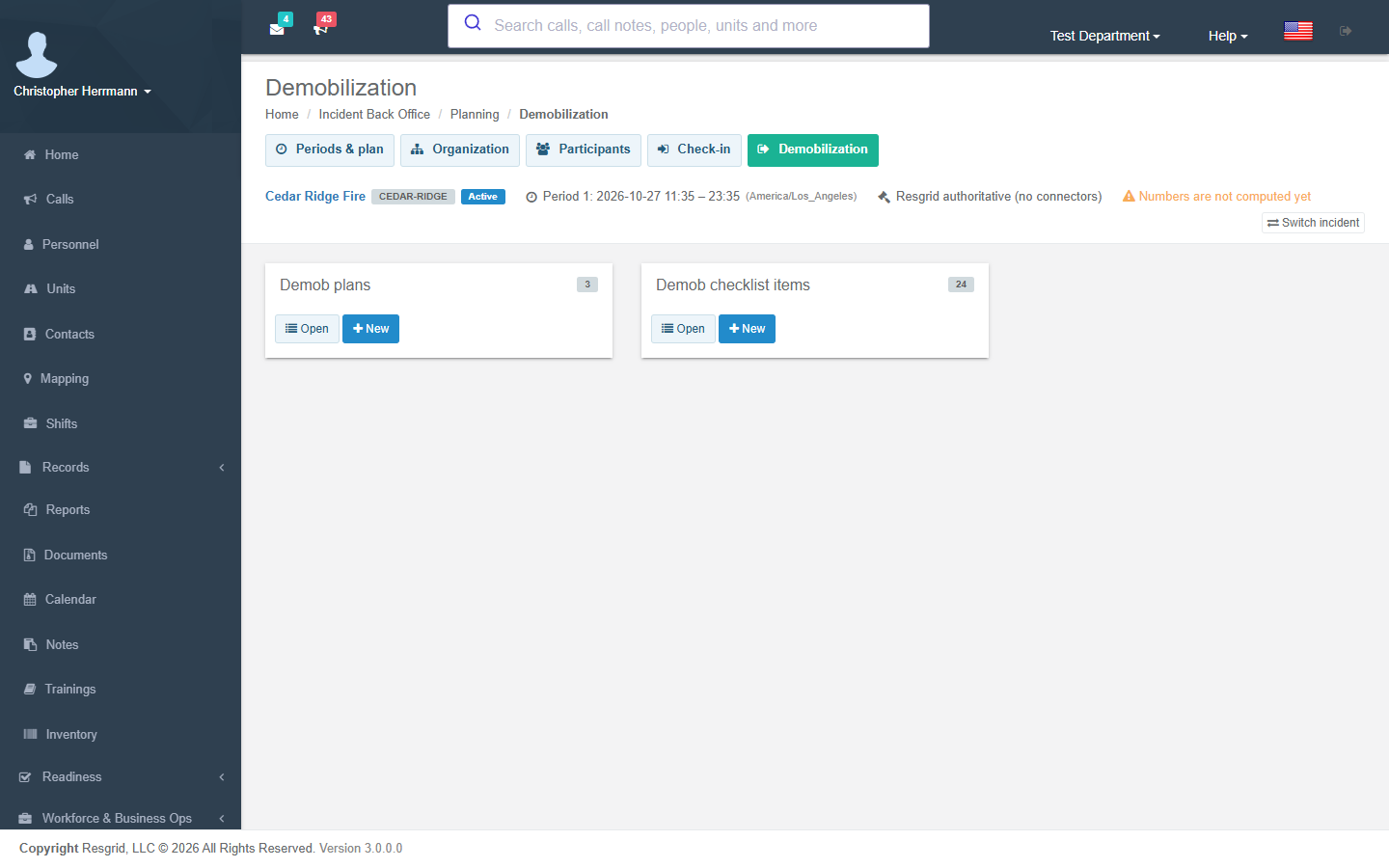
Planning → Demobilization holds demobilization plans. A new plan gets the standard checklist — role handoff, issued property, vehicle inspection, time and equipment posted, receipts and claims, lodging checkout, travel and evaluation — with the property, vehicle, time, receipt and lodging items blocking. Release is refused while a blocking item is open (the Incident demob blocked trigger fires a day ahead), and Incident demob completed fires when the plan reaches Departed.