Finance
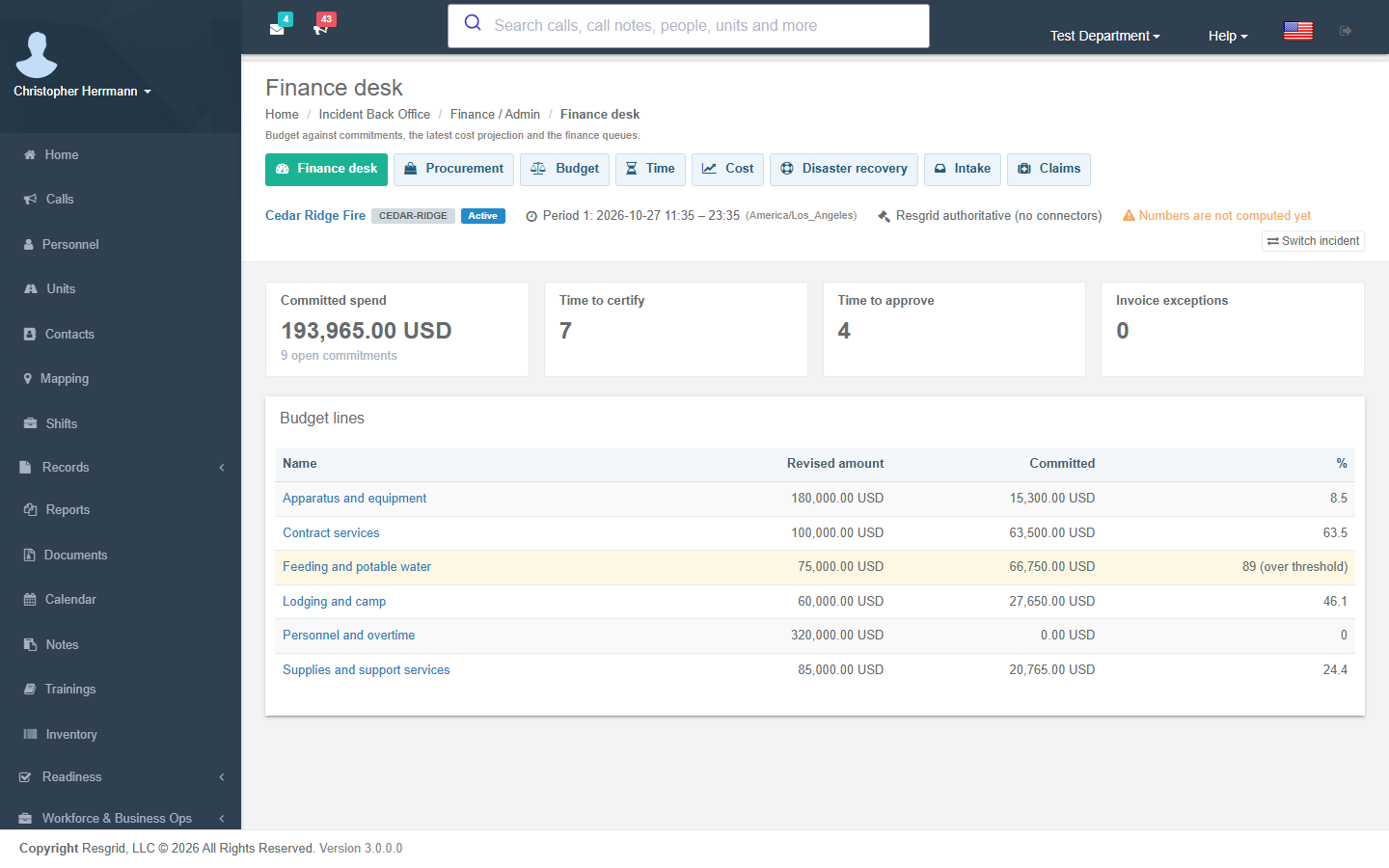
The finance desks need the Incident finance desks module switch (on by default). The Finance desk shows committed spend and open commitments, yesterday's cost and the cost to date, time waiting to be certified or approved, invoice exceptions, and each budget line against its committed spend. A line past its threshold is highlighted.
Separation of duties
The finance steps are separate permissions, and the module refuses to let one person do two steps of the same purchase:
- whoever requested a requisition cannot approve it;
- whoever approved it cannot commit it;
- whoever committed it cannot accept the receipt;
- whoever certified time cannot approve it.
A small department can turn on single-person operation in settings; Resgrid records who turned it on and when. Once an incident has spending delegations, approving above your delegation threshold is refused (administrators excepted).
Procurement
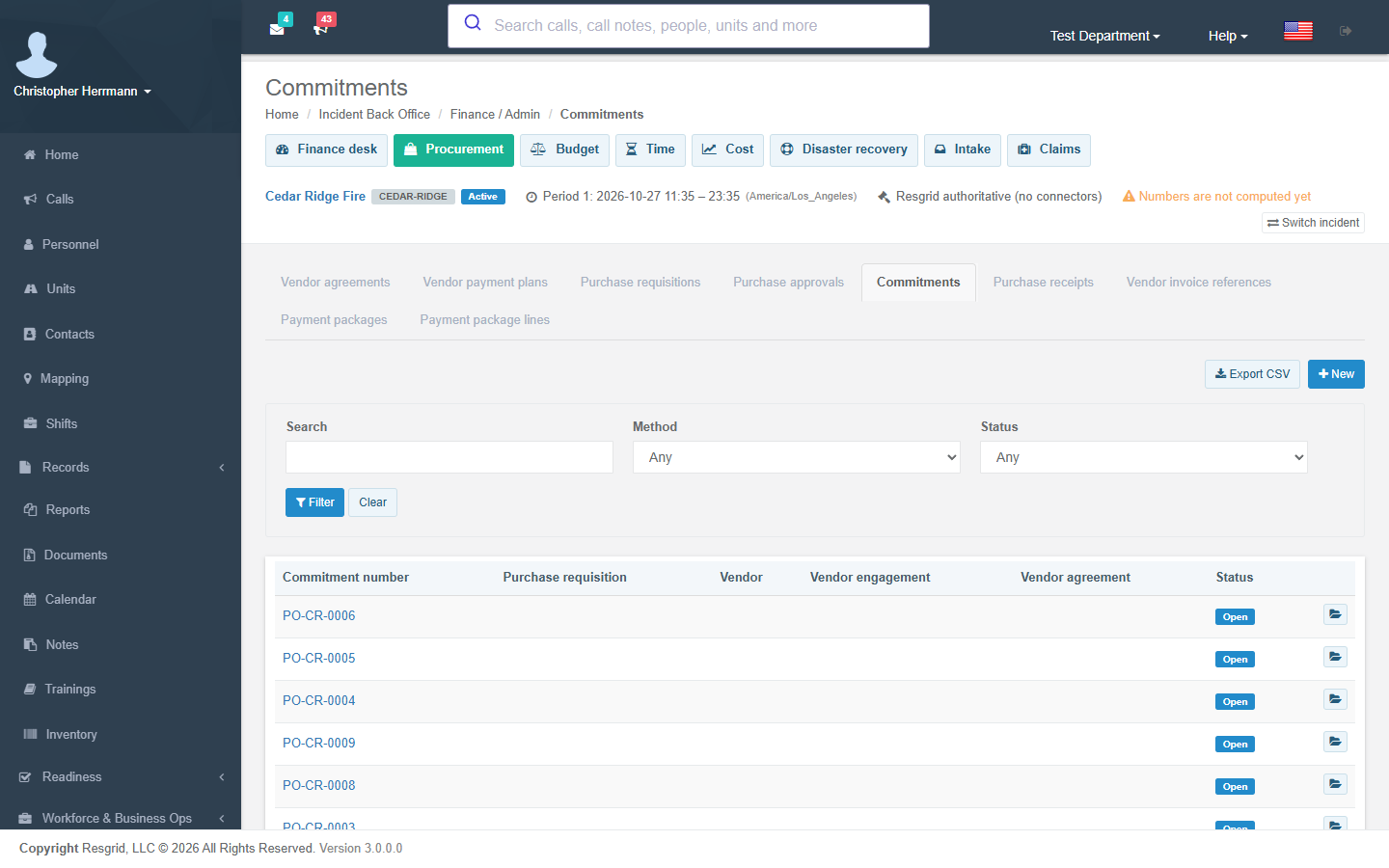
Finance → Procurement holds requisitions, approvals, commitments, purchase receipts, vendor invoice references and payment packages.
- Requisitions are numbered (
RIDGE-REQ0003); a micro-purchase that, with the same vendor's other micro-purchases inside your split-purchase window, would cross the micro-purchase threshold is flagged as a possible split purchase. - A commitment against a requisition needs the requisition approved, and moves it to Committed. A commitment without a requisition under a method that needs one fires Incident unapproved spend detected. Incident commitment recorded fires for every commitment.
- Receipts move their commitment to partially received or received by amount.
- Invoice references flagged with a match variance, duplicate, unmatched or aged exception fire Incident invoice exception; payment packages fire Incident payment package status changed.
Budget
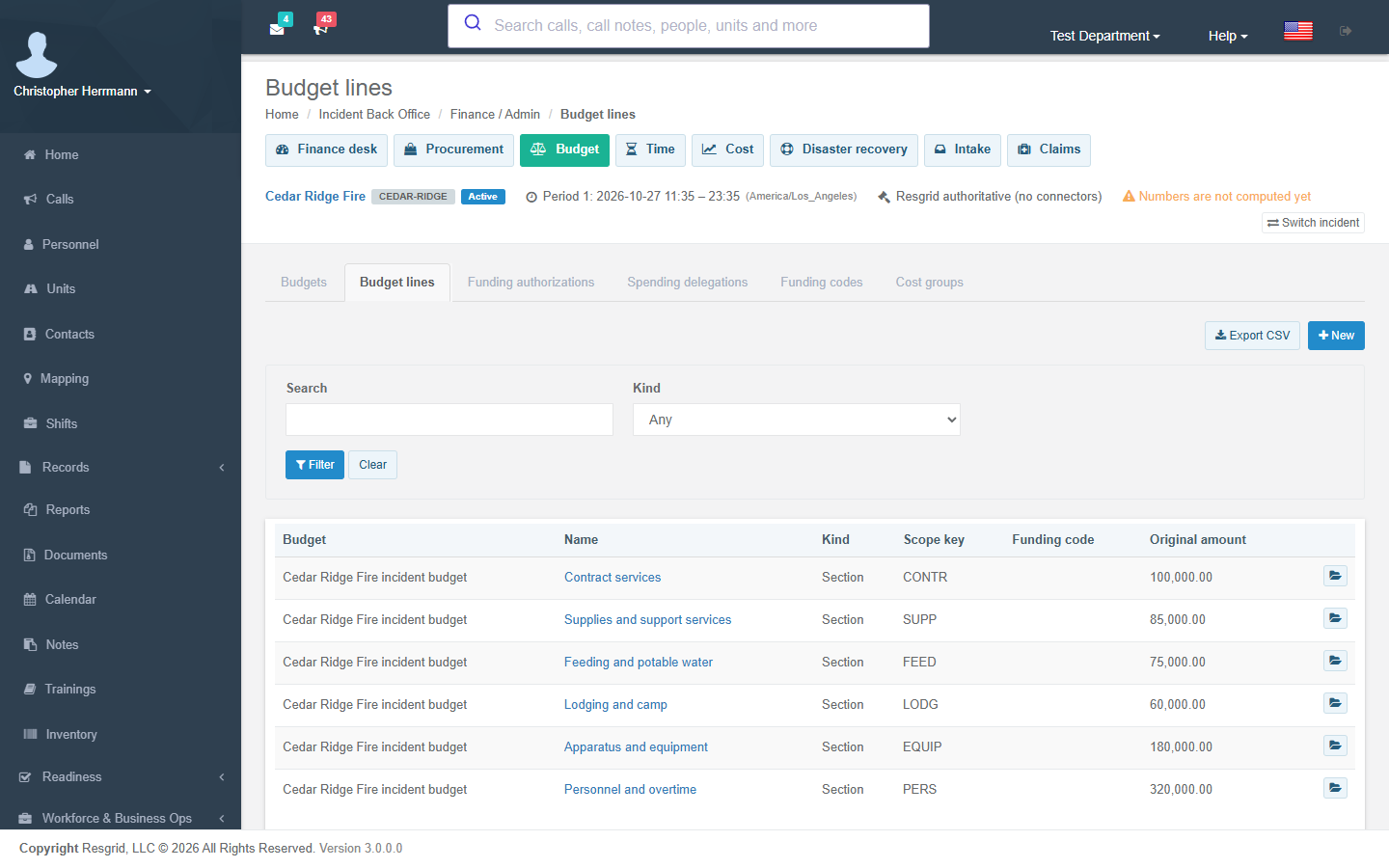
Finance → Budget holds budgets, budget lines, funding authorizations, spending delegations, funding codes and cost groups. A line's revised amount is authority, not a number you type: it starts at the original amount and moves only through funding authorizations — revisions and transfers (which take the amount from the source line). Authorizations cannot be edited or deleted; record a new one.
To set up a budget, add the budget with its original amount and currency, then a line for each section, function or cost group you track, with its threshold percentage. Link commitments (and lodging assignments) to a line so the finance desk can show committed spend against it.
 Incident budget authority changed fires for every authorization and delegation, and Incident budget threshold fires when a line's committed spend crosses its threshold (or the default) or its floor.
Time and equipment
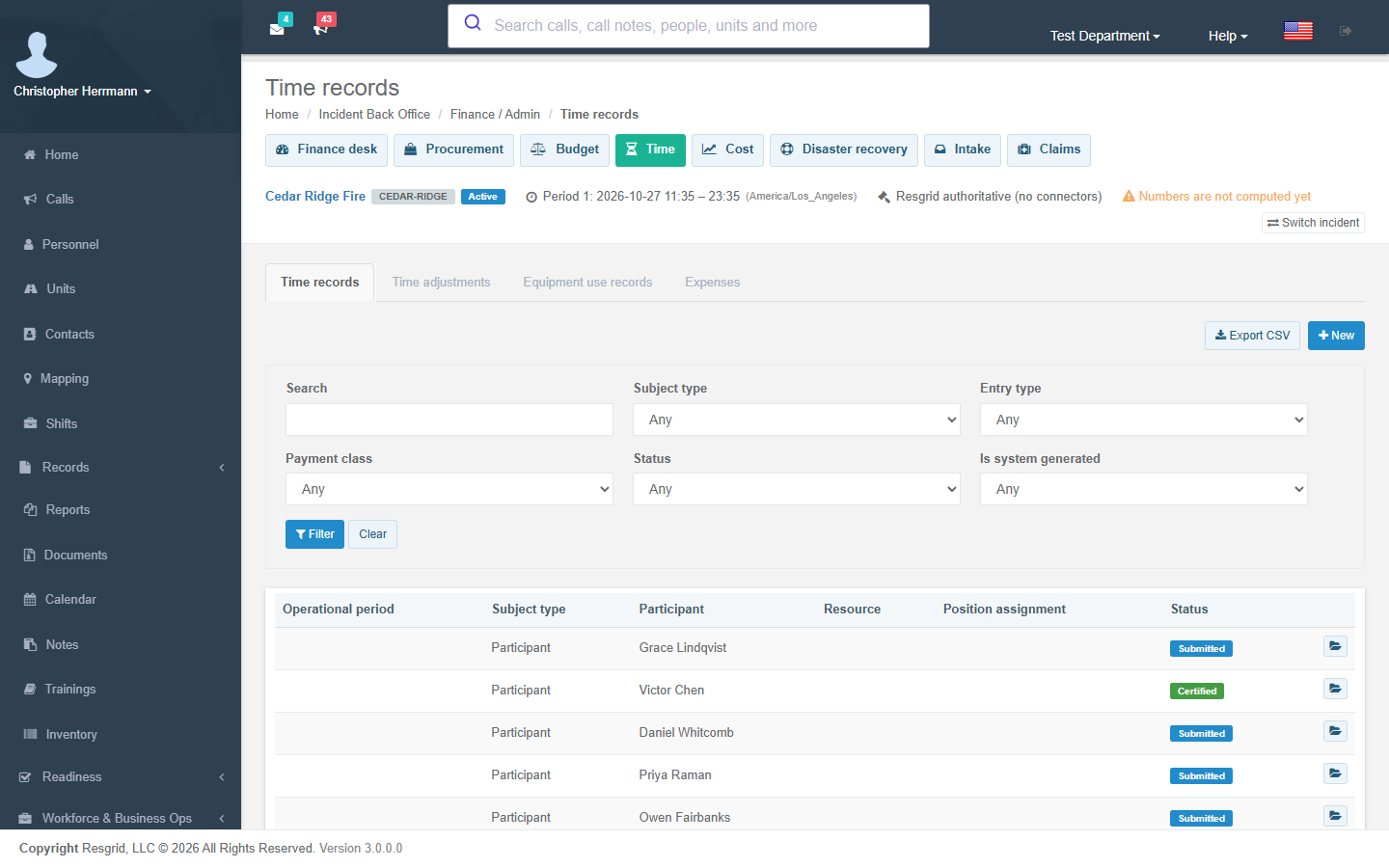
Finance → Time holds time records, adjustments, equipment use (shift tickets), expenses and rate snapshots.
- Certified and approved time is never edited — record an adjusting record linked by an adjustment, and the original is marked Adjusted.
- A span longer than your work/rest rule's shift limit fires Incident work/rest violation (it is recorded, not refused).
- Time moves Draft → Submitted → Certified → Approved; open a record and use its status buttons. The finance desk counts what is waiting to be certified and approved.
- Incident time missing fires when people on the incident have no time for the last completed period; Incident shift ticket missing fires for contracted equipment without yesterday's shift ticket; Incident time approved fires on certification and approval.
Cost
Every night a worker posts the day's cost: certified and approved time priced from its rate snapshot, certified and approved shift tickets, and approved expenses — once per source record — then writes the accrual snapshot and a projection. Incident cost threshold fires when yesterday's cost is above your daily burn threshold.
Cost share: an active cost-share agreement splits the cost to date by its ordered rules — a percentage split between parties, a direct charge to one party, or an exclusion — by cost category, section, funding code, facility or period. A new apportionment run is recorded only when the costs changed, with input and output checksums, and Incident cost share apportioned fires.
Claims
Finance → Claims holds compensation, property, vehicle and equipment claims with deadlines. The claimant's details, financials and case notes are protected values (View claim protected data). The compensation positions are notified ahead of a claim deadline, and Incident claim status changed fires on each move.
Disaster recovery and intake
- Disaster recovery holds declarations, recovery projects and obligation deadlines; Incident recovery deadline approaching fires inside your lead window.
- Intake files documents sent to the incident (receipts, shift tickets, invoices) to the record they belong to; Incident intake backlog fires when unfiled items pile up or age past your limits.
Closeout
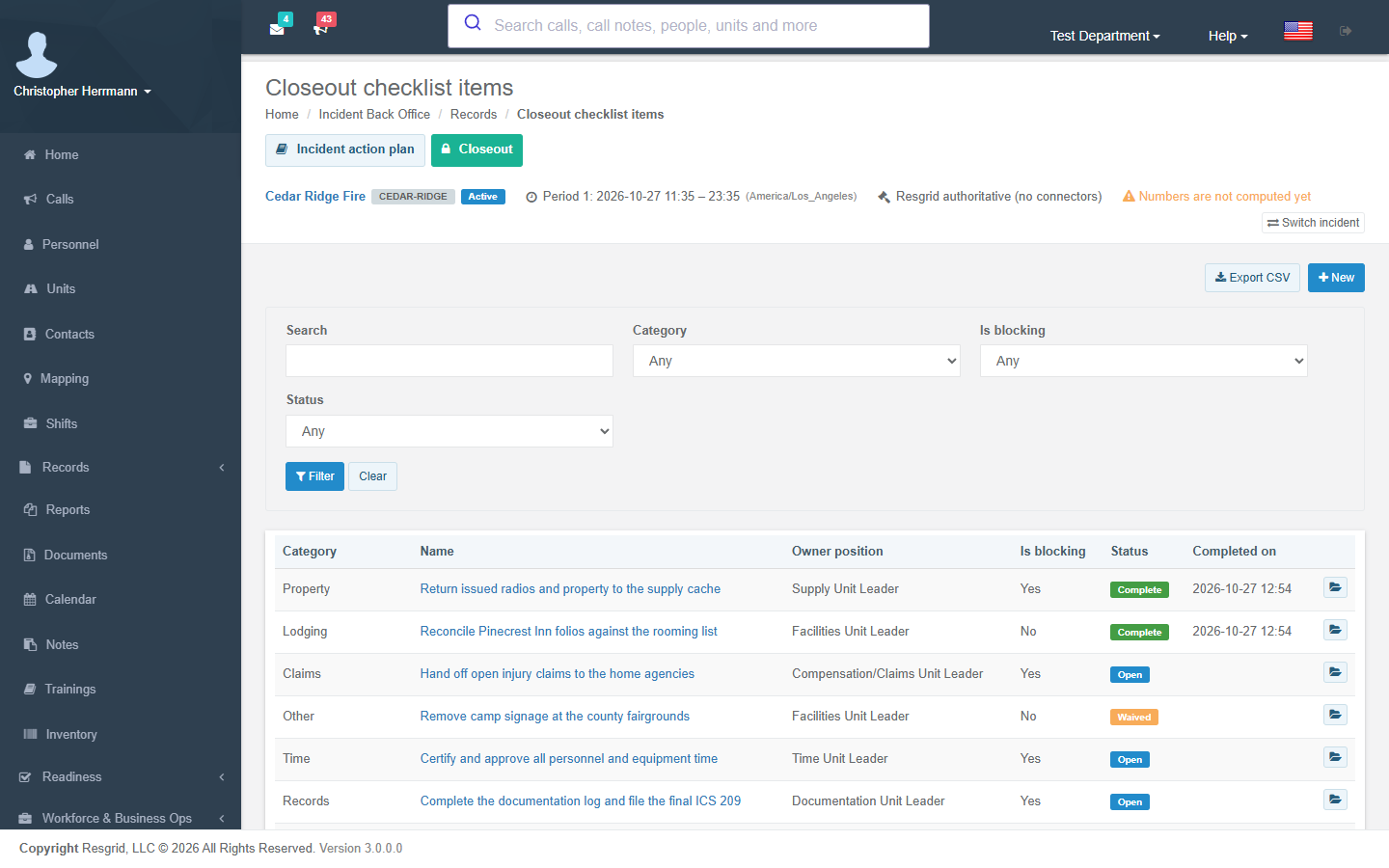
Records → Closeout holds the closeout checklist. The incident cannot be closed while a blocking item is open; completing or waiving an item (waivers need a reason) fires Incident closeout milestone.
Add an item for each piece of closeout work, with its category, the owning position and whether it blocks closing. Open an item and choose Complete or Waived when it is done. When nothing blocking is open, close the incident from its activation record, then seal it.