Logistics
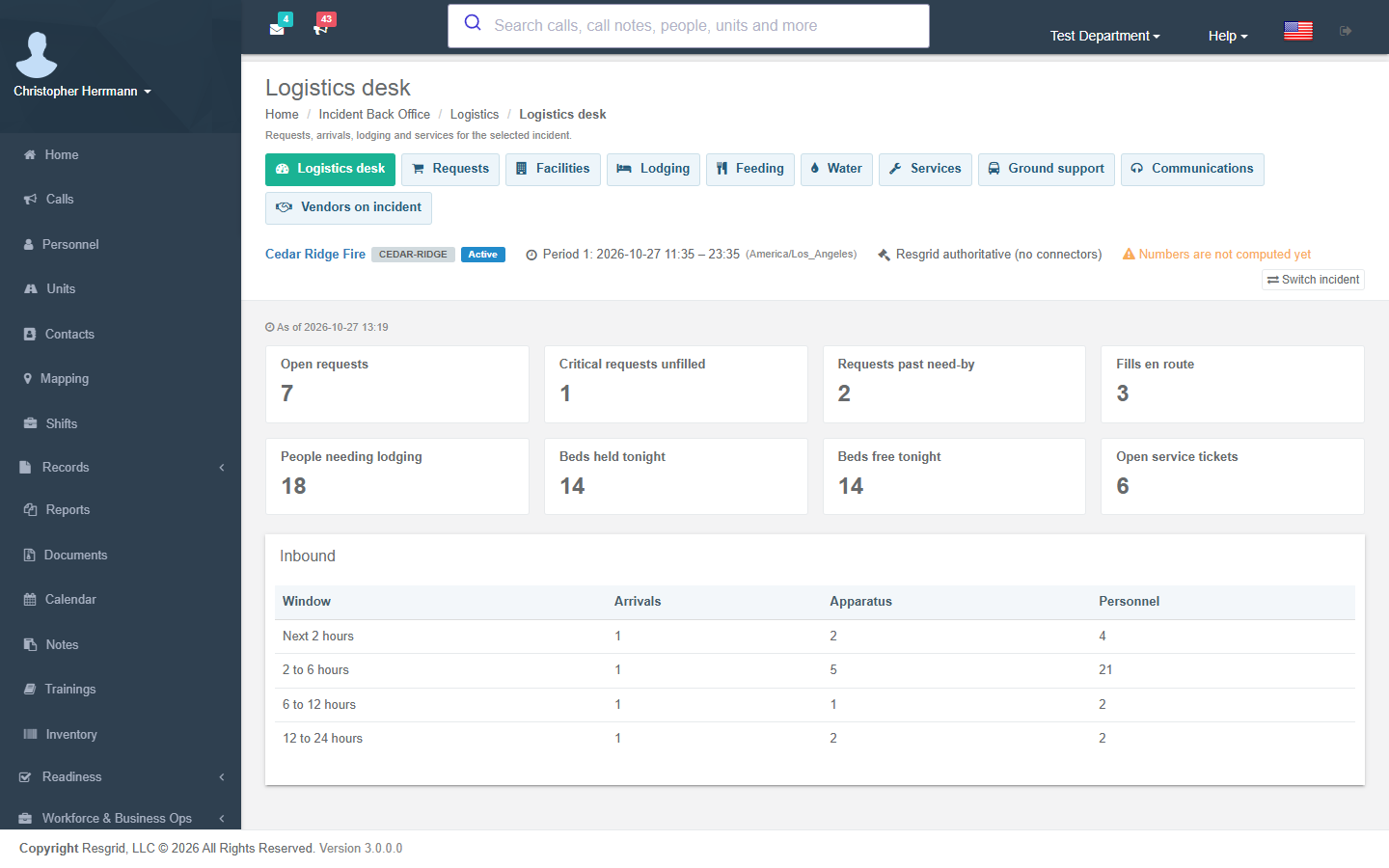
The Logistics desk opens on the section's numbers — open, critical and overdue requests, fills en route, people needing lodging, beds held and free tonight, open service tickets — and the arrivals expected in the next 2, 6, 12 and 24 hours.
Requests and fills
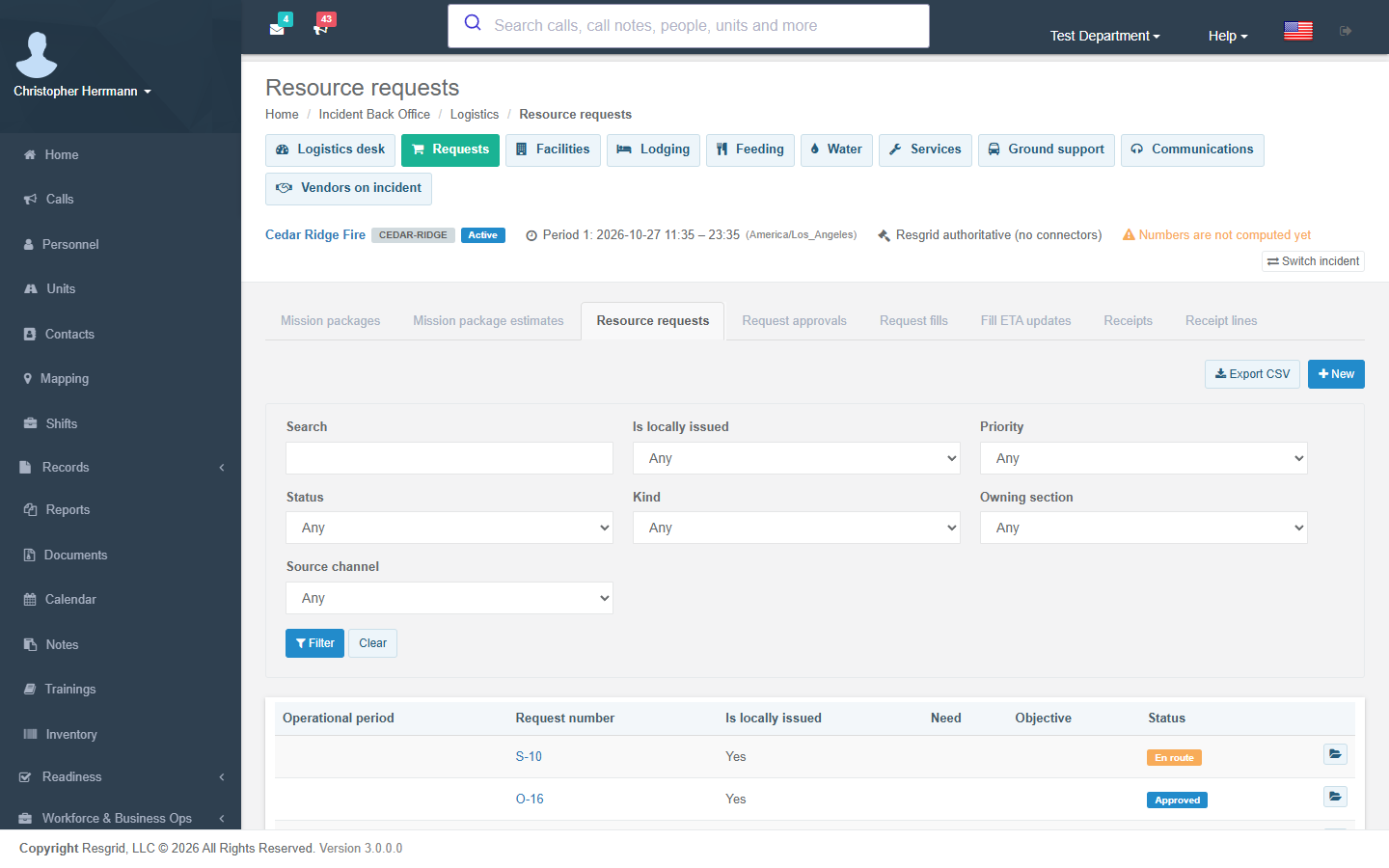
Logistics → Requests holds resource requests (permission Create incident request). A request gets a number like RIDGE-R0007 unless you enter a locally issued one. Its lifecycle:
Draft → Submitted → Approved → Ordered → Partially filled / Filled → En route → Received → Assigned → Released → Demobilized → Closed (or Rejected / Cancelled, which need a reason)
Approve incident request approves and Order incident request orders; submitting, approving and ordering are stamped with who and when. Open a request and use its status buttons to move it along; Rejected and Cancelled ask for the reason.
Once a request is ordered, record each fill — the provider, apparatus and personnel counts, quantity and ETA. Accepting, moving and arriving fills re-derives the request's status from the accepted quantity, and every move fires Incident request status changed with the fill's counts and ETA. When a fill arrives, the receiving positions (Logistics and Operations section chiefs, facilities and ground support unit leaders by default) are notified. Incident resource arrival due fires inside your arrival lead window, and again when a resource is late.
Receipts record what arrived against a request — accepted, rejected and back-ordered quantities and damage — and fire Incident receiving discrepancy for shortages, overages, damage, wrong items and rejections.
Facilities
Logistics → Facilities holds bases, camps, staging areas, helibases, shelters and the like, each with capacities per service (beds, parking, fuel, showers…), agreements and services. Incident facility capacity threshold fires when current use plus reservations reaches the facility's threshold (or the default from settings) and again when it recovers.
Lodging
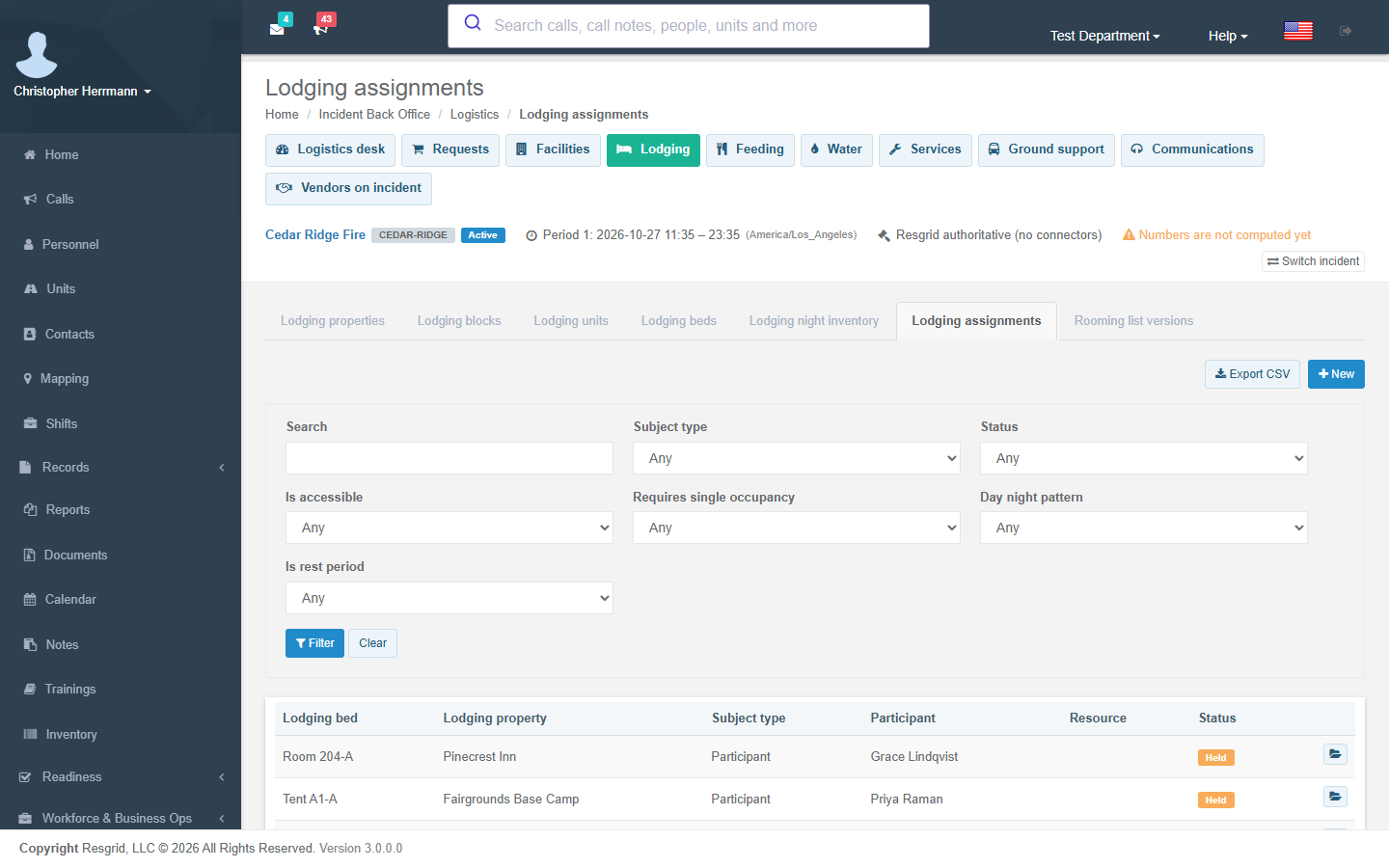
Logistics → Lodging holds properties (hotels or camps), room blocks with cutoffs and rates, units and beds, and lodging assignments.
- An assignment holds one bed for each night. Two assignments can never hold the same bed on the same night — the database enforces it — and an assignment that needs an accessible bed cannot take one that is not.
- Cancelling or a no-show frees every night; checking out frees the nights from today.
- Incident lodging shortfall fires when, for tonight or the next two nights, the people who need lodging outnumber the usable beds less your reserve.
- Room labels and confirmation numbers are protected values; rooming lists are versioned.
To set up lodging for an incident, add the property (tick Is camp for a camp), then its units (rooms, tents or bunkhouses) and the beds in each unit. Block-booked hotel rooms go in a room block with its cutoff and rate. Then give each person a lodging assignment: the bed, the first and last night, and any accessibility or single-occupancy need.
Feeding and water
Logistics → Feeding holds meal plans per site and window with order cutoffs, demand versions, orders and actuals. Every 15 minutes a worker forecasts the next three days of meals from the people on the incident who need meals (not self-sufficient), crews in resources, departures, the unregistered band from the enrollment queue and your contingency percentage; manual overrides are kept with their reason. Incident meal cutoff approaching fires inside your lead window when orders are below the forecast.
Logistics → Water holds water plans with storage, reorder and days-of-supply thresholds, stock readings and deliveries. Incident water below threshold fires when stock falls below the reorder point or the days of supply (from the population and your litres-per-person coefficient) drop below the threshold.
Services, ground support and communications
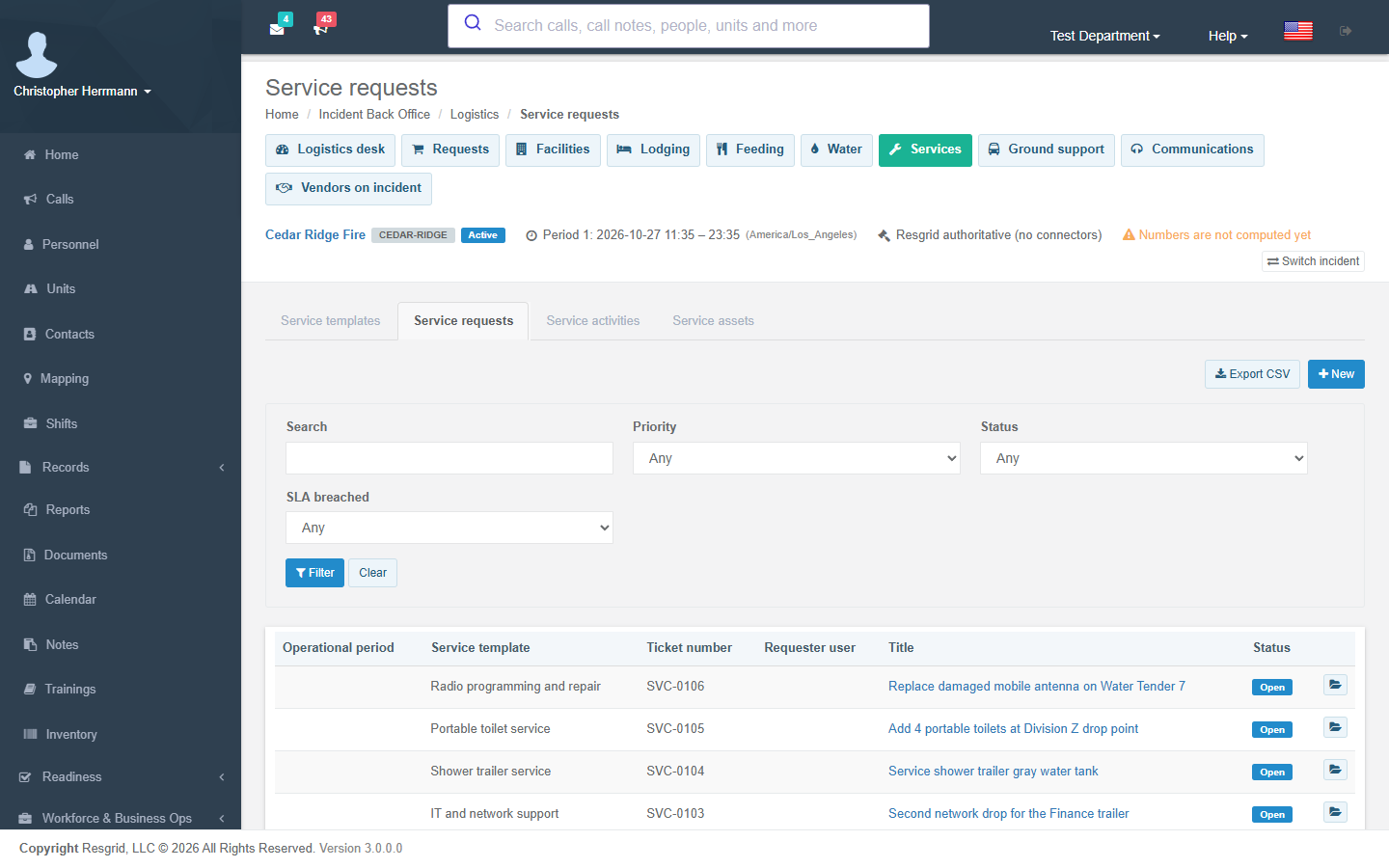
Services: service tickets from templates (laundry, sanitation, repair…) with SLA timers, activities and assets; Incident service request status changed fires on each move. Add your service templates first (a code, a category and a default SLA), then open tickets against them.
Ground support: transport requests and movements (shuttles, crew transport, cargo, travel, fuel), travel itineraries and fuel transactions; Incident transport movement changed fires on moves and exceptions.
Communications: communications plans and custody of radios, kits and batteries. Incident accountability exception fires for lost or damaged items and for items still out after their expected return.
Vendors
Department setup → Vendor catalog extends your inventory vendors with locations, capabilities (category, unit, normal and maximum capacity, lead time), availability windows, compliance documents (insurance, licences, food and water safety, tax forms) and protected tax and remittance details. Incident vendor compliance expiring fires inside your compliance lead window, and expired documents are marked expired.
Logistics → Vendors on incident holds engagements, quotes and capacity holds and commitments. A vendor capability's capacity is shared across all of your department's incidents: a hold or commitment that would take more than the capability's maximum in an overlapping window is refused, unless an administrator overrides it with a reason — the override fires Incident vendor capacity conflict. Holds expire automatically (setting) and Incident hold expiring fires ahead of the expiry.
Department setup → Support plan holds your emergency support plan: areas and ranked vendor preferences, snapshotted into each incident.