Coordination
Coordination needs the Coordination boards module switch (on by default) and the View coordination boards permission.
Coordination boards
Coordination → Coordination boards holds boards for the department or for one incident. A board is made of lanes — a type, a name, a display rule and a staleness window. When a lane's source has not changed within its window and the lane alarms on staleness, Coordination lane stale fires (and fires again, resolved, when the lane is fresh again). A board can be frozen or archived.
To build a board, add the board (department scope, or tick For incident and pick the incident), then add a lane for each part of the picture you want to watch, with its type, name, order and staleness window. Tick Alarm on stale for lanes that must not go quiet, such as road closures and shelter capacity.
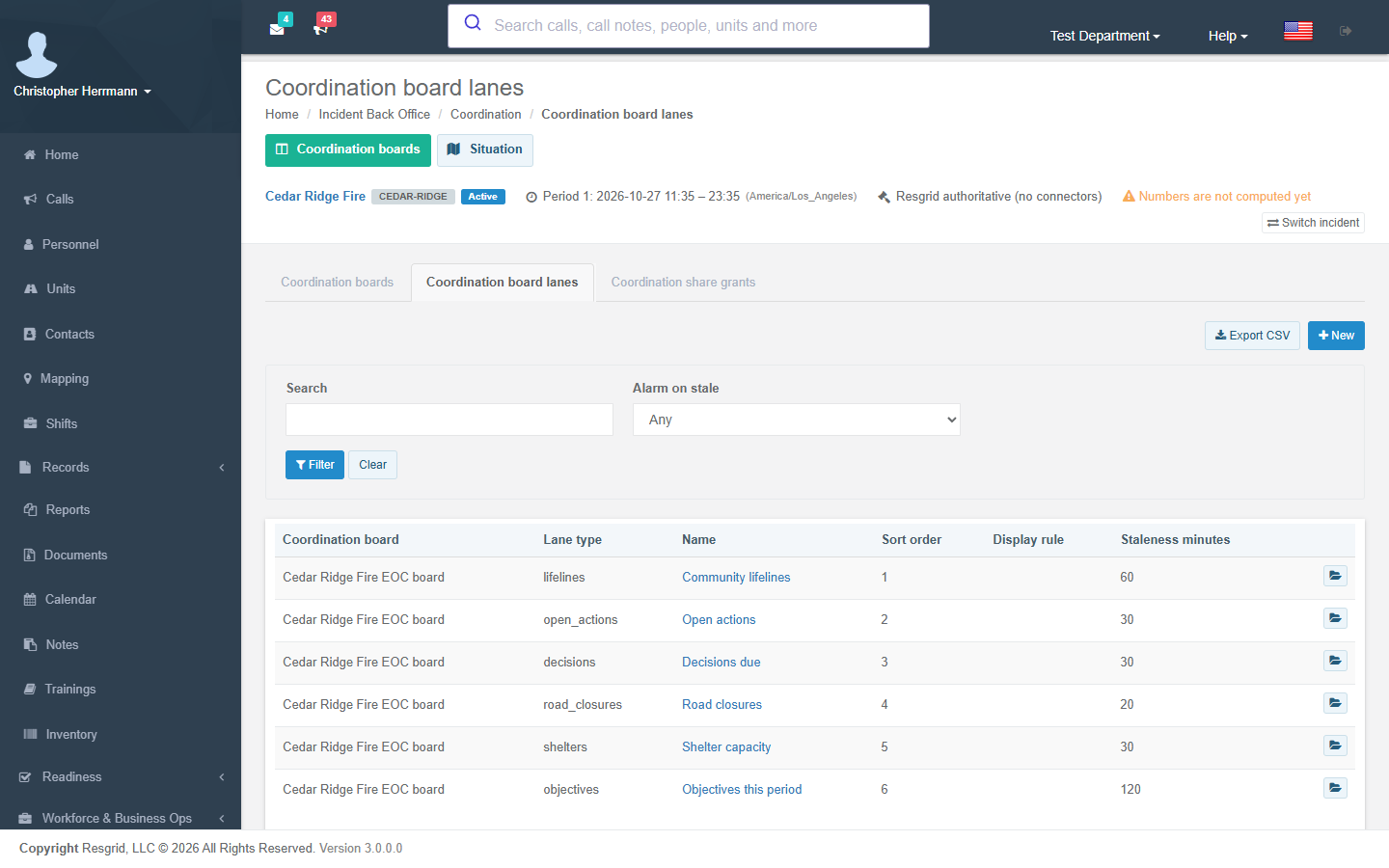
Share grants give a partner agency read access to a board or one lane through a link that expires (default from settings) and can be revoked at any time (Share coordination boards).
Situation
Coordination → Situation holds the incident's situational picture:
- Lifeline status — the community lifelines (safety and security; food, hydration and shelter; health and medical; energy; communications; transportation; hazardous materials; water) by component, colour-coded with the colour written out. Incident lifeline status changed fires on each change. Record each component with its status, the time it was true (as of) and its source.
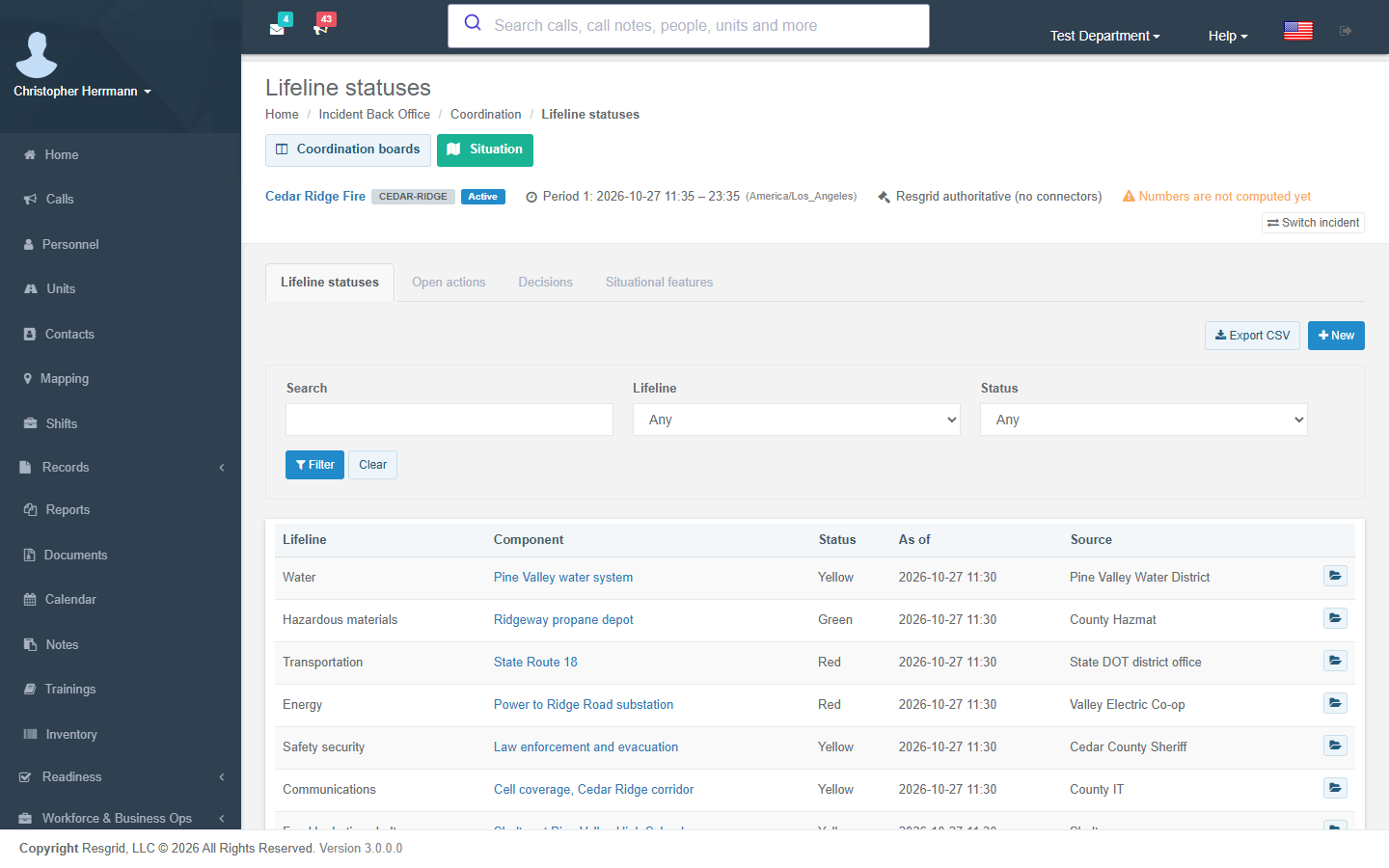
- Situational features — road closures, shelters, healthcare facilities, infrastructure and evacuation zones with status and capacity. Incident situational feature changed fires on each status change.
- Open actions and decisions with owners and deadlines. Incident coordination item due fires once inside your lead window (or when overdue).