Incident Back Office — Overview
Incident Back Office runs the side of a large incident that dispatch and incident command do not: who is on the incident and where they sleep, what has been ordered and when it arrives, what everything costs and who pays for it, and what partner agencies need to see. It is built around the Incident Command System sections — Command, Planning, Logistics and Finance/Administration — and works alongside the Incident Command board and dispatch calls without changing them.
Incident Back Office is a paid add-on: USD 250 per month (US, billed through Stripe) or EUR 350 per month (EU, billed through Paddle), per department. One add-on covers every part of the module.
New to the module? Start with Getting started, which walks through setup and a first incident step by step.
What it covers
| Area | What you do there |
|---|---|
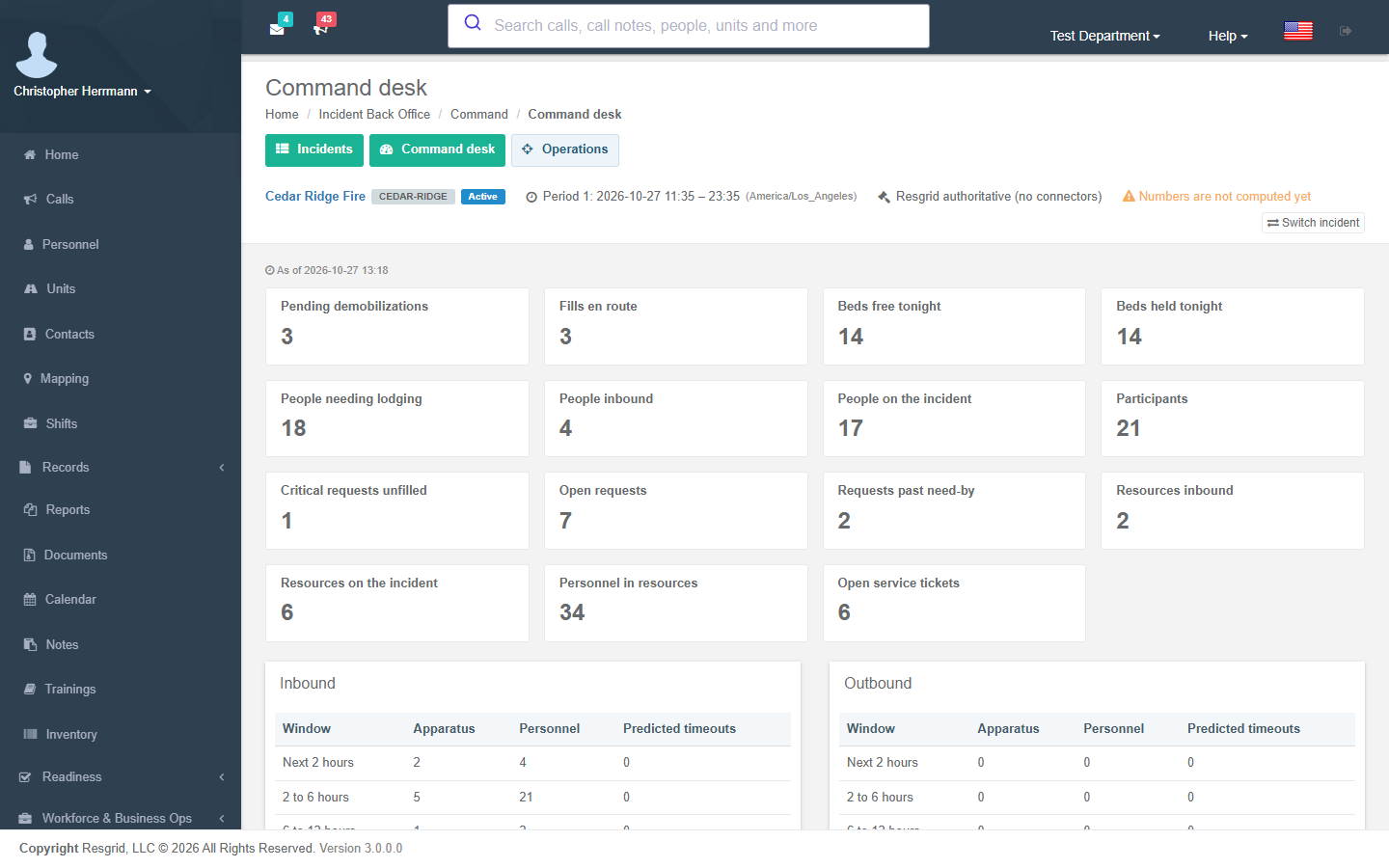
| Activation and command | Open an incident, complex, planned event or EOC activation; link it to a dispatch call; pick who is the system of record for ordering, qualifications, finance and the IAP; see the command desk. |
| Planning and organization | Operational periods in the incident's own time zone, the incident action plan, positions, assignments with qualification checks, standing incident management teams, participants, enrollment and check-in. |
| Logistics | Resource requests and fills, arrivals, demobilization, facilities, lodging with bed-night inventory, feeding and water forecasts, service tickets, ground support, communications custody and vendors. |
| Finance | Requisitions, commitments and receipts with separation of duties, budget authority, time and equipment records, daily cost, cost share, invoices, claims, disaster recovery and closeout. |
| Coordination | Coordination boards for partner agencies, lifeline status, open actions, decisions and situational features. |
| Settings | Department policies: staleness, enrollment, notice routing, forecast coefficients and thresholds, assignment and work/rest rules, vendor holds, finance controls and retention. |
Turning it on
- The department's managing member buys the add-on from Subscription → Incident Back Office (or Incident Back Office in the sidebar, which opens the add-on page when the department does not have it yet).
- An administrator checks Department → Module Settings. Three switches control the module: Incident Back Office (the whole module), Incident finance desks (procurement, budget, time, cost, claims) and Coordination boards. All three are on by default.
- The department needs the rollout as well: Incident Back Office for the module, Incident Business for the finance desks and Incident Coordination for the boards and situation desk. Resgrid switches these on for hosted departments; a self-hosted operator turns them on with the feature flag console.
- Give people the permissions they need under Department → Security. Every desk has its own view and manage permissions, and the finance steps (approve, commit, certify, approve time, export cost) are separate permissions so that the same person does not request, approve and pay.
If the add-on lapses, every incident stays readable but nothing can be changed until it is renewed; a banner says so on every page.
Where to find it
The sidebar has a collapsible Incident Back Office group with one entry per ICS section — Command, Planning, Logistics, Finance / Admin, Records, Coordination and Department setup. Each page shows tabs for the desks of its section, and every incident page shows the context bar: the incident's name and short code, complex membership, the current operational period in the incident's own time zone, the authority profile, an EXERCISE banner where it applies, and how fresh the incident's numbers are.
The incident you pick on the Incidents page stays selected on every desk until you switch.
Exercises
An activation marked as an exercise is labelled on every page and in every notice and workflow event (incident.is_exercise), and never notifies external participants or vendors unless your settings allow it.
Automations
Incident Back Office raises workflow triggers for the events that matter — a period starts, a position is assigned, a request changes status, a resource is about to arrive or time out, a facility or budget line crosses its threshold, lodging runs short, a meal cutoff approaches, water runs low, a vendor's insurance is about to expire, and many more. Build workflows on them to send messages, call webhooks or open tickets. Threshold triggers fire once when the condition starts and once (with resolved = true) when it ends.
Protected values — personal phone numbers and addresses, medical and dietary needs, room numbers, personal rates, claim details, vendor tax and remittance data — never appear in workflow payloads, and are encrypted when your department uses Advanced Data Protection.