Bids & the Deployment Wizard
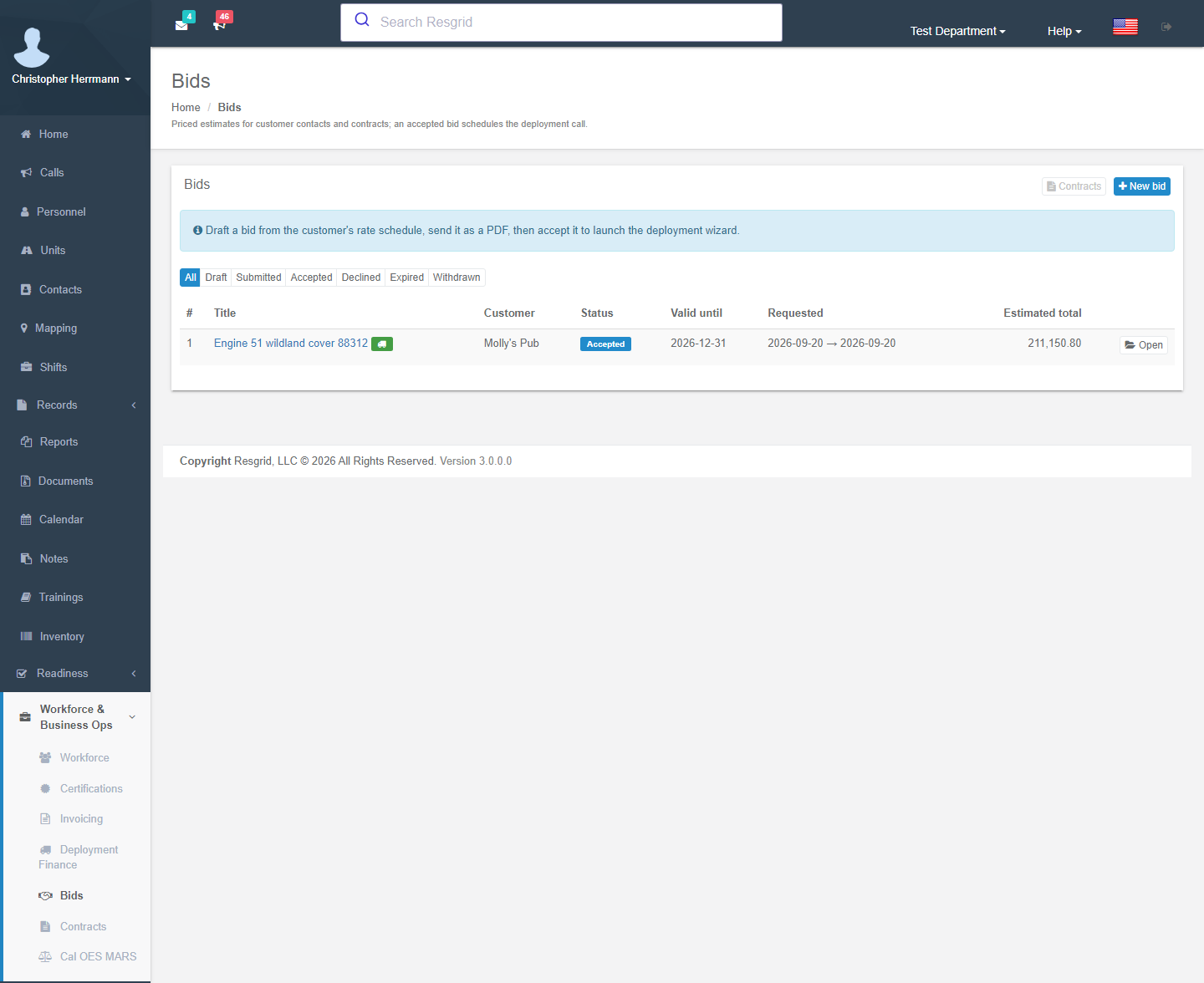
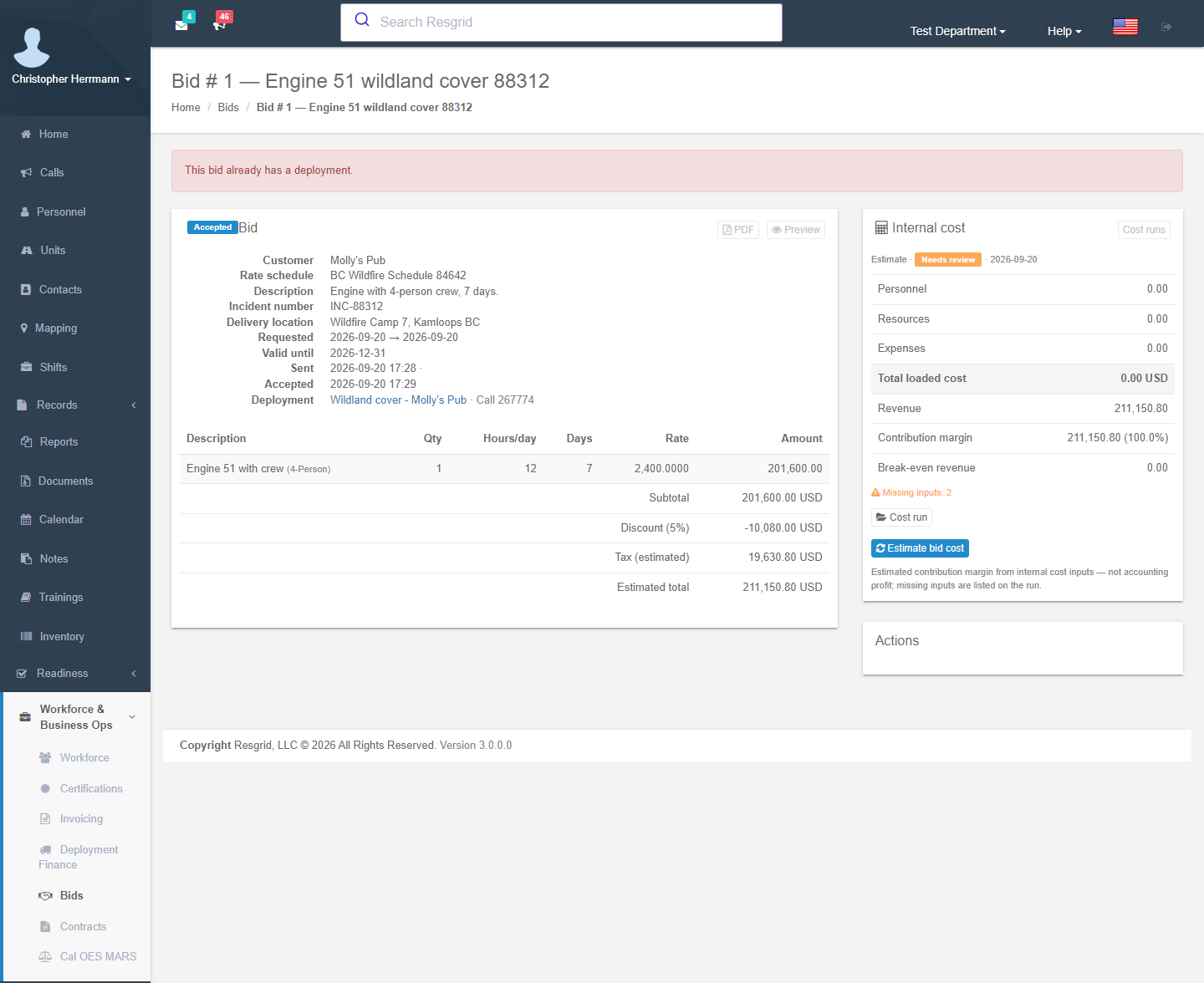
A bid is a priced estimate for a customer — an engine and crew for a 10-day fire assignment, four guards for a festival weekend, an ALS unit on standby for a race. Its lines snapshot rates from the customer's rate schedule, it goes out as a PDF, and when the customer accepts, Schedule deployment call runs the deployment wizard that creates the call, the deployment and the roster in one step — seats checked against certifications and other deployments.
Business Ops add-on with Invoicing.ContractorBilling. Menu: Workforce & Business Ops → Bids (administrators and holders of Manage bids). The list filters by status and by bid number (part of it, in the department's own format, however it is typed).
Creating a bid
New bid: pick the customer (the bid is addressed to its billing profile), an optional contract (supplies the rate schedule, discount and terms) and a title. Create draft allocates the next bid number.
| Field group | Fields |
|---|---|
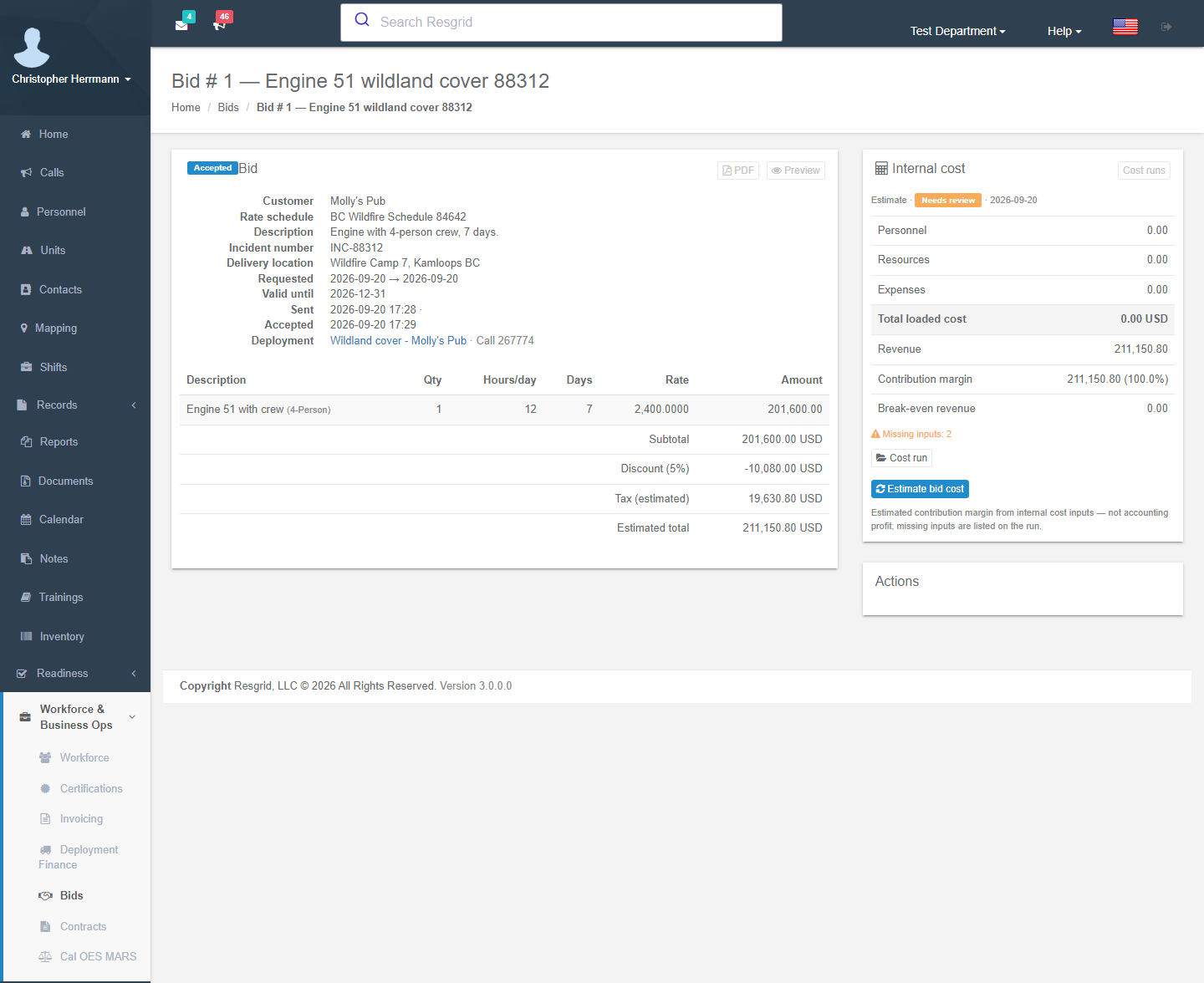
| Header | Title, description, contract, rate schedule (lines snapshot their rate from it), valid until (a submitted bid past this date is expired automatically), incident number, requested start / end, delivery location, discount % (cascades: contract → billing profile), notes, terms text. |
| Lines | Pick a rate entry to snapshot its rate (or type a free-form line): line type, crew size, quantity × rate × hours/day × days, premiums, taxable. With no schedule every line needs a typed rate. |
| Estimate | Subtotal, discount, tax (estimated from the billing profile) and estimated total. Actual charges follow the daily time reports. |
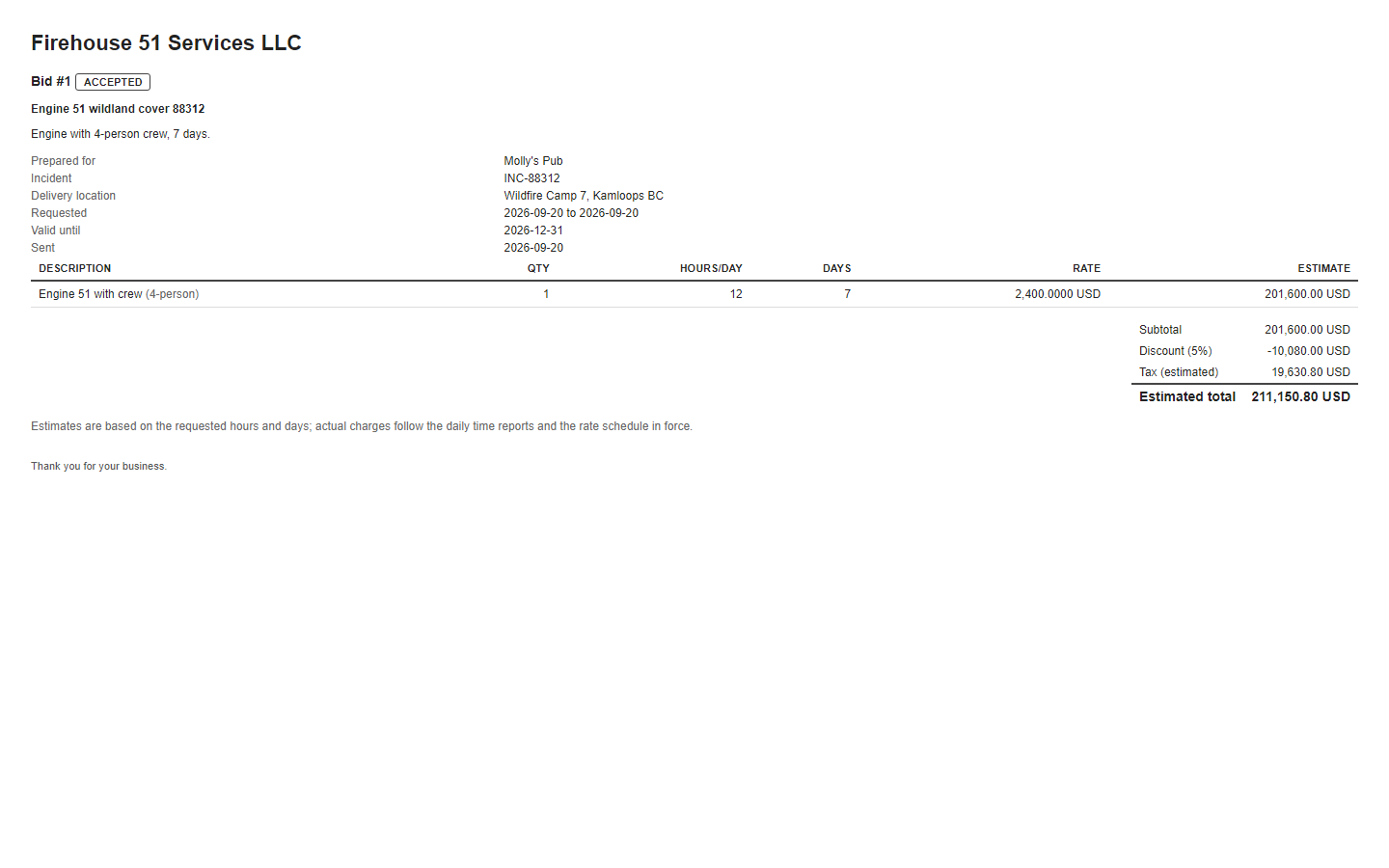
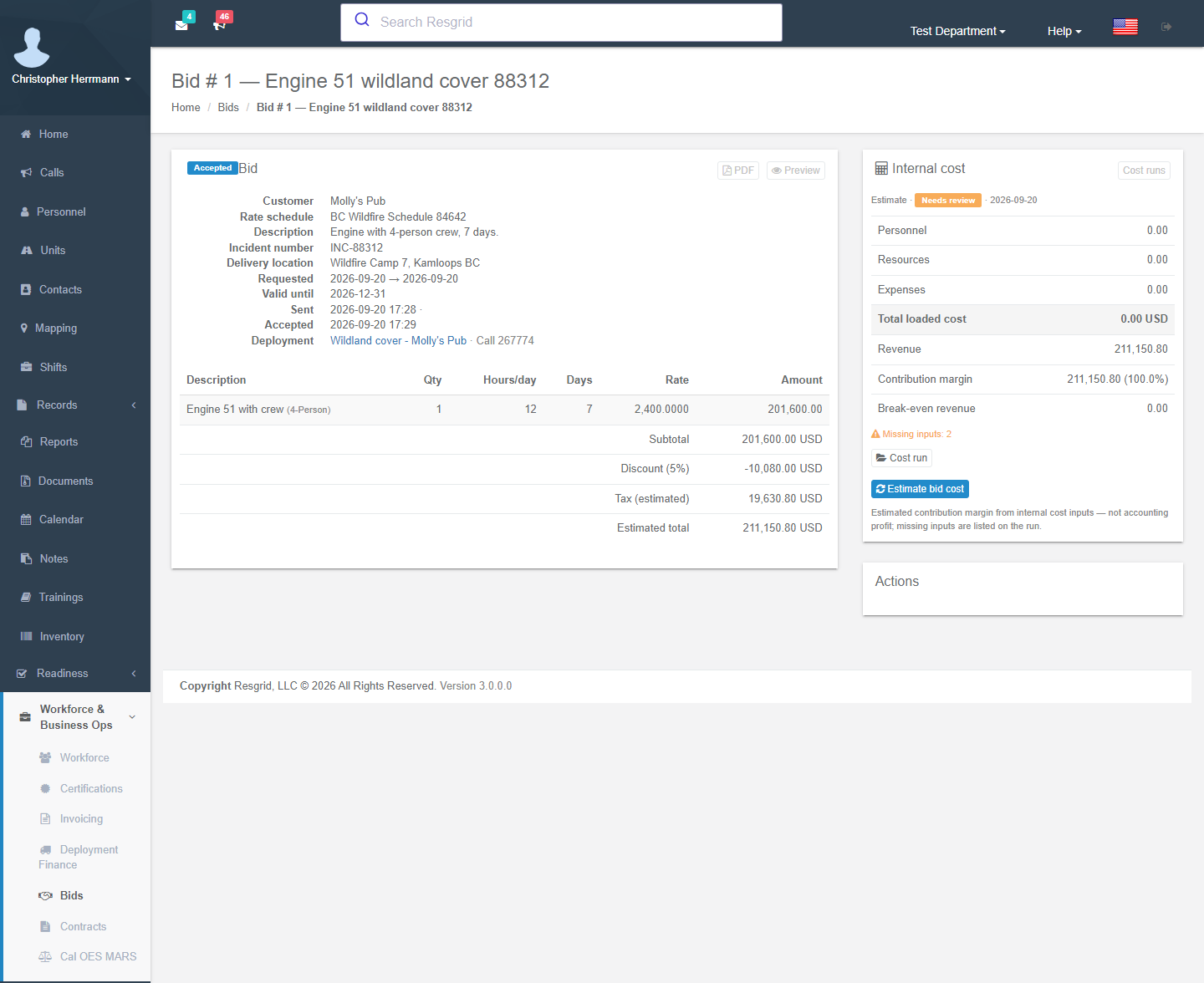
Preview shows the customer-facing document; PDF downloads it.
Bid lifecycle
| Action | Effect |
|---|---|
| Send bid | E-mails the PDF to the customer (or another address) and marks it Submitted; Resend bid later. |
| Mark as submitted | Same without e-mailing (you sent it another way). |
| Mark as accepted / Mark as declined (with a reason) | Customer's answer. |
| Reopen | Puts a declined or expired bid back to Submitted so it can be accepted or resent. |
| Withdraw | You pulled a draft or submitted bid. |
| Schedule deployment call | Opens the wizard (accepted bids). |
| Delete | Draft bids only. |
Statuses: Draft, Submitted, Accepted, Declined, Expired, Withdrawn. The bid page also links the deployment and call it was converted to. Workflow triggers: Bid Created / Sent / Accepted / Declined / Expired.
The deployment wizard
Six steps on one page; nothing is written until the last one.
- Call details — call name and nature, call type and priority, incident # and service request #, address, start / end, max deployment days, point of hire, Out of province / state, Travel via air, Add to the department calendar, notes. The call is created with these values so dispatch, the apps and Records see the assignment like any other call.
- Units — tick the units to deploy, give each a call sign and map it to a bid crew line; the line's crew family sets the rate.
- Crew seats — fill each unit's seats from the roster. Per person you see status, staffing, roles and typed certifications: expired or suspended certifications are red, those expiring inside the window amber, a role not held and overlapping deployments are flagged. Partial crews bill at the filled size. Unassigned personnel (no unit seat) bill under their own certification entry.
- Equipment — per unit, free-text items or inventory assets with a daily-rate entry.
- Rates & premiums — confirm the certification entry and premiums per person, the crew family per unit, the entry per equipment item; the estimated customer charge per day updates as you go.
- Review & create — Create call and deployment writes the call, the deployment (Billable, linked to the bid and contract, identifiers copied from the bid), the roster with rate entries and premiums, and the calendar item.
Afterwards the bid shows Converted to a deployment; the crew files daily time reports on the deployment and Contractor Billing takes over.
Setup examples
| Organization | Bids |
|---|---|
| Wildland contractor | One bid per resource request: crew line type2-crew size 6 × 12 h/day × 14 days, engine line, mileage; valid 48 h; wizard seats keyed on FFT1/FFT2 codes with RT-130 flagged. |
| Fire protection company | Annual standby bid per municipality under the master contract; accept → wizard creates a long-running call and deployment. |
| Security company | Event bids: guard lines by hours/day × days, supervisor premium, set-up fee service line; wizard assigns officers to posts (units). |
| Private ambulance | Event medical standby: ALS unit crew line × hours × days; wizard checks paramedic licences before seating. |
| Industrial services | Fire-watch or rescue standby for a plant turnaround: personnel lines by certification, equipment lines for monitors. |
Technical reference
| Item | Value |
|---|---|
| Routes | /User/Bids/{Index,New,Edit,View,Preview,Pdf}; POST Create, Save, Send, SetStatus, Delete; /User/DeploymentWizard/Index?bidId= (GET) and Create (one POST with RequestJson) |
| Model | Bid (status, number, contract, schedule, discount, validity, requested window), BidLineItem (type, entry snapshot, crew size, qty, hours/day, days, rate, premiums), DeploymentWizardRequest |
| Services | IBidsService (ConvertBidToDeploymentAsync — transactional call + deployment + roster + calendar), IDeploymentService.GetWindowConflictsAsync |
| Permission | Manage bids (116) — grants view and edit; department administrators always |
| Worker | 31 BidExpirationLogic, daily: submitted bids past valid until → Expired |
| Workflow triggers | 74–78 |
| API | api/v4/Bids/* |